Wednesday, October 21, 2026Your daily threat briefing296 reports
Malware & Ransomware
Malware & Ransomware coverage from Patch Observer holds 15 articles, 15 of them reference guides. The newest was published on October 14, 2026. New stories are added as soon as they are confirmed, from more than 150 sources checked as often as every 45 seconds. Each story lists its sources. Primary sources we follow for this section include MITRE ATT&CK and No More Ransom.
Legitimate ad networks often serve malicious code, meaning the danger comes from trusted sites rather than shady URLs, requiring a shift in how you assess web traffic risks.
Misconfigured cloud-delivered protection often blocks malware while legitimate administrative scripts fail silently, creating a false sense of security that delays incident response.
Attachment scanning often fails because it analyzes files in isolation, missing the behavioral context that reveals sophisticated malware and ransomware payloads.
Blocking all scripts breaks modern web functionality and shifts the attack surface to document macros and offline execution vectors that standard policies often ignore.
Adware exploits software bundling and permission mismanagement to install itself quietly, making standard removal tools often ineffective without system image restoration.
Browser hijackers persist by manipulating system registries and extension permissions, rendering simple browser resets ineffective against advanced variants.
Your recovery point objective determines how much data you accept losing during an incident, not how fast you restore it, a distinction that defines your actual risk tolerance.
Antivirus engines often flag clean files because statistical models prioritize catching unknown threats over perfect accuracy, creating operational friction.
Android’s permission model isolates apps, meaning most malware cannot self-delete or hide deep in the system without root access, which changes how you approach cleanup.
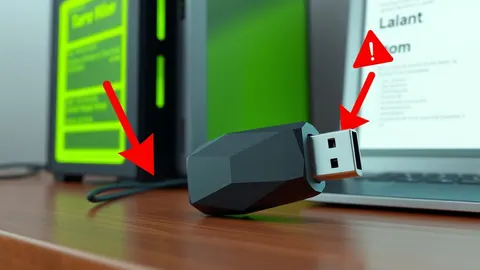
USB malware often hides by manipulating file system metadata and exploiting automatic driver loading, making visual inspection insufficient for detecting sophisticated threats.
Trojans bypass security by hiding inside trusted programs, meaning your antivirus often sees only the clean wrapper and ignores the hidden payload inside.
Hardening reduces the number of places an attacker can enter by removing unnecessary features and tightening default settings on your hardware and software.
Watching a program execute exposes behaviors that static inspection misses, allowing you to detect threats that hide their true nature until activation.