Email Attachment Scanning: 6 Misunderstandings That Leave Gaps
Attachment scanning often fails because it analyzes files in isolation, missing the behavioral context that reveals sophisticated malware and ransomware payloads.

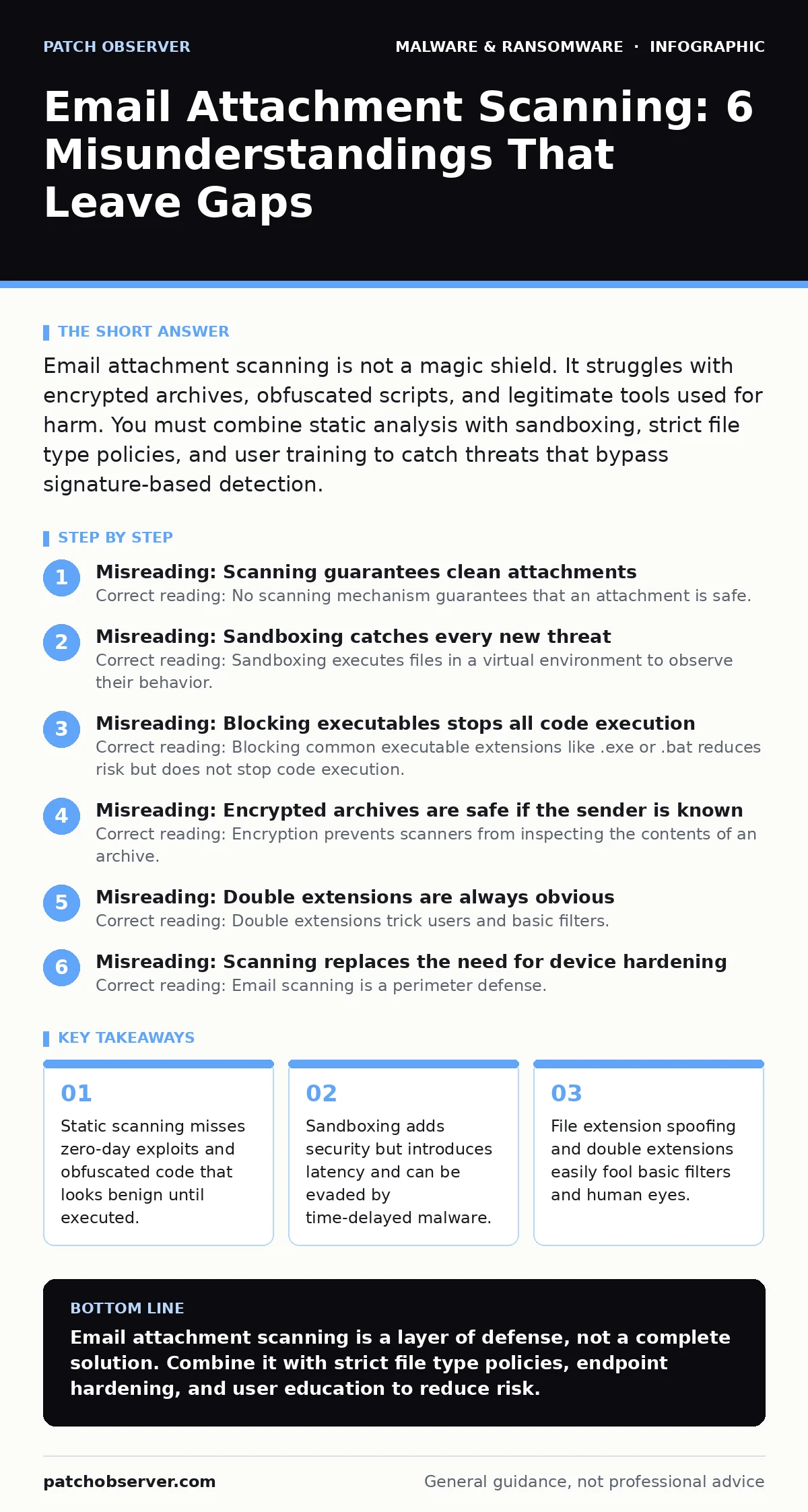
Email attachment scanning is not a magic shield. It struggles with encrypted archives, obfuscated scripts, and legitimate tools used for harm. You must combine static analysis with sandboxing, strict file type policies, and user training to catch threats that bypass signature-based detection.
Misreading: Scanning guarantees clean attachments
Correct reading: No scanning mechanism guarantees that an attachment is safe. Scanners analyze files against known patterns or in isolated environments. They cannot predict how a file behaves on your specific network configuration or how it interacts with other software. A file may pass every check and still contain a logic bomb that triggers only under rare conditions. You must treat every attachment as potentially hostile, regardless of the scan result.
Imagine a document that appears harmless during initial analysis. The scanner checks for known viruses and finds none. The file is delivered to the inbox. When opened, it triggers a macro that downloads a secondary payload from a command and control server. The initial file was clean; the danger came from its behavior after execution. This is why static analysis alone fails.
Misreading: Sandboxing catches every new threat
Correct reading: Sandboxing executes files in a virtual environment to observe their behavior. It detects actions like registry modifications or network connections. However, sophisticated malware uses anti-analysis techniques. It may sleep for hours before activating, waiting for the sandbox to timeout and release the file. It may detect virtual machine artifacts and behave differently than it would on a real workstation. Sandboxing is powerful but not infallible. It adds processing time and can be bypassed by patient attackers.
Consider a ransomware variant that checks for specific hardware IDs. If it detects a virtualized environment, it does nothing. The sandbox reports the file as safe. The file reaches the end user, where it detects real hardware and encrypts files. This evasion technique renders behavioral analysis ineffective without additional context. You need to understand the limitations of virtualization detection.
Misreading: Blocking executables stops all code execution
Correct reading: Blocking common executable extensions like .exe or .bat reduces risk but does not stop code execution. Attackers use alternative file types to deliver payloads. Scripts such as .ps1, .vbs, or .js can run commands on Windows systems. Office documents can contain macros that execute code without being traditional executables. Some systems even allow .scr screen savers to run arbitrary code. Blocking only the most obvious extensions leaves wide doors open for more subtle delivery methods.
Suppose an attacker sends a .zip archive containing a .vbs script. The email filter allows the archive because it is not an executable. The user extracts the script and runs it. The script downloads and executes a trojan. This scenario highlights the need for comprehensive file type policies. You must block script types and macro-enabled documents by default, not just traditional binaries. Refer to guides on trojanized software to understand how legitimate tools are abused.
Misreading: Encrypted archives are safe if the sender is known
Correct reading: Encryption prevents scanners from inspecting the contents of an archive. If a file is password-protected, the scanner cannot see inside. It must either block the file entirely or pass it through blindly. Many organizations choose to pass them through to avoid disrupting business. This creates a significant blind spot. Attackers use encrypted archives to bypass detection entirely. They can pack multiple malicious files into a single encrypted container. The encryption key is the only thing protecting the payload from analysis.
Imagine a routine invoice sent as a password-protected .zip. The password is in the email body. The scanner cannot check the files inside. The user enters the password and extracts the contents. One of the files is a keylogger. Because the archive was encrypted, it bypassed all security checks. You must enforce policies that require decryption before scanning or block encrypted archives from untrusted sources.
Misreading: Double extensions are always obvious
Correct reading: Double extensions trick users and basic filters. A file named report.pdf.exe may display as report.pdf if file extensions are hidden in the operating system settings. The user sees a PDF icon and assumes it is safe. Clicking it runs the executable. Even when extensions are visible, the visual similarity can cause errors. Attackers rely on this cognitive bias. They name files to match the context of the email, making the extension less noticeable. This technique bypasses user vigilance and simple file type checks.
Suppose you receive a file named tax_document.docx.txt. If you have hidden extensions, you see tax_document.docx. You open it expecting a Word document. It is actually a text file that may contain malicious commands or links. This misunderstanding leads to accidental execution. You must configure your system to show all file extensions and train users to look at the full name, not just the icon.
See also: Email Account Compromise: 6 Myths That Leave You Exposed · Secure Email Gateway Best Practices for Deep Inspection
Misreading: Scanning replaces the need for device hardening
Correct reading: Email scanning is a perimeter defense. It reduces the volume of threats reaching the endpoint. It does not protect the device itself. If a malicious file slips through, the endpoint must be hardened to limit damage. This includes application whitelisting, least privilege access, and regular updates. Scanning cannot fix misconfigurations on the workstation. It cannot stop a user from granting administrative rights to a malicious program. Defense in depth requires strong endpoint security alongside email filtering.
Imagine a phishing email that bypasses scanning. The user clicks a link that exploits a browser vulnerability. The browser is outdated. The exploit succeeds. This failure has nothing to do with attachment scanning. It is a failure of device hardening. You must maintain separate controls for endpoint security. Relying solely on email filters leaves you vulnerable to other attack vectors like malvertising or browser hijackers.
Misreading: False positives are just annoying, not dangerous
Correct reading: False positives occur when scanners flag legitimate files as malicious. This happens when legitimate software uses techniques similar to malware, such as packing or obfuscation. While often seen as a nuisance, false positives have serious consequences. They block critical business operations. They erode trust in the security system. Users learn to ignore warnings or bypass filters to get their work done. This desensitization makes them more likely to ignore real threats later. Managing false positives is a balance between security and usability.
Consider a developer sending a compiled script to a colleague. The scanner flags it as suspicious because it modifies system files. The developer overrides the block. Next week, a real malware file is flagged. The developer ignores the warning, assuming it is another false positive. The malware executes. This chain of events shows how false positives degrade security culture. You must have a process for rapid review and release of falsely blocked files. See the guide on antivirus false positives for mitigation strategies.
Key takeaways
- Static scanning misses zero-day exploits and obfuscated code that looks benign until executed.
- Sandboxing adds security but introduces latency and can be evaded by time-delayed malware.
- File extension spoofing and double extensions easily fool basic filters and human eyes.
- Encrypted archives block scanners entirely, creating a blind spot for bulk data exfiltration.
Email attachment scanning is a layer of defense, not a complete solution. Combine it with strict file type policies, endpoint hardening, and user education to reduce risk.
Frequently asked questions
Does scanning slow down email delivery?
Yes, especially with sandboxing. Analyzing files in a virtual environment takes time. This latency can be noticeable for large volumes of mail. You must balance security speed with detection accuracy.
Can attackers bypass scanning by renaming files?
Yes. Changing extensions or using double extensions can fool basic filters. Advanced scanners check file headers, not just names. Still, social engineering remains a primary bypass method.
Should I block all macros in Office documents?
Yes, for most organizations. Macros are a common delivery method for malware. Blocking them by default stops most attacks. You can whitelist specific trusted publishers if business needs require macro functionality.
How do I handle encrypted attachments from clients?
Ask clients to send files via a secure portal or unencrypted archive. If encryption is necessary, establish a secure key exchange process. Do not rely on users to share passwords in the email body.
How this guide was produced: written by the Patch Observer editorial team with AI assistance, checked against the public references listed below, and reviewed when the facts change. See our editorial policy or report an error.