How Phishing Simulations Contribute to Enterprise Security
Simulations expose the human layer where technical controls fail, turning employees from the weakest link into a documented detection channel.

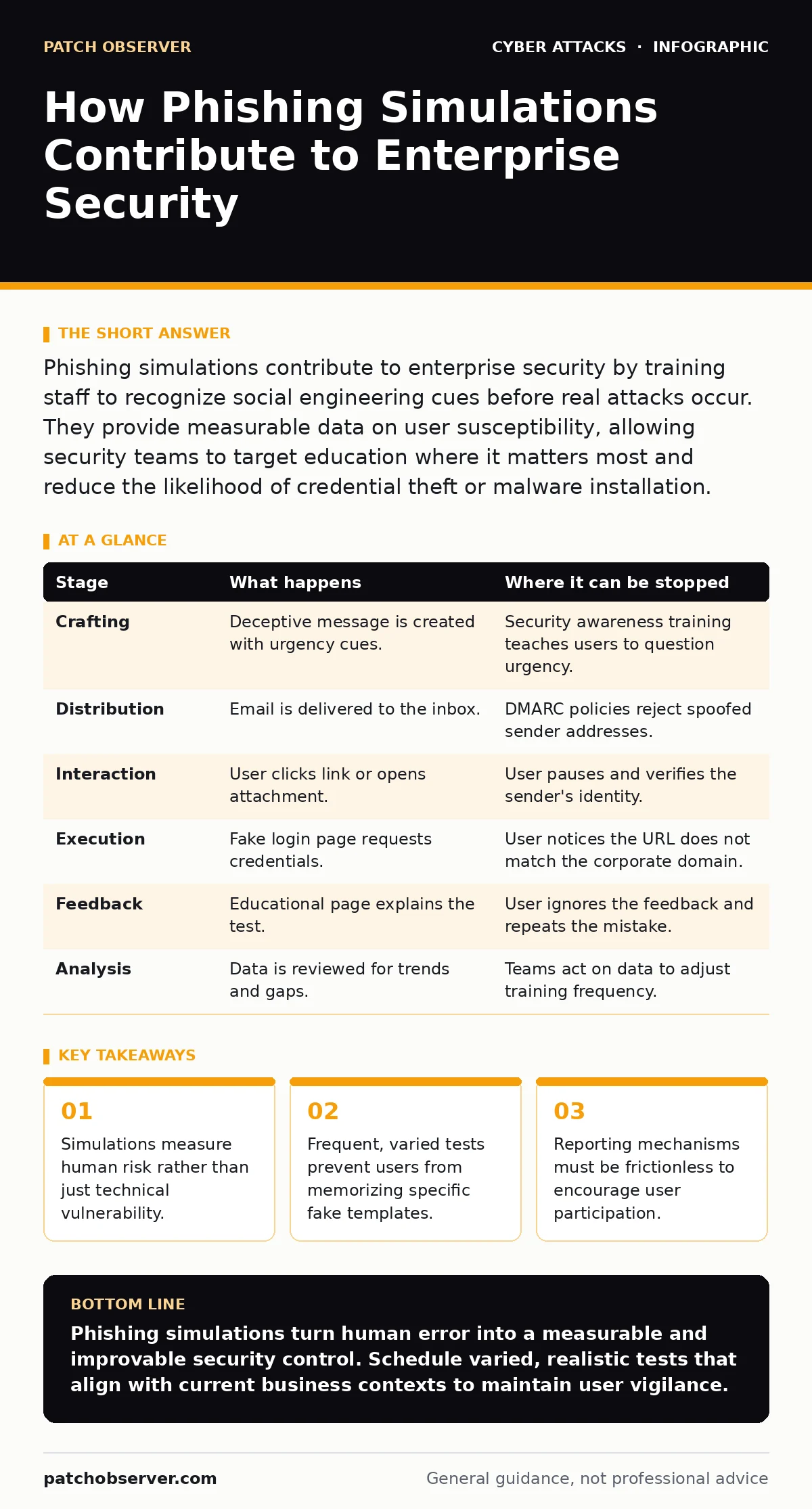
Phishing simulations contribute to enterprise security by training staff to recognize social engineering cues before real attacks occur. They provide measurable data on user susceptibility, allowing security teams to target education where it matters most and reduce the likelihood of credential theft or malware installation.
Why technical controls leave the human layer exposed
Secure email gateways filter malicious content, but they cannot read intent. Social engineering relies on psychological manipulation rather than code execution. A message that looks like a routine internal request bypasses technical filters because it contains no malware. Phishing simulations replicate this psychological pressure. They test whether users pause to verify context when under time pressure. This human verification step closes the gap that automated systems leave open.
How phishing simulations contribute to enterprise security
Phishing simulations contribute to enterprise security by creating a controlled environment for failure. Users learn to identify subtle indicators of compromise without suffering real damage. The process generates data on which departments or roles are most susceptible to specific attack vectors. This data allows security teams to tailor training rather than using generic awareness modules. The result is a workforce that acts as an active sensor network.
Stage 1: Crafting the deceptive payload
The simulation begins with message creation. The sender mimics a trusted entity, such as a finance department or a vendor. The content includes a sense of urgency or curiosity. This emotional trigger bypasses critical thinking. The payload may contain a link to a fake login page or an attachment. The goal is to replicate the exact psychological hooks used in real campaigns.
Stage 2: Distribution and delivery
The message enters the user's inbox through standard email protocols. It bypasses spam filters because it is technically clean. The timestamp and sender address appear legitimate. The user sees the message alongside real business communications. This normalcy is the core of the deception. If the message looks suspicious, the test fails to measure real-world behavior.
Stage 3: User interaction and decision
The user receives the email and must decide how to act. They may ignore it, delete it, or engage with the content. Engagement includes clicking a link or opening an attachment. The simulation tracks the time between receipt and action. Immediate clicks indicate a high-risk behavior pattern. Delayed actions suggest the user may have paused to consider the request.
Stage 4: Credential harvesting or payload execution
If the user clicks a link, they land on a convincing replica of a corporate login page. The page requests credentials. Entering data triggers the simulation's success flag. If the payload is an attachment, opening it may simulate a macro execution. The system records the event. No actual data is stolen, but the behavior is logged. This step reveals whether users verify URLs before entering sensitive information.
Stage 5: Immediate feedback and landing page
The user is redirected to an educational landing page immediately after interaction. This page explains what happened and why the message was a test. It provides specific tips on what to look for in the future. Immediate feedback reinforces the lesson while the memory is fresh. Delayed feedback loses its effectiveness because the context has faded.
Stage 6: Reporting and remediation analysis
Security teams analyze the aggregated data. They identify trends, such as a specific department having higher click rates. They also track who uses the report button. High reporting rates indicate a healthy security culture. Low reporting rates suggest users are afraid to report mistakes or do not know how. This data drives the next round of targeted training.
| Stage | What happens | Where it can be stopped |
|---|---|---|
| Crafting | Deceptive message is created with urgency cues. | Security awareness training teaches users to question urgency. |
| Distribution | Email is delivered to the inbox. | DMARC policies reject spoofed sender addresses. |
| Interaction | User clicks link or opens attachment. | User pauses and verifies the sender's identity. |
| Execution | Fake login page requests credentials. | User notices the URL does not match the corporate domain. |
| Feedback | Educational page explains the test. | User ignores the feedback and repeats the mistake. |
| Analysis | Data is reviewed for trends and gaps. | Teams act on data to adjust training frequency. |
The hidden cost of poor simulation design
Simulations that are too obvious teach users to look for red flags that never appear in real attacks. Real phishing messages are often bland and contextually accurate. If tests rely on cartoonish errors, users become overconfident. They may ignore subtle, sophisticated attacks because they do not match their mental model of a phishing attempt. This false sense of security increases the blast radius of a real breach.
Integrating simulations with defense in depth
Simulations are not a standalone solution. They must work alongside technical controls. Secure email gateways block known malicious domains. DMARC prevents domain spoofing. Simulations test the layer that these technologies cannot reach: human judgment. When combined, these layers create a resilient security posture. Each layer compensates for the weaknesses of the others. This approach ensures that if one control fails, another catches the threat.
Measuring success beyond click rates
Click rates are a vanity metric if users do not learn from the experience. The true measure of success is the reduction in repeat offenders. Track how many users who clicked in the first test avoid clicking in subsequent tests. Also measure the increase in report button usage. A rise in reporting indicates that users feel empowered to act. This behavioral shift is more valuable than a low initial click rate.
See also: How Smishing Works: The Step-by-Step Attack Lifecycle · Email Attachment Scanning: 6 Misunderstandings That Leave Gaps
Addressing the smishing and vishing gap
Email is not the only channel. Smishing uses SMS messages to trick users. Vishing uses phone calls. Simulations should extend to these channels to provide comprehensive protection. Users often lower their guard on mobile devices. Testing these vectors reveals different vulnerabilities. A user who is careful with email may still click a link in a text message. Broadening the scope ensures all attack vectors are covered.
Building a culture of verification
The goal is not to catch users making mistakes. The goal is to create a culture where verification is the norm. Encourage users to verify requests through alternate channels. If an email asks for sensitive data, call the sender using a known number. This habit reduces the effectiveness of social engineering. Simulations reinforce this habit by making verification a required step in the learning process.
Key takeaways
- Simulations measure human risk rather than just technical vulnerability.
- Frequent, varied tests prevent users from memorizing specific fake templates.
- Reporting mechanisms must be frictionless to encourage user participation.
Phishing simulations turn human error into a measurable and improvable security control. Schedule varied, realistic tests that align with current business contexts to maintain user vigilance.
Frequently asked questions
How often should phishing simulations be run?
Run simulations quarterly or bi-monthly. Frequent tests prevent complacency but can cause fatigue if too common. Adjust based on user performance and industry risk levels.
Should users be penalized for clicking on simulation links?
No. Punishment creates fear and discourages reporting. Use the interaction as a teaching moment. Positive reinforcement encourages users to engage with security processes.
Do simulations protect against zero-day exploits?
No. Simulations train human behavior. They do not patch software vulnerabilities. Technical controls and patch management are required to address zero-day exploits.
Can simulations be used to test remote workers?
Yes. Remote workers face unique risks due to isolated environments. Simulations help verify that remote staff follow the same verification protocols as on-site employees.
How this guide was produced: written by the Patch Observer editorial team with AI assistance, checked against the public references listed below, and reviewed when the facts change. See our editorial policy or report an error.