Attack Vectors Explained: Mechanisms, Limits, and Defense Strategies
Understanding how attackers move through systems reveals that most breaches exploit predictable gaps in configuration rather than unknown software flaws.

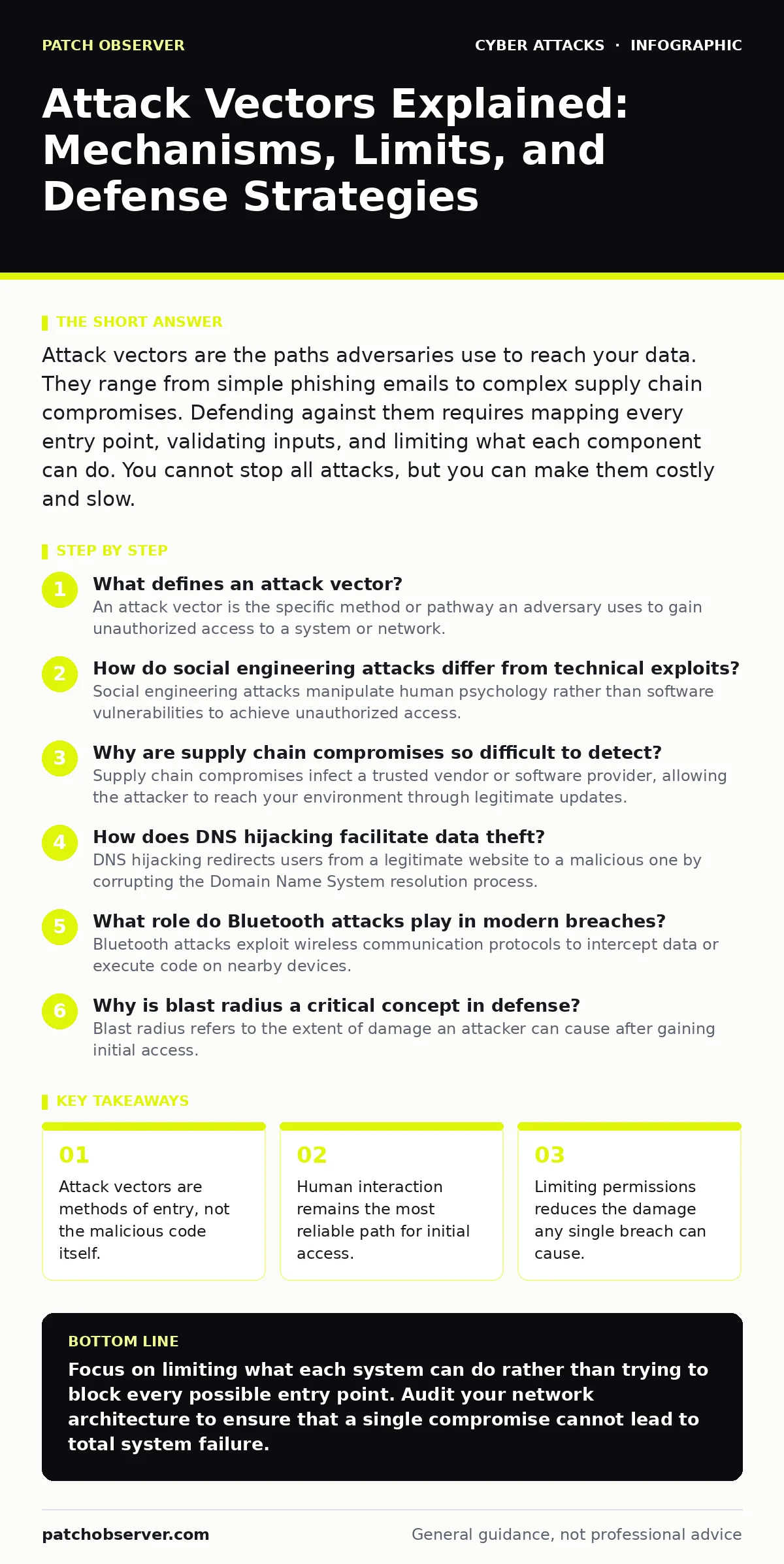
Attack vectors are the paths adversaries use to reach your data. They range from simple phishing emails to complex supply chain compromises. Defending against them requires mapping every entry point, validating inputs, and limiting what each component can do. You cannot stop all attacks, but you can make them costly and slow.
What defines an attack vector?
An attack vector is the specific method or pathway an adversary uses to gain unauthorized access to a system or network. It is not the malware or the exploit code itself, but rather the route the attacker takes to deliver that payload. Think of it as the door they walk through, not the weapon they carry. Identifying the vector helps you understand where your defenses failed. A vector can be technical, like a software bug, or physical, like an unlocked server room door.
How do social engineering attacks differ from technical exploits?
Social engineering attacks manipulate human psychology rather than software vulnerabilities to achieve unauthorized access. While technical exploits require specific code to bypass a security control, social engineering relies on trust, urgency, or curiosity. An attacker might pose as IT support to request credentials, bypassing password complexity requirements entirely. This vector is difficult to patch because human behavior varies. You must train users to verify requests through secondary channels. See our guide on social engineering for deeper tactics.
Why are supply chain compromises so difficult to detect?
Supply chain compromises infect a trusted vendor or software provider, allowing the attacker to reach your environment through legitimate updates. You verify the digital signature of the update, which appears valid because the attacker compromised the signing key or the build environment. This vector bypasses perimeter defenses because the traffic looks normal. The damage spreads silently across all systems that installed the update. Monitoring for unusual process behavior is more effective than signature-based detection here.
How does DNS hijacking facilitate data theft?
DNS hijacking redirects users from a legitimate website to a malicious one by corrupting the Domain Name System resolution process. When you type a URL, your system asks a DNS server for the IP address. If that server is compromised or misconfigured, it returns the IP of a fake site. The attacker then captures login credentials or installs malware. This vector exploits the trust users place in browser address bars. Using DNSSEC (Domain Name System Security Extensions) adds cryptographic signatures to DNS data, making this forgery much harder. Refer to our analysis of DNS hijacking for technical details.
What role do Bluetooth attacks play in modern breaches?
Bluetooth attacks exploit wireless communication protocols to intercept data or execute code on nearby devices. Attackers use techniques like Bluejacking to send unsolicited messages or Bluesnarfing to steal contacts and emails. Modern devices often keep Bluetooth active for convenience, creating a persistent attack surface. Proximity is required, which limits the geographic scope but increases the success rate in crowded areas. Disabling Bluetooth when not in use removes this vector entirely. Read more about Bluetooth attacks in our dedicated section.
| Vector Type | Primary Target | Detection Difficulty | Mitigation Strategy |
|---|---|---|---|
| Phishing | Human user | Low (if logged) | Email filtering, training |
| Supply Chain | Software integrity | High | Code signing, sandboxing |
| DNS Hijacking | Network resolution | Medium | DNSSEC, local caching |
| Bluetooth | Device proximity | Medium | Disable when idle, pairing codes |
See also: CI/CD Pipeline Breach Response: Steps to Contain and Recover · Credential Stuffing Response: Immediate Containment and Recovery Steps
Why is blast radius a critical concept in defense?
Blast radius refers to the extent of damage an attacker can cause after gaining initial access. A system with high blast radius allows an attacker to move laterally across the network and exfiltrate large datasets. A system with low blast radius contains the breach within a single, isolated component. You reduce blast radius by implementing strict segmentation and least-privilege access controls. This ensures that even if one vector succeeds, the attacker cannot reach critical assets. See our guide on blast radius for architectural examples.
How do zero-day exploits change the defense strategy?
Zero-day exploits target vulnerabilities that the vendor does not yet know about or has not patched. Because there is no signature for the malicious code, traditional antivirus tools cannot detect it. Defending against this vector requires a behavioral approach rather than a signature-based one. You must monitor for anomalous actions, such as a process trying to access files it never touches. Application whitelisting prevents unknown executables from running, regardless of whether they contain a known exploit.
What is the impact of website defacement on security posture?
Website defacement involves altering the visual content of a web page to signal that an attacker has gained control. While the primary goal is reputational damage, it indicates a serious compromise of the underlying server or application. Attackers often deface sites after gaining access through SQL injection or weak credentials. This vector serves as a public warning that other, more damaging actions may have occurred. You must assume data exfiltration happened if defacement is successful. Check our coverage on website defacement for recovery steps.
How do payment verification procedures prevent fraud?
Payment verification procedures confirm that the person making a transaction is the legitimate account holder. This vector targets financial systems where attackers use stolen credentials to initiate transfers. Multi-factor authentication adds a layer of verification that something the attacker does not possess, such as a hardware token. This stops automated bots and credential stuffing attacks. However, it does not stop social engineering if the user reveals the verification code. Implement step-up authentication for high-value transactions.
Why is defense in depth necessary for vector management?
Defense in depth layers multiple security controls so that if one fails, another stops the attacker. No single control can block all attack vectors. A firewall might stop external scanning, but it cannot stop a user clicking a phishing link. An email filter might block malicious attachments, but it cannot stop a valid document with a macro exploit. Each layer addresses a different vector. This approach ensures that attackers must bypass multiple hurdles, increasing the time and cost of the attack. Read our guide on defense in depth for implementation strategies.
How should an incident response team handle vector identification?
A cyber incident response team must identify the initial attack vector to prevent recurrence and determine the scope of the breach. They analyze logs, network traffic, and system artifacts to trace the attacker's steps. Identifying the vector helps in closing the specific gap that was exploited. It also informs the creation of detection rules for similar future attempts. Without knowing the vector, you are patching randomly rather than strategically. Coordinate with your cyber incident response team to ensure thorough analysis.
Key takeaways
- Attack vectors are methods of entry, not the malicious code itself.
- Human interaction remains the most reliable path for initial access.
- Limiting permissions reduces the damage any single breach can cause.
Focus on limiting what each system can do rather than trying to block every possible entry point. Audit your network architecture to ensure that a single compromise cannot lead to total system failure.
Frequently asked questions
Is an attack vector the same as a vulnerability?
No. A vulnerability is a weakness in a system, while an attack vector is the method used to exploit that weakness. One vulnerability can have multiple vectors.
How do I prioritize which attack vectors to defend against?
Prioritize vectors that provide the most access with the least effort for the attacker, such as unpatched public-facing services or unverified email attachments.
Can internal employees be an attack vector?
Yes. Insider threats, whether malicious or accidental, use legitimate access to compromise systems, often bypassing external perimeter defenses entirely.
Do firewalls stop all attack vectors?
No. Firewalls filter network traffic based on rules. They cannot stop attacks that come through allowed channels, such as compromised legitimate websites or phishing emails.
How this guide was produced: written by the Patch Observer editorial team with AI assistance, checked against the public references listed below, and reviewed when the facts change. See our editorial policy or report an error.