Credential Stuffing Response: Immediate Containment and Recovery Steps
Credential stuffing bypasses perimeter defenses by using valid login pairs, making account lockout policies the primary defense rather than firewall rules or intrusion detection systems.

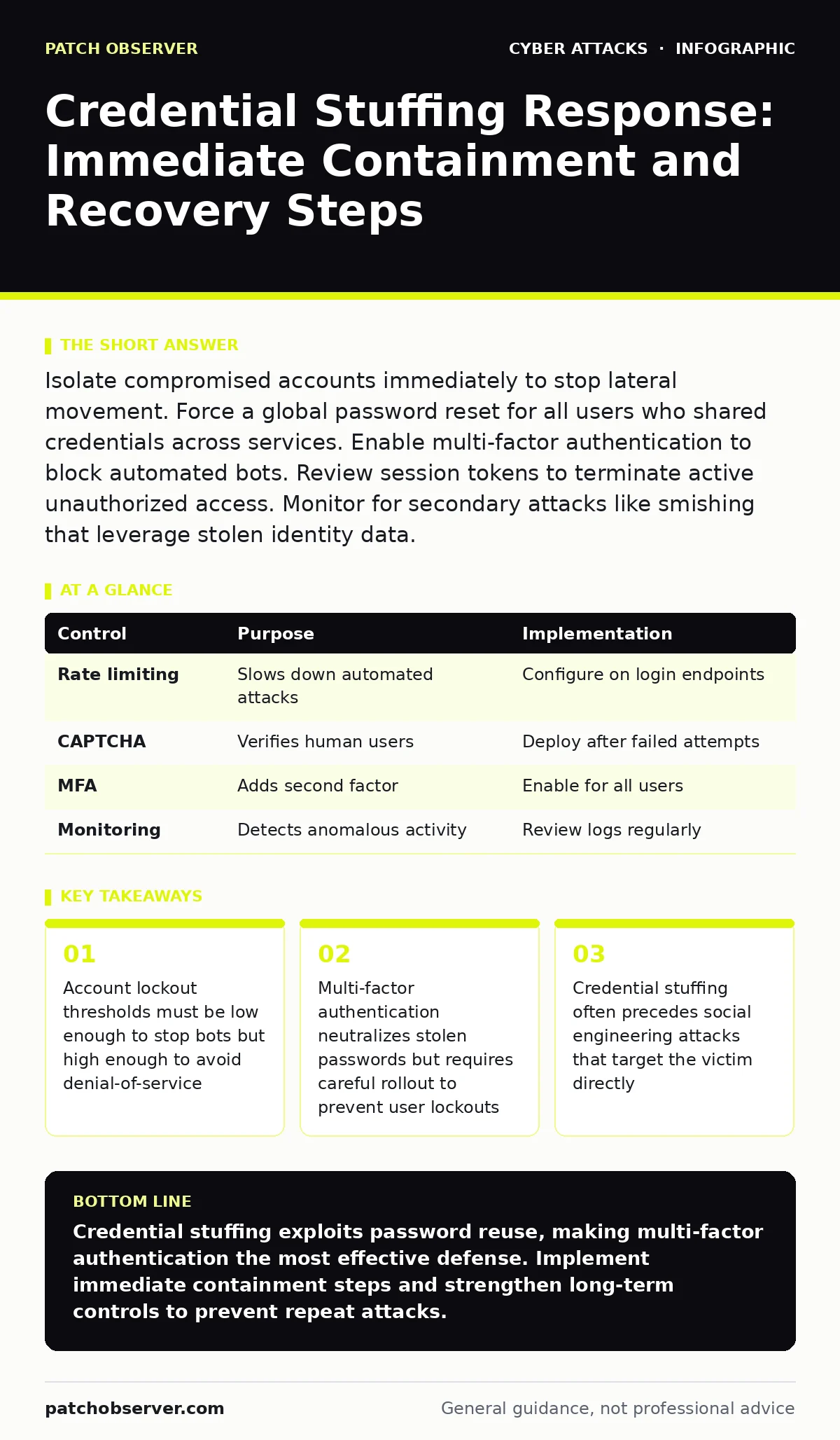
Isolate compromised accounts immediately to stop lateral movement. Force a global password reset for all users who shared credentials across services. Enable multi-factor authentication to block automated bots. Review session tokens to terminate active unauthorized access. Monitor for secondary attacks like smishing that leverage stolen identity data.
First hour
Credential stuffing attacks rely on the assumption that users reuse passwords across multiple services. When an attacker obtains a valid username and password pair from a breach elsewhere, they automate login attempts against your systems. The speed of detection matters more than the sophistication of your firewall. You must act before the attacker establishes persistent access or exfiltrates sensitive data.
- Identify the scope of compromised accounts using login logs
- Force a password reset for all affected user accounts
- Invalidate all active session tokens and cookies
- Enable account lockout after 3 failed attempts
- Review API keys and service accounts for reuse
You need to determine which accounts are compromised. Look for spikes in failed login attempts from specific IP ranges or user agents. These patterns indicate automated tools rather than human error. Check for successful logins that follow a burst of failures. This sequence confirms the attacker found a valid credential pair.
First day
Containment requires more than just resetting passwords. Attackers often use stolen credentials to access secondary systems or escalate privileges. You must verify that the initial access point is closed and that no lateral movement has occurred. Review access logs for unusual activity, such as logins from new geographic locations or at unusual times.
Suppose an attacker gains access to a user account that has permissions to view customer data. They may not steal the data immediately. Instead, they map the environment to find higher-privilege accounts. You must treat every compromised account as a potential entry point to your entire network.
- Audit all accounts with elevated privileges for recent activity
- Check for new administrative users created during the incident
- Review data access logs for bulk downloads or exports
- Verify that multi-factor authentication is enabled for all admin accounts
- Scan for malware that may have been installed during the breach
You should also consider the impact on your customers. If their data was exposed, you must notify them promptly. Delaying notification increases legal risk and damages trust. Provide clear instructions on how they can protect themselves, such as changing passwords on other sites.
First week
Recovery involves restoring normal operations while strengthening defenses. You must ensure that the vulnerability that allowed the attack is closed. This includes updating authentication mechanisms and improving monitoring capabilities. You should also review your incident response plan to identify gaps in your process.
Imagine a scenario where the attacker used a compromised account to send phishing emails to other users. This secondary attack vector can bypass traditional security controls. You must monitor for this type of activity and block malicious messages at the gateway.
- Implement rate limiting on login endpoints to slow down bots
- Deploy CAPTCHA challenges after 2 failed login attempts
- Enable multi-factor authentication for all user accounts
- Update security awareness training to cover credential reuse
- Conduct a post-incident review to improve future response
You must also consider the long-term implications of the breach. Attackers often sell stolen credentials on the dark web. This means the same credentials may be used against your organization again. You need to implement continuous monitoring to detect these repeat attempts.
Who to tell
Transparency is key to maintaining trust. You must notify affected users, regulatory bodies, and law enforcement as required by law. The timing and content of these notifications are critical. You should provide clear information about what happened, what data was exposed, and what steps users can take to protect themselves.
Do not wait until you have a complete picture of the breach. Early notification allows users to take protective action. However, you must ensure that the information you provide is accurate. Misinformation can cause panic and damage your reputation.
- Notify affected users within 72 hours of discovery
- Report the breach to relevant regulatory authorities
- Contact law enforcement if criminal activity is suspected
- Communicate with internal stakeholders to ensure consistency
- Provide ongoing updates as new information becomes available
You should also consider the impact on your partners and suppliers. If their systems were accessed, they may need to take action to protect their own environments. Coordinate with them to ensure a unified response.
How to stop a repeat
Preventing future credential stuffing attacks requires a layered approach. You must combine technical controls with user education. Multi-factor authentication is the most effective defense, but it must be implemented correctly. You should also monitor for new credential leaks and respond quickly.
Consider the trade-offs between security and usability. Strict security measures can frustrate users and lead to workarounds. You must find a balance that protects your organization without hindering productivity. Regular testing and updates are necessary to maintain this balance.
- Use adaptive authentication that adjusts risk based on context
- Monitor for credential dumps on the dark web
- Implement password managers to encourage unique passwords
- Regularly test authentication systems for vulnerabilities
- Update security policies to reflect new threats
You should also review your related security controls. For example, ensure that your DMARC policies are configured correctly to prevent email spoofing. Attackers often use stolen credentials to send phishing emails that bypass basic filters. Strengthening email security reduces the risk of secondary attacks.
See also: Attack Vectors Explained: Mechanisms, Limits, and Defense Strategies · Social Engineering Tactics: How Attackers Bypass Technical Defenses
Technical controls
Technical controls provide the foundation for your defense strategy. You must implement rate limiting, CAPTCHA, and multi-factor authentication. These controls work together to slow down attackers and verify user identity. You should also monitor for anomalous behavior and respond quickly.
Rate limiting restricts the number of login attempts from a single IP address or user account. This slows down automated tools and makes it harder for attackers to guess passwords. CAPTCHA challenges verify that the user is human. Multi-factor authentication adds an extra layer of security by requiring a second form of verification.
| Control | Purpose | Implementation |
|---|---|---|
| Rate limiting | Slows down automated attacks | Configure on login endpoints |
| CAPTCHA | Verifies human users | Deploy after failed attempts |
| MFA | Adds second factor | Enable for all users |
| Monitoring | Detects anomalous activity | Review logs regularly |
You must also consider the impact of these controls on your users. Strict rate limiting can lock out legitimate users. CAPTCHA can be difficult for users with disabilities. You must test these controls carefully and adjust them based on user feedback.
Human factors
Users are often the weakest link in security. Credential stuffing attacks exploit the habit of reusing passwords. You must educate users on the risks of password reuse and the benefits of multi-factor authentication. You should also provide tools to help them manage their passwords securely.
Suppose a user receives a smishing message that appears to come from your organization. The message asks them to reset their password. If the user has reused their password, the attacker may already have access. You must train users to recognize these secondary attacks.
- Educate users on the risks of password reuse
- Provide password managers to encourage unique passwords
- Train users to recognize phishing and smishing attempts
- Encourage the use of multi-factor authentication
- Regularly test user awareness with phishing simulations
You should also consider the psychological impact of a breach. Users may feel betrayed or anxious. You must communicate clearly and empathetically to maintain trust. Provide resources to help them protect themselves and address their concerns.
Key takeaways
- Account lockout thresholds must be low enough to stop bots but high enough to avoid denial-of-service
- Multi-factor authentication neutralizes stolen passwords but requires careful rollout to prevent user lockouts
- Credential stuffing often precedes social engineering attacks that target the victim directly
Credential stuffing exploits password reuse, making multi-factor authentication the most effective defense. Implement immediate containment steps and strengthen long-term controls to prevent repeat attacks.
Frequently asked questions
How do I know if I am under a credential stuffing attack?
Look for spikes in failed login attempts from specific IP ranges or user agents. Successful logins following a burst of failures confirm the attack.
Should I disable accounts that are compromised?
Yes, disable compromised accounts immediately to stop lateral movement. Force a password reset before re-enabling them.
Does multi-factor authentication stop credential stuffing?
Multi-factor authentication neutralizes stolen passwords by requiring a second form of verification. It is the most effective defense against this attack.
How long should I monitor for repeat attempts?
Monitor continuously. Attackers often sell stolen credentials and may attempt to reuse them against your organization at any time.
How this guide was produced: written by the Patch Observer editorial team with AI assistance, checked against the public references listed below, and reviewed when the facts change. See our editorial policy or report an error.