Warning Signs of USB Malware: Detect Hidden Threats on Removable Drives
USB malware often hides by manipulating file system metadata and exploiting automatic driver loading, making visual inspection insufficient for detecting sophisticated threats.
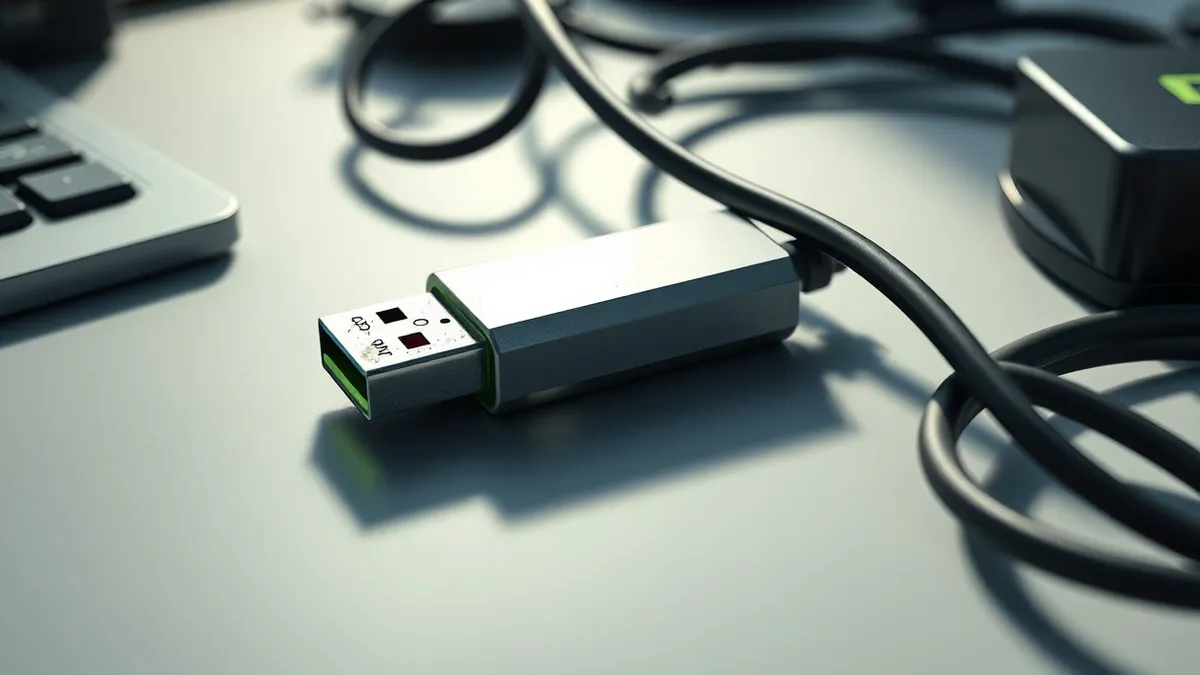
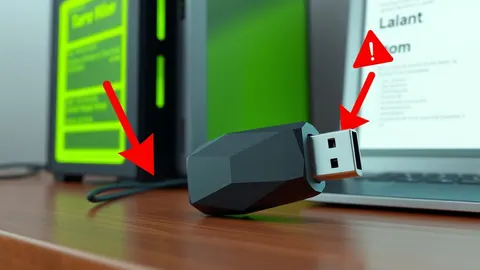
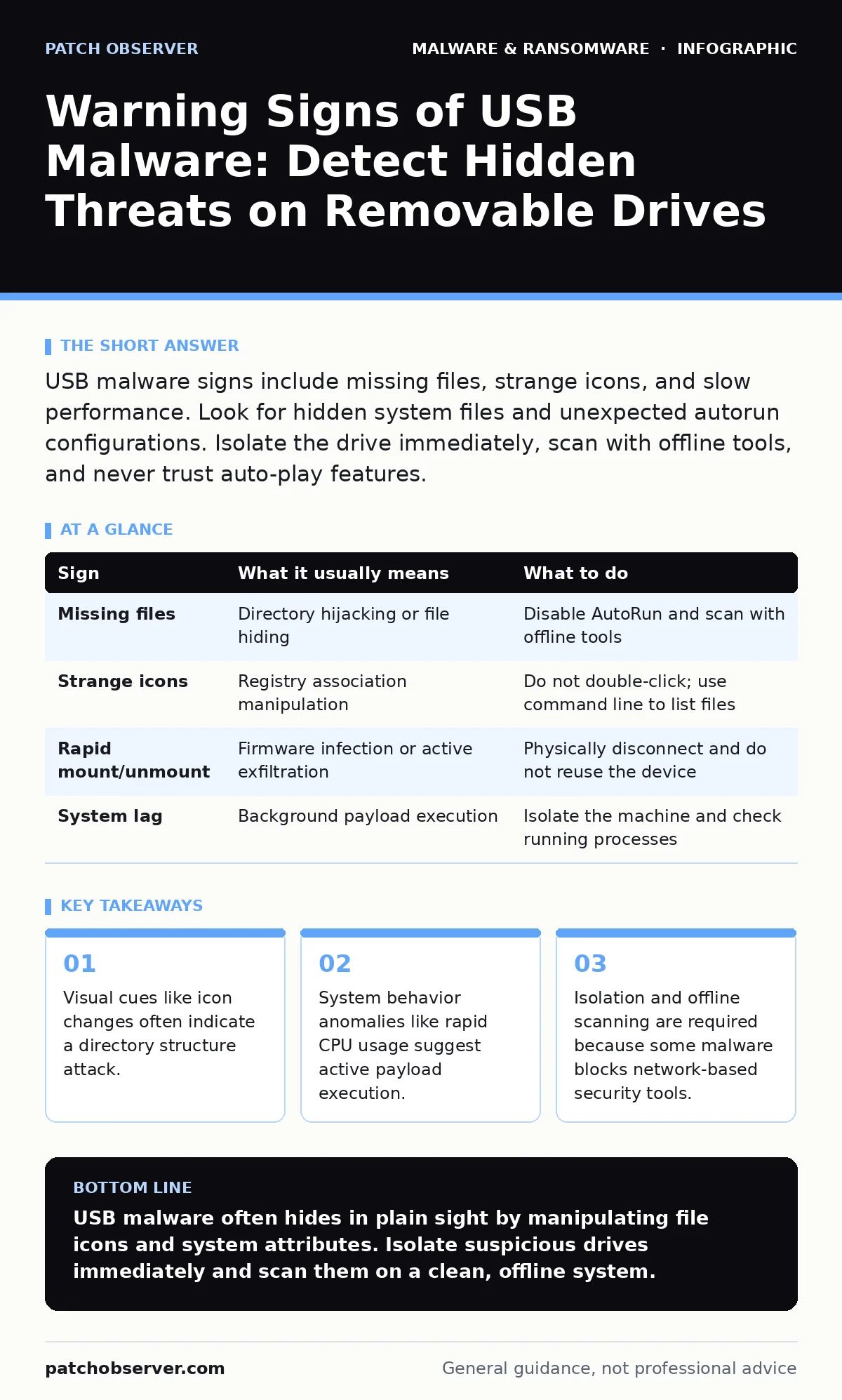
USB malware signs include missing files, strange icons, and slow performance. Look for hidden system files and unexpected autorun configurations. Isolate the drive immediately, scan with offline tools, and never trust auto-play features.
The Illusion of Normalcy
Removable storage devices are convenient, but they bypass many network perimeter defenses. When you plug in a drive, the operating system loads drivers and may execute scripts without asking. This automatic behavior is the primary vector for infection. You might assume a drive is safe if it mounts correctly. That assumption is dangerous. Malware can mimic legitimate file structures while hiding malicious executables in system directories.
Signs You Notice First
The most obvious signs appear immediately after connecting the device. If the drive fails to mount, the controller may be corrupted, or the firmware could be infected. This is a hardware-level threat that software scans often miss. If the drive mounts but shows fewer files than expected, the malware has likely hidden the original data. It creates a fake directory tree to lure you into double-clicking a malicious shortcut.
Look for icon changes on the drive letter. A standard folder icon replaced by a generic document or executable icon is a red flag. This happens when malware replaces the folder’s associated program entry in the registry. You might also notice the drive disappearing and reappearing rapidly. This indicates a process is actively trying to maintain persistence or exfiltrate data.
Subtle Indicators You Miss
Some threats leave no visual trace on the drive itself. They rely on side effects within the host system. Check your system’s resource monitor for unusual disk activity. If the idle drive causes constant read/write spikes, a background process is accessing it. This could be a keylogger capturing what you type or a worm searching for new targets.
Another subtle sign is the creation of temporary files in your system’s root directory. Malware often copies itself to a hidden folder on the C drive before deleting the USB copy. You will not see this on the removable media. Check for new tasks in your system scheduler. Legitimate software rarely adds scheduled tasks upon simple insertion. If a new task runs a script from a temp folder, assume compromise.
| Sign | What it usually means | What to do |
|---|---|---|
| Missing files | Directory hijacking or file hiding | Disable AutoRun and scan with offline tools |
| Strange icons | Registry association manipulation | Do not double-click; use command line to list files |
| Rapid mount/unmount | Firmware infection or active exfiltration | Physically disconnect and do not reuse the device |
| System lag | Background payload execution | Isolate the machine and check running processes |
The Autorun Trap
Operating systems historically supported autorun files that executed code upon insertion. Modern systems disable this by default, but the habit remains. Do not enable AutoPlay for removable drives. Even if the feature is off, malware can use other hooks to trigger execution. Some variants exploit vulnerabilities in the file system parser itself. Simply browsing the drive in a file explorer can trigger a buffer overflow.
Immediate Containment Steps
If you suspect a drive is infected, stop using it immediately. Do not eject it safely yet, as this might trigger a final exfiltration script. Physically unplug the device. Do not plug it into another machine. Cross-contamination spreads the threat laterally. If you have already transferred files, treat those files as untrusted. Quarantine the destination folders.
Isolate the infected machine from the network. Disable Wi-Fi and unplug Ethernet cables. This prevents the malware from calling home or spreading to other endpoints. If you manage multiple devices, assume the threat is in the environment. Check other machines for unusual network traffic or new user accounts.
See also: Microsoft Defender Antivirus Mistakes That Leave Systems Exposed · Email Attachment Scanning: 6 Misunderstandings That Leave Gaps
Verification and Cleaning
You cannot trust an infected system to scan itself. Malware often disables or modifies security software. Use a known-clean machine to scan the USB drive. Boot from a clean operating system image or use a dedicated rescue disk. This ensures the scanning environment is free from the threat. Check the drive’s file attributes. Legitimate files should not have the "system" or "hidden" attribute set in bulk.
Review the drive’s root directory for batch files or scripts. These are common delivery mechanisms for USB worms. Delete any executable files that do not belong to legitimate applications. Format the drive only after verifying the data is backed up on a clean system. Formatting removes the file system but may not clean infected firmware.
Long-Term Prevention
Hardware-based prevention is more effective than software rules. Use port locks to physically block unauthorized USB connections. This stops the threat at the physical layer. For necessary transfers, use dedicated kiosks with isolated operating systems. These machines have no persistent data and no network access. They act as a buffer zone between external media and your internal network.
Implement strict access controls. Only authorized personnel should handle removable media. Audit logs should record every insertion event. If you see unexplained insertions, investigate immediately. Combine this with regular device hardening practices. Ensure all systems are patched and configured to reject unsigned drivers. This reduces the attack surface for USB-based exploits.
Key takeaways
- Visual cues like icon changes often indicate a directory structure attack.
- System behavior anomalies like rapid CPU usage suggest active payload execution.
- Isolation and offline scanning are required because some malware blocks network-based security tools.
USB malware often hides in plain sight by manipulating file icons and system attributes. Isolate suspicious drives immediately and scan them on a clean, offline system.
Frequently asked questions
Can USB malware infect my phone?
Yes, if you enable file transfer mode. Keep your phone in charging-only mode or use trusted cables to prevent data access. For detailed steps, see removing malware from an Android phone.
Is formatting the drive enough?
Formatting removes the file system and most malware. It does not fix infected firmware or remove copies already installed on your computer.
How do I know if my antivirus missed it?
If you see unusual system behavior despite a clean scan, the tool may have been disabled. Use dynamic malware analysis techniques to test suspicious files in a sandbox.
Can I reuse a suspicious drive?
Only after a full low-level format and verification. If the firmware is infected, the drive must be physically destroyed to prevent reinfection.
How this guide was produced: written by the Patch Observer editorial team with AI assistance, checked against the public references listed below, and reviewed when the facts change. See our editorial policy or report an error.