Device Hardening: Reduce Attack Surface and Block Exploits
Hardening reduces the number of places an attacker can enter by removing unnecessary features and tightening default settings on your hardware and software.

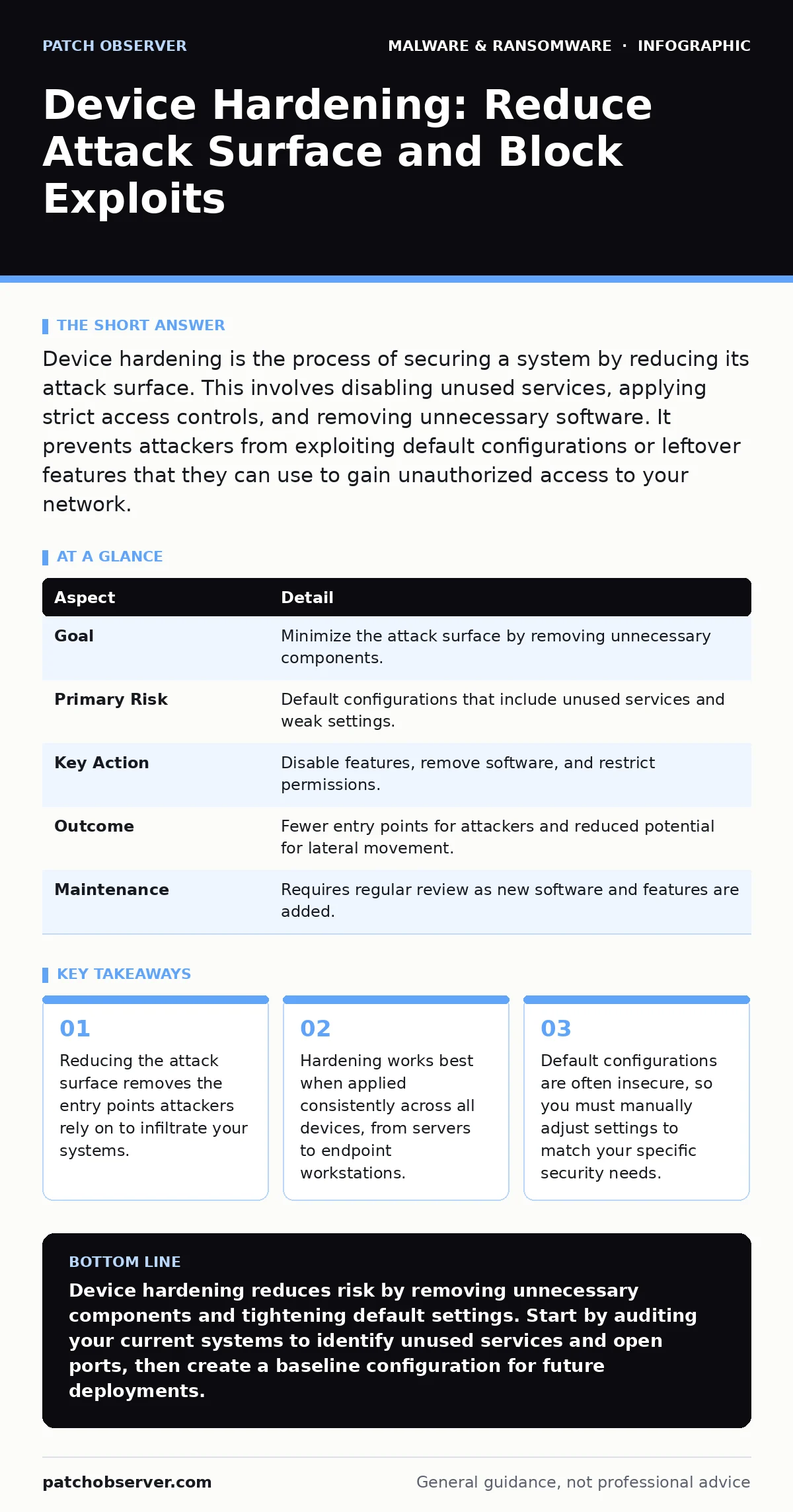
Device hardening is the process of securing a system by reducing its attack surface. This involves disabling unused services, applying strict access controls, and removing unnecessary software. It prevents attackers from exploiting default configurations or leftover features that they can use to gain unauthorized access to your network.
The Locked House Analogy
Imagine you buy a house with every door unlocked and every window open. You might install a strong lock on the front door, but a burglar can simply walk in through the back. Device hardening is the act of locking every door, covering every window, and removing the keys you do not need. It is not just about adding a fence; it is about ensuring that the structure itself offers no easy points of entry.
Most systems ship with features enabled by default to ensure broad compatibility. This convenience creates a large attack surface. An attack surface is the sum of all possible points where an unauthorized user can try to enter or extract data from your system. Every running service, every open port, and every installed application adds to this surface.
What Hardening Actually Solves
The primary problem hardening solves is the risk posed by default configurations. Manufacturers prioritize functionality and ease of use over security when they ship devices. This means many systems come with pre-installed software, open network ports, and default credentials that are widely known. Attackers scan for these known weaknesses because they require no special effort to exploit.
Hardening shifts the burden from the attacker to the administrator. Instead of assuming a system is secure because it is new, you verify that only the necessary components are active. This approach limits the damage if a vulnerability is discovered in a specific application. If that application is not installed or is disabled, the vulnerability cannot be used against you.
| Aspect | Detail |
|---|---|
| Goal | Minimize the attack surface by removing unnecessary components. |
| Primary Risk | Default configurations that include unused services and weak settings. |
| Key Action | Disable features, remove software, and restrict permissions. |
| Outcome | Fewer entry points for attackers and reduced potential for lateral movement. |
| Maintenance | Requires regular review as new software and features are added. |
Core Components of Hardening
Device hardening involves several distinct layers. You must address the operating system, the applications, and the network interfaces. Each layer requires specific actions to reduce risk.
- Operating System Configuration: You must disable unused services. Services are background programs that run even when you are not actively using the computer. Many services listen for network connections, providing a door for attackers. You should also enforce strict password policies and disable default accounts that you do not use.
- Application Minimization: Remove any software that is not required for the device’s primary function. This includes pre-installed bloatware, trial versions of programs, and outdated utilities. Each piece of software is a potential vector for trojanized software, which disguises malicious code as legitimate applications.
- Network Hardening: Close ports that are not needed. Ports are logical endpoints for network connections. If a device does not need to serve web pages, the web server port should be closed. You should also configure firewalls to deny all incoming traffic by default, allowing only specific, necessary connections.
Where Hardening Fits in Defense
Hardening is a preventive control. It sits at the foundation of your security strategy, below detection and response tools. You cannot detect an attack that never happens because the door was locked. Hardening reduces the noise that security teams must sift through. Fewer unnecessary services mean fewer logs to analyze and fewer false alarms.
This approach complements other defenses. For example, while dynamic malware analysis helps you understand how a piece of code behaves in a sandbox, hardening ensures that the code cannot execute in the first place if it relies on a disabled service. Similarly, hardening reduces the likelihood of antivirus false positives by removing obscure or poorly coded software that might trigger security alerts incorrectly.
Common Misconceptions
Many administrators believe that installing antivirus software is sufficient. This is incorrect. Antivirus detects known threats, but it cannot protect against zero-day vulnerabilities in unused services. If a service is not running, there is nothing for the antivirus to scan. Hardening addresses the root cause by eliminating the vulnerable component entirely.
Another mistake is assuming that hardening is a one-time task. Software updates, new employee onboarding, and changing business needs introduce new vulnerabilities. You must treat hardening as a continuous process. Regular audits ensure that new software does not reopen closed doors or introduce new default configurations.
See also: Microsoft Defender Antivirus Mistakes That Leave Systems Exposed · Email Attachment Scanning: 6 Misunderstandings That Leave Gaps
The Hidden Cost of Convenience
The trade-off in hardening is convenience. Users may find it frustrating if they cannot easily plug in a USB drive or install software without administrator rights. This friction is intentional. It forces users to go through approved channels, which allows you to vet the software and media before it enters the environment.
Imagine a user who downloads a tool to fix a minor issue. This tool might contain adware that tracks their behavior or browser hijackers that redirect their searches. By restricting installation rights and vetting software through a central IT process, you prevent these unwanted programs from taking root. The slight inconvenience to the user is outweighed by the significant reduction in risk.
Integrating with Recovery Strategies
Hardening does not guarantee that an attack will never succeed. It reduces the probability and limits the scope. If an attacker does breach a system, your ability to recover is critical. Hardening supports this by ensuring that backup systems are also secured. If your backup server has open ports or weak credentials, an attacker can destroy your backups along with your live data.
You must align your hardening efforts with your recovery point objective, which defines how much data loss is acceptable. A well-hardened system is easier to restore because it has fewer variables. You know exactly what software and configurations should be present, making it easier to detect anomalies during the recovery process.
What People Get Wrong
A common error is focusing only on external threats. Insiders, whether malicious or negligent, can also cause harm. Hardening includes restricting user permissions to the minimum necessary for their job. This principle of least privilege ensures that even if an insider account is compromised, the attacker cannot access unrelated systems or data.
Another mistake is ignoring mobile devices. Employees often connect personal phones to corporate networks. These devices can introduce vulnerabilities if they are not properly secured. While this guide focuses on traditional devices, the principles apply everywhere. You should have policies for connecting mobile devices, similar to guides on removing malware from an Android phone, which emphasize the risks of unvetted app sources.
Maintaining the Standard
Hardening requires documentation. You must maintain a baseline configuration for each type of device. This baseline serves as a reference for new deployments and audits. When a device deviates from this baseline, it is a potential security issue. Automated tools can help check configurations against this baseline, but human oversight is still necessary to interpret the results.
Regular reviews are essential. As technology evolves, new services and features emerge. You must evaluate each new addition for its security implications. Does it need to run? Can it be isolated? Can it be replaced with a more secure alternative? By asking these questions, you keep your attack surface small and manageable.
Key takeaways
- Reducing the attack surface removes the entry points attackers rely on to infiltrate your systems.
- Hardening works best when applied consistently across all devices, from servers to endpoint workstations.
- Default configurations are often insecure, so you must manually adjust settings to match your specific security needs.
Device hardening reduces risk by removing unnecessary components and tightening default settings. Start by auditing your current systems to identify unused services and open ports, then create a baseline configuration for future deployments.
Frequently asked questions
Does hardening slow down my computer?
Hardening can slightly improve performance by disabling unused background services and reducing resource consumption, though the primary goal is security, not speed.
How often should I review my hardening settings?
You should review settings whenever you install new software, update the operating system, or change the device’s role within the network.
Can I automate the hardening process?
Yes, you can use configuration management tools to enforce baseline settings across multiple devices, ensuring consistency and reducing manual effort.
Is hardening enough to stop ransomware?
Hardening reduces the attack surface and makes it harder for ransomware to enter, but it must be combined with backups, detection tools, and user training for full protection.
How this guide was produced: written by the Patch Observer editorial team with AI assistance, checked against the public references listed below, and reviewed when the facts change. See our editorial policy or report an error.