Dynamic Malware Analysis: How Running Code Reveals Hidden Threats
Watching a program execute exposes behaviors that static inspection misses, allowing you to detect threats that hide their true nature until activation.

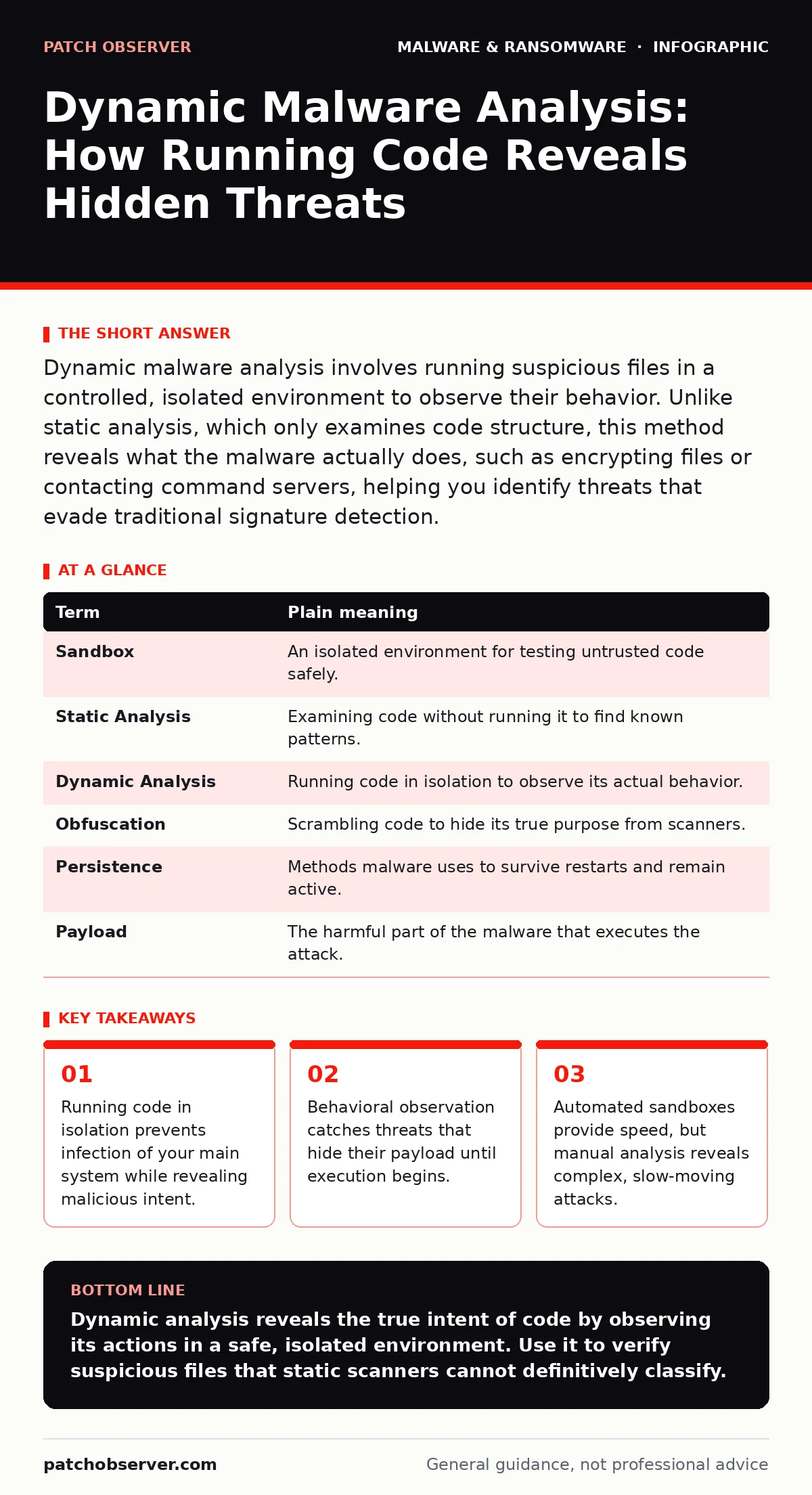
Dynamic malware analysis involves running suspicious files in a controlled, isolated environment to observe their behavior. Unlike static analysis, which only examines code structure, this method reveals what the malware actually does, such as encrypting files or contacting command servers, helping you identify threats that evade traditional signature detection.
The Kitchen Safety Analogy
Imagine you find an unmarked jar on a shelf. You can look at the label and weigh the jar. This is static analysis. It tells you nothing about the contents. You might guess it is jam, but it could be poison. To know for sure, you must open it in a sealed room with no windows. You taste a tiny drop. If you feel sick, you know it is dangerous. If nothing happens, it might be safe. Dynamic malware analysis is that sealed room. It lets you run the code to see what it does, not just what it looks like.
Why Static Inspection Fails
Static analysis examines the file without running it. It looks for known patterns or signatures. This works well for common threats. It fails against new or modified code. Malware creators often obfuscate their code. They scramble the instructions so the pattern does not match any known threat. They might also use packing. Packing compresses the executable. The real code only appears when the program runs. Static tools see only the compressor. They miss the payload entirely. This is where dynamic analysis becomes necessary. It bypasses the disguise by forcing the code to act.
The Isolated Sandbox Environment
You never run suspicious code on your primary machine. You use a sandbox. A sandbox is an isolated computing environment. It mimics a real operating system but has no connection to your network or data. If the code deletes files, it only deletes files in the sandbox. If it tries to call home, it hits a dead end. Modern sandboxes often use virtualization. This creates a virtual machine on your hardware. The virtual machine is a separate computer inside your computer. You can snapshot the state before running the test. If things go wrong, you revert to the snapshot instantly. This isolation is the foundation of safety.
Observing Runtime Behavior
Once the file is in the sandbox, you let it run. You watch what it does. This is the core of dynamic analysis. You look for specific actions. Does it try to modify system settings? Does it create new user accounts? Does it attempt to access the registry? The registry is a database that stores configuration settings for Windows. Malware often hides its persistence mechanisms there. You also watch network traffic. Does it try to connect to an unknown IP address? IP addresses are numerical labels assigned to devices on a network. Connecting to strange addresses is a strong indicator of command and control communication. These behaviors reveal the intent of the code.
The Limits of Automation
Automated sandboxes are fast. They run the file and generate a report. This is useful for high-volume screening. However, malware can detect the sandbox. It might check for the presence of virtualization drivers. It might measure how long the system has been running. If it detects a sandbox, it may stay dormant. It waits for a real user. This is called anti-sandbox behavior. Automated tools miss these threats. Manual analysis requires a human to interact with the system. You click buttons. You wait. You trigger specific events. This mimics real user behavior. It forces the malware to reveal itself. Manual analysis is slower but more thorough.
See also: Incident Response Team Checklist for Containment and Recovery · Malvertising Warning Signs: What to Look For and How to React
Mini Glossary of Terms
| Term | Plain meaning |
|---|---|
| Sandbox | An isolated environment for testing untrusted code safely. |
| Static Analysis | Examining code without running it to find known patterns. |
| Dynamic Analysis | Running code in isolation to observe its actual behavior. |
| Obfuscation | Scrambling code to hide its true purpose from scanners. |
| Persistence | Methods malware uses to survive restarts and remain active. |
| Payload | The harmful part of the malware that executes the attack. |
Try This Now
- Install a reputable virtualization tool on a dedicated machine. Ensure this machine has no sensitive data and no direct network access to your production environment.
- Create a clean snapshot of the virtual machine. This is your rollback point. If the system becomes unstable, you can revert to this clean state immediately.
- Copy a suspicious file into the virtual machine. Run it and observe the task manager and network connections. Look for unexpected processes or outbound traffic.
Integrating with Defense Strategies
Dynamic analysis does not replace other security measures. It complements them. You still need strong endpoint protection. You still need user training. But it adds depth. It helps you understand trojanized software. This is legitimate software that has been infected with malware. Static scans might miss the infection if it is hidden in a legitimate update. Running the update in a sandbox reveals the hidden behavior. It also helps with antivirus false positives.
If a legitimate tool is flagged, dynamic analysis can prove it is benign by showing it performs only expected actions. This reduces alert fatigue. It also aids in device hardening. By seeing how malware tries to exploit weaknesses, you can patch those specific vulnerabilities. You can also use this knowledge to improve your recovery point objective. Knowing how quickly ransomware encrypts files helps you set backup intervals that minimize data loss.
The Hidden Cost of Depth
There is a trade-off. Dynamic analysis takes time. Manual analysis requires expertise. You need to know what normal behavior looks like. If you do not understand how a system works, you cannot spot the anomaly. This requires training. It also requires resources. Virtual machines consume CPU and memory. Running many tests can slow down your analysis workstation.
You must balance speed with accuracy. For high-risk files, spend the time. For low-risk files, rely on static scanning. Do not try to run every file dynamically. It is not scalable. Use it as a second line of defense. Use it when static tools are unsure. Use it when you suspect a targeted attack. This targeted approach maximizes your effort. It ensures you catch the threats that matter most.
Key takeaways
- Running code in isolation prevents infection of your main system while revealing malicious intent.
- Behavioral observation catches threats that hide their payload until execution begins.
- Automated sandboxes provide speed, but manual analysis reveals complex, slow-moving attacks.
Dynamic analysis reveals the true intent of code by observing its actions in a safe, isolated environment. Use it to verify suspicious files that static scanners cannot definitively classify.
Frequently asked questions
Can I use dynamic analysis on my personal laptop?
It is risky. If your isolation fails, your personal data is at risk. Use a dedicated virtual machine or a separate, offline device for testing.
How do I know if the sandbox detected the malware?
Look for network connections to known malicious domains or attempts to modify system files. These are strong indicators of malicious behavior.
Is dynamic analysis enough to stop ransomware?
No. It helps identify threats, but it does not prevent infection. You still need backups, network segmentation, and user training to stop ransomware.
Can malware hide from dynamic analysis?
Yes. Some malware uses timers or specific user actions to delay activation. Manual analysis that mimics real user behavior is more effective against these tactics.
How this guide was produced: written by the Patch Observer editorial team with AI assistance, checked against the public references listed below, and reviewed when the facts change. See our editorial policy or report an error.