Incident Response Team Checklist for Containment and Recovery
Most teams fail because they optimize for speed over documentation, creating a blind spot that prevents accurate post-incident analysis and legal defensibility.

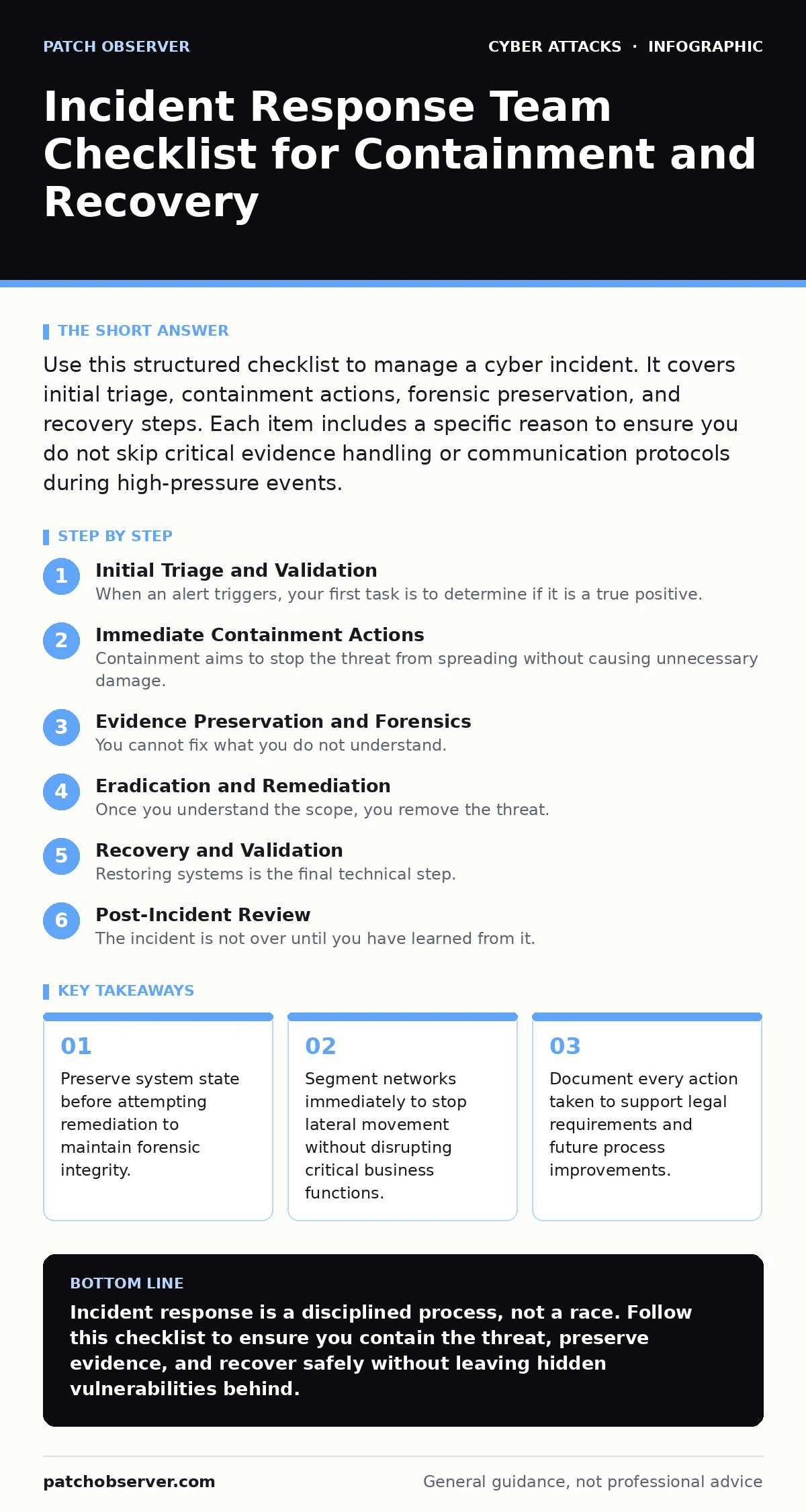
Use this structured checklist to manage a cyber incident. It covers initial triage, containment actions, forensic preservation, and recovery steps. Each item includes a specific reason to ensure you do not skip critical evidence handling or communication protocols during high-pressure events.
Initial Triage and Validation
When an alert triggers, your first task is to determine if it is a true positive. False alarms waste resources and desensitize your team to real threats. You must verify the alert against your baseline of normal network activity.
- Verify alert source and context: Ensure the signal comes from a trusted detector and correlates with other data points to avoid chasing false positives.
- Identify affected assets and users: Determine exactly which systems and accounts are involved to scope the incident accurately.
- Assess business impact level: Classify the severity based on data sensitivity and operational disruption to prioritize response efforts appropriately.
Immediate Containment Actions
Containment aims to stop the threat from spreading without causing unnecessary damage. You must balance speed with precision. Aggressive actions like unplugging servers can destroy volatile memory evidence.
- Isolate affected network segments: Use firewall rules or VLAN changes to cut off the attacker’s lateral movement paths while keeping critical services running.
- Disable compromised user accounts: Prevent the attacker from using stolen credentials to access other systems or escalate privileges further.
- Block malicious indicators at the perimeter: Add known bad IP addresses and domains to your blocklists to stop command and control communications.
If you are dealing with business email compromise, where attackers manipulate financial transactions, you must also freeze outgoing payment workflows. This stops funds from leaving the organization while you verify the legitimacy of requests.
Evidence Preservation and Forensics
You cannot fix what you do not understand. Before you clean or restore systems, you must capture the current state. Overwriting data during remediation can make it impossible to determine the root cause.
- Capture memory dumps from live systems: Volatile memory contains running processes, network connections, and encryption keys that disappear upon reboot.
- Create forensic disk images: Bit-for-bit copies of affected drives allow you to analyze data without altering the original evidence.
- Preserve log files securely: Collect and timestamp logs from firewalls, endpoints, and applications to reconstruct the attacker’s timeline.
Eradication and Remediation
Once you understand the scope, you remove the threat. This is not just about deleting a file. You must close the entry point and remove any backdoors the attacker installed.
- Remove malicious software and artifacts: Delete files, registry entries, and scheduled tasks created by the attacker to regain system control.
- Patch the vulnerability used for entry: Apply the specific security update or configuration change that allowed the initial compromise to occur.
- Reset all potentially compromised credentials: Force password changes for any account that was active during the breach window to invalidate stolen tokens.
Consider credential stuffing attacks, where attackers use leaked passwords from other breaches. Even if you patch a specific server, you must reset credentials across the organization because the initial vector may have been a reused password.
Recovery and Validation
Restoring systems is the final technical step. You must verify that the environment is clean before returning to normal operations. Restoring from a backup that contains the malware will reinfect your network.
- Restore systems from clean backups: Rebuild affected servers from known-good images created before the incident began.
- Monitor for recurring indicators: Watch network traffic and system logs for signs that the attacker has returned or missed a foothold.
- Validate business function continuity: Confirm that applications and services are working correctly and data integrity is maintained.
If the incident involved website defacement, you must also verify that the public-facing content is accurate and that no hidden scripts remain in the code.
See also: Attack Vectors Explained: Mechanisms, Limits, and Defense Strategies · Social Engineering Tactics: How Attackers Bypass Technical Defenses
Post-Incident Review
The incident is not over until you have learned from it. A post-mortem analysis identifies gaps in your detection and response capabilities. This step turns a negative event into a process improvement.
- Document the full incident timeline: Record every action taken, including timestamps and personnel involved, for legal and audit purposes.
- Identify root causes and gaps: Determine why the initial detection was delayed and where containment efforts failed or succeeded.
- Update response playbooks: Incorporate lessons learned into your procedures to improve speed and accuracy in future incidents.
Communication and Legal Compliance
Stakeholders need accurate information. You must coordinate with legal counsel and management to ensure your communications comply with regulations and protect the organization’s reputation.
- Notify internal stakeholders appropriately: Provide management with regular updates on impact and recovery status without sharing sensitive forensic details.
- Engage legal counsel early: Determine if regulatory notification requirements exist and prepare for potential litigation or law enforcement involvement.
- Prepare external communications: Draft statements for customers, partners, and the media that are accurate, concise, and legally vetted.
If you suspect typosquatting was used to redirect users to phishing sites, you must coordinate with domain registrars to take down the malicious domains quickly.
Key takeaways
- Preserve system state before attempting remediation to maintain forensic integrity.
- Segment networks immediately to stop lateral movement without disrupting critical business functions.
- Document every action taken to support legal requirements and future process improvements.
Incident response is a disciplined process, not a race. Follow this checklist to ensure you contain the threat, preserve evidence, and recover safely without leaving hidden vulnerabilities behind.
Frequently asked questions
How long should I keep incident records?
Keep all incident records, logs, and forensic images for at least seven years or as required by your industry regulations and legal counsel.
Can I use cloud backups for recovery?
Yes, but only if you have verified that the backups are immutable and were not compromised during the incident window.
Do I need a dedicated security operations center?
Not necessarily, but you need a defined process and trained personnel who can monitor alerts and execute this checklist effectively.
What if I miss a step in the checklist?
Document the deviation and its reason immediately. This transparency is critical for legal defense and future process improvement.
How this guide was produced: written by the Patch Observer editorial team with AI assistance, checked against the public references listed below, and reviewed when the facts change. See our editorial policy or report an error.