Firewall Rules Linux: How Packet Filtering Shapes Network Security
Linux firewall rules process traffic sequentially from top to bottom, meaning rule order determines security outcomes more than individual rule content.

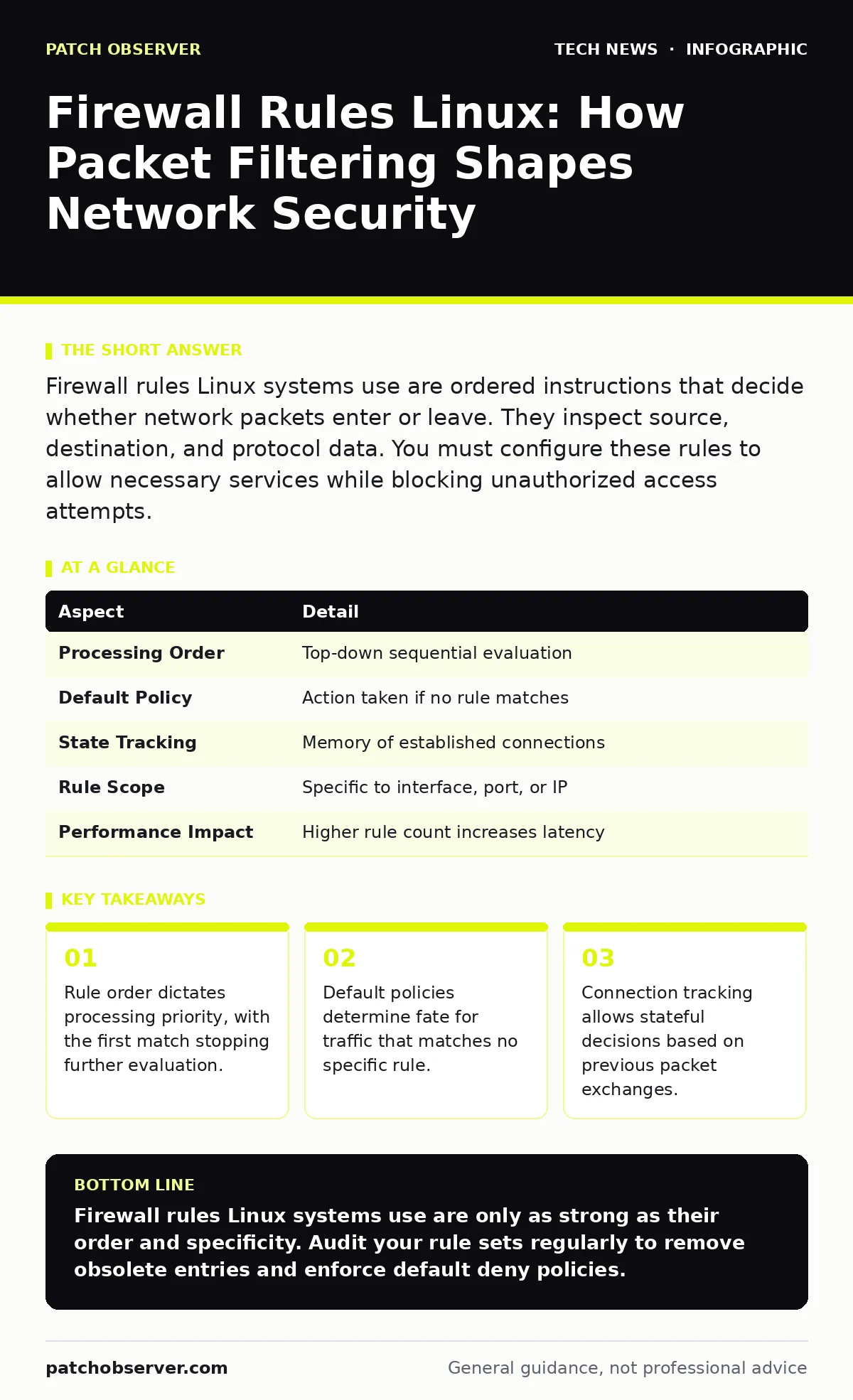
Firewall rules Linux systems use are ordered instructions that decide whether network packets enter or leave. They inspect source, destination, and protocol data. You must configure these rules to allow necessary services while blocking unauthorized access attempts.
Understanding Firewall Rules Linux Systems Enforce
Firewall rules Linux environments apply are discrete directives that control network packet flow. Each rule specifies criteria for matching traffic and an action to take when that match occurs. The system evaluates incoming and outgoing data against this list until it finds a match. This mechanism forms the primary boundary between your internal resources and external threats.
Imagine a building security desk with a stack of instruction cards. The guard reads the top card first. If the visitor matches the description on that card, the guard follows the instruction and stops reading. If not, the guard moves to the next card. This sequential processing is how the kernel handles network traffic.
| Aspect | Detail |
|---|---|
| Processing Order | Top-down sequential evaluation |
| Default Policy | Action taken if no rule matches |
| State Tracking | Memory of established connections |
| Rule Scope | Specific to interface, port, or IP |
| Performance Impact | Higher rule count increases latency |
The kernel module responsible for this filtering sits deep within the operating system. It intercepts packets before they reach application layers. This placement ensures that even compromised applications cannot easily bypass network restrictions. You gain control over exactly which services can communicate with the outside world.
How Packet Filtering Works in Practice
The filtering engine uses a chain of rules for different traffic types. Input chains handle packets destined for local processes. Output chains manage data leaving the system. Forward chains apply to packets passing through the machine to another destination. You assign rules to these chains to shape traffic behavior.
Each rule contains match criteria and a target action. Common criteria include source IP address, destination port, and protocol type. Actions typically include accept, drop, or reject. Accept allows the packet to proceed. Drop silently discards the packet, providing no feedback to the sender. Reject sends an error message back, informing the sender that the connection is refused.
Stateful inspection adds context to these decisions. The system tracks the state of connections, remembering which packets belong to an established session. This allows you to permit return traffic for outgoing requests without opening wide holes in your defense. You enable this by referencing connection states in your rules.
Who Controls and Who Is Affected
System administrators define these rules, but the impact extends to every user and service on the machine. Developers testing local services may find their applications unreachable if rules block required ports. End users experience connectivity issues when legitimate traffic is mistakenly filtered. Misconfigurations can isolate critical services from necessary updates or monitoring tools.
Remote work security depends heavily on correct rule configuration. Employees connecting from home need specific ports open for secure access. If rules are too restrictive, productivity suffers. If they are too loose, the enterprise network becomes vulnerable. You must balance accessibility with strict access controls.
Internal services also interact with these boundaries. Database servers should rarely accept direct external connections. Application servers mediate this access. Proper rule placement ensures that only application servers talk to databases, reducing the attack surface. You protect sensitive data by limiting which machines can initiate connections.
Common Misconfigurations and Hidden Costs
Many administrators assume that listing rules in a logical order is sufficient. The system does not care about logic; it cares about position. A broad allow rule placed before a specific deny rule renders the deny rule useless. This is the most frequent and dangerous error. You must place specific exceptions before general permissions.
Another hidden cost is performance degradation. Each packet must traverse the rule list. Thousands of complex rules increase processing time for every network interaction. This latency accumulates, affecting application responsiveness. You should audit rule sets regularly to remove obsolete entries. Consolidate similar rules where possible to reduce evaluation overhead.
Default policies often default to accept for convenience. This is a critical mistake. If a rule is missing or misconfigured, traffic passes through unchecked. You must set default policies to drop or reject. This ensures that only explicitly permitted traffic flows. Explicit permission is safer than implicit allowance.
What People Usually Get Wrong
Administrators frequently forget to manage outbound traffic. They focus heavily on incoming threats, leaving outgoing connections wide open. Malware inside the network can exfiltrate data or call out to command servers. You must restrict outbound connections to only necessary destinations and ports. This containment strategy limits damage from internal compromises.
Another error is relying solely on firewall rules for application security. Firewalls operate at the network layer. They cannot inspect application-layer payloads for injection attacks or malformed data. You need additional security layers for deep inspection. Firewall rules are necessary but insufficient for complete protection.
Temporary rule additions for troubleshooting often become permanent. Administrators open a port to fix an issue and forget to close it later. These forgotten openings accumulate over time. You should document every change and schedule regular reviews. Automated tools can help identify unused rules, but manual verification remains necessary.
See also: Network Access Control Definition: How Policies Block Unauthorized Devices · Data Loss Prevention Explained: Stop Sensitive Info From Leaving
Integrating with Broader Security Measures
Firewall rules function best as part of a layered defense. They complement network monitoring by reducing noise. Fewer allowed connections mean fewer logs to analyze. This simplifies detection of anomalies. You can focus on genuine threats rather than routine traffic.
For organizations using reverse proxies, firewall rules should protect the proxy, not the backend services. The proxy handles external requests and forwards them internally. You restrict direct access to backend servers, forcing all traffic through the proxy. This adds an additional layer of validation and logging.
Public key cryptography secures the content of communications, while firewall rules control the path. Both are necessary. Encryption ensures confidentiality, but it does not prevent unauthorized access attempts. You must block unauthorized paths even if the data is encrypted. This dual approach protects both availability and confidentiality.
Best Practices for Rule Management
Start with a baseline of default deny. Add rules only for required services. This minimizes the attack surface from the beginning. Document the purpose of each rule. Future administrators will thank you for clear explanations.
Regular audits are non-negotiable. Review rules quarterly to remove obsolete entries. Check for conflicts and redundancies. Test changes in a staging environment before applying them to production. This prevents accidental outages.
Use named chains for complex rule sets. This improves readability and maintenance. Group related rules together. This structure makes it easier to modify specific services without affecting others. You gain clarity and control over your network security posture.
Key takeaways
- Rule order dictates processing priority, with the first match stopping further evaluation.
- Default policies determine fate for traffic that matches no specific rule.
- Connection tracking allows stateful decisions based on previous packet exchanges.
Firewall rules Linux systems use are only as strong as their order and specificity. Audit your rule sets regularly to remove obsolete entries and enforce default deny policies.
Frequently asked questions
How do I check current firewall rules on Linux?
Use the appropriate command-line utility for your firewall framework. Most systems provide a list command that displays all active rules, chains, and counters. This output shows the current state of your filtering configuration.
How often should I review firewall rules?
Review rules at least quarterly or after any significant infrastructure change. Regular audits ensure that rules remain relevant and effective. This practice prevents accumulation of unused or conflicting rules.
How this guide was produced: written by the Patch Observer editorial team with AI assistance, checked against the public references listed below, and reviewed when the facts change. See our editorial policy or report an error.