Network Access Control Definition: How Policies Block Unauthorized Devices
Network access control stops devices from connecting before they pass a security check, preventing infected machines from spreading malware across your internal infrastructure.

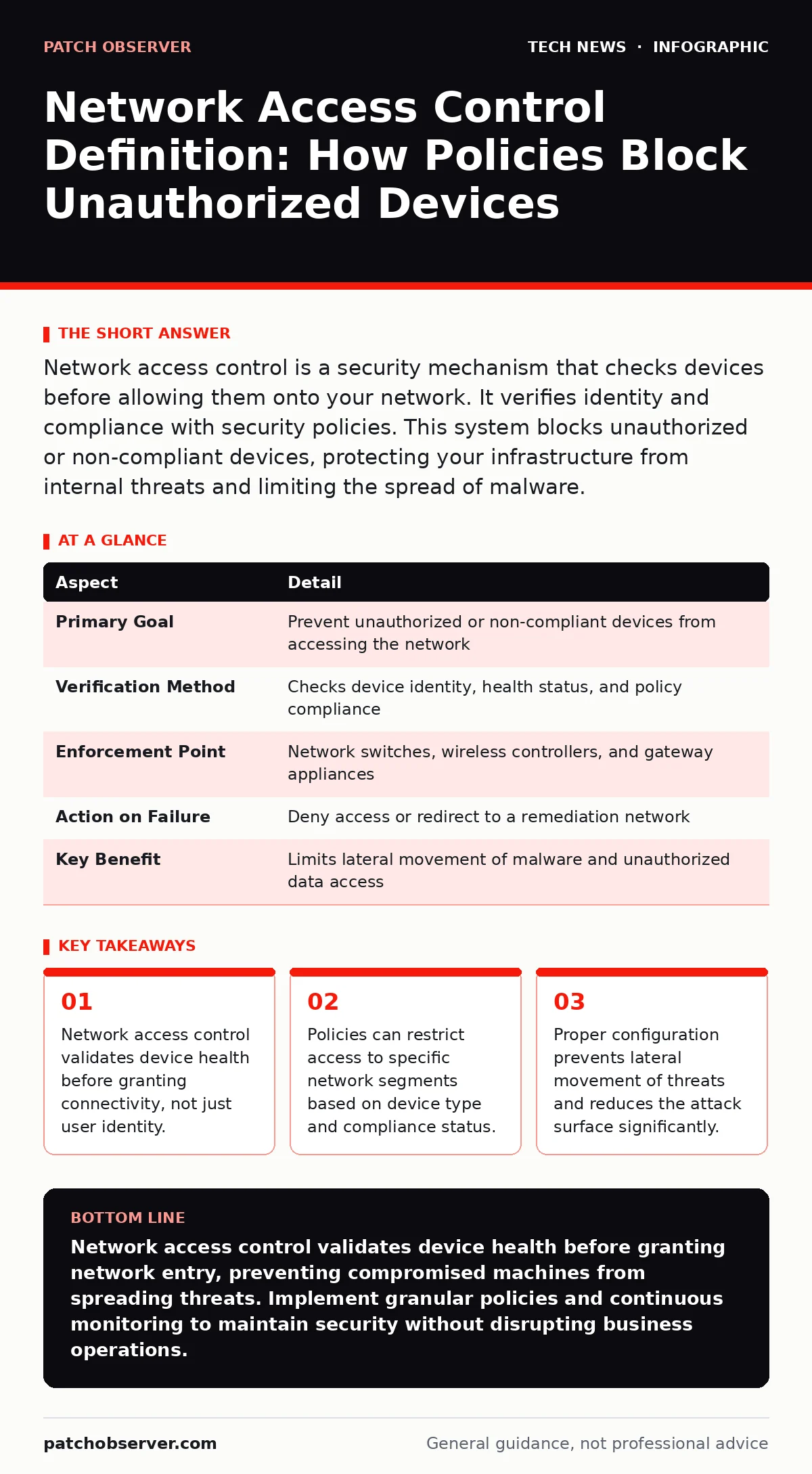
Network access control is a security mechanism that checks devices before allowing them onto your network. It verifies identity and compliance with security policies. This system blocks unauthorized or non-compliant devices, protecting your infrastructure from internal threats and limiting the spread of malware.
Network Access Control Definition
Network access control defines the policies and mechanisms that determine which devices can connect to your network and what resources they can reach. It acts as a digital gatekeeper, evaluating each connection request against established security rules before granting access. This process ensures that only authorized, compliant devices interact with your critical systems. You use network access control to enforce security standards across all entry points, including wired ports, Wi-Fi connections, and remote access tunnels.
The core function is validation. The system checks the device’s identity, operating system version, patch level, and antivirus status. If the device fails any check, the system denies full access. It may place the device in a restricted quarantine network where it cannot reach sensitive data. This immediate containment prevents compromised devices from communicating with your servers.
| Aspect | Detail |
|---|---|
| Primary Goal | Prevent unauthorized or non-compliant devices from accessing the network |
| Verification Method | Checks device identity, health status, and policy compliance |
| Enforcement Point | Network switches, wireless controllers, and gateway appliances |
| Action on Failure | Deny access or redirect to a remediation network |
| Key Benefit | Limits lateral movement of malware and unauthorized data access |
How Network Access Control Works
The process begins when a device attempts to connect to the network. The network switch or wireless controller detects the connection and triggers a check. The device must present credentials or certificates. The network access control system then queries a policy server to verify these credentials. It also scans the device for security attributes.
Imagine a laptop joins your office Wi-Fi. The system checks if the laptop has the latest security patches. It verifies that the firewall is active. It confirms the device belongs to your organization. If all checks pass, the system assigns the device to the standard corporate VLAN. If the firewall is off, the system redirects the laptop to a remediation network. The user can only reach update servers to fix the issue.
The system uses 802.1X, a standard for port-based network access control. This protocol ensures that authentication happens before any traffic flows. Without 802.1X, any device can plug into a wall jack and access the network. With it, the port remains closed until the device proves its worth. This mechanism works for both wired and wireless connections. It provides a consistent security baseline regardless of how the device connects.
Who Network Access Control Affects
Network access control impacts every device that connects to your infrastructure. This includes employee laptops, smartphones, and tablets. It also covers Internet of Things devices like printers, cameras, and smart sensors. Each device type has different security requirements. A printer does not need the same access as a finance laptop.
Remote workers face strict checks when connecting via Virtual Private Network. The system verifies their device health before establishing the tunnel. This protects your internal network from compromised remote endpoints. Contractors and guests also interact with these policies. They typically receive limited access to prevent accidental or malicious data exposure.
You, as the administrator, bear the responsibility for defining these policies. You must balance security with usability. Overly strict rules can disrupt business operations. Users may bypass controls if they are too cumbersome. You need clear policies that align with business needs. This requires ongoing review and adjustment as your environment changes.
What People Usually Get Wrong
Many organizations confuse network access control with simple authentication. They think a username and password are enough. This is a dangerous misconception. A user can have valid credentials but use a compromised device. Network access control checks the device itself, not just the user. It verifies that the operating system is patched and secure.
Another common error is assuming that once a device is approved, it stays approved. Device posture can change rapidly. A user might disable their antivirus or install unauthorized software. Static checks only happen at connection time. Continuous monitoring is required to detect changes. If the device’s security posture degrades, the system must revoke or restrict access.
Some teams neglect to segment the network properly. They allow all approved devices full access to all resources. This violates the principle of least privilege. Even a compliant device should only access what it needs. Combining network access control with micro-segmentation reduces the blast radius of a breach. It limits where a threat can move after initial compromise.
Implementing Effective Policies
Start by inventorying all device types in your environment. Identify which devices need access and what resources they require. Group devices by function, such as engineering, sales, or IoT. Create separate policies for each group. This allows tailored security controls. Engineering laptops might need full access to development servers. Guest phones need only internet access.
Define the health checks for each group. Require specific antivirus signatures, disk encryption, and OS versions. Test these policies in a lab environment before deploying them broadly. Roll out the policies in phases. Start with a pilot group of users. Monitor for connectivity issues and adjust the rules as needed. This gradual approach minimizes disruption.
Use SAML for single sign-on integration where possible. This allows users to authenticate once with their corporate credentials. The network access control system can trust these assertions. It reduces the need for separate network passwords. This improves user experience while maintaining security. It also centralizes identity management.
See also: Firewall Rules FAQ: Troubleshooting Conflicts and Logic Errors · Data Loss Prevention Explained: Stop Sensitive Info From Leaving
Ongoing Management and Monitoring
Network access control is not a set-and-forget solution. You must review policies regularly. New device types appear frequently. New vulnerabilities emerge that require updated patches. Your policies must evolve to address these changes. Regular audits ensure that the rules still align with your security goals.
Monitor logs for denied connections and policy violations. These events can indicate attempted breaches or misconfigurations. Look for patterns, such as repeated failures from a specific location or device type. Investigate anomalies promptly. They may reveal a threat actor trying to bypass controls.
Integrate network access control with other security tools. Connect it to your network monitoring systems for real-time visibility. Use it alongside API security measures to protect application endpoints. This holistic approach creates multiple layers of defense. It makes it harder for attackers to succeed.
Addressing Common Challenges
User resistance is a common hurdle. Employees may find the checks annoying. They might try to bypass them to get work done faster. Communicate the reasons behind the policies. Explain how network access control protects their data and the company’s reputation. Provide clear instructions for resolving compliance issues.
Complex environments pose technical challenges. Legacy devices may not support modern authentication protocols. You may need alternative methods for these devices. MAC address filtering can be a temporary workaround. It is less secure but better than no control. Plan to replace or upgrade legacy devices over time.
Performance impact is another concern. Authentication checks add latency to connections. Ensure your infrastructure can handle the load. Use high-performance switches and controllers. Optimize the policy server for quick responses. Test performance under peak load conditions. This ensures a smooth user experience.
Key takeaways
- Network access control validates device health before granting connectivity, not just user identity.
- Policies can restrict access to specific network segments based on device type and compliance status.
- Proper configuration prevents lateral movement of threats and reduces the attack surface significantly.
Network access control validates device health before granting network entry, preventing compromised machines from spreading threats. Implement granular policies and continuous monitoring to maintain security without disrupting business operations.
Frequently asked questions
Does network access control replace the need for firewalls?
No, network access control and firewalls serve different purposes. Network access control verifies device identity and health at the connection point. Firewalls filter traffic based on rules and ports. You need both for layered defense.
What happens if a device fails the compliance check?
The system typically denies full network access. It may redirect the device to a remediation network. The user can only access resources to fix the issue, such as update servers. Full access resumes only after compliance is restored.
How this guide was produced: written by the Patch Observer editorial team with AI assistance, checked against the public references listed below, and reviewed when the facts change. See our editorial policy or report an error.