Firewall Rules FAQ: Troubleshooting Conflicts and Logic Errors
Most firewall failures stem from conflicting rule logic and hidden statefulness, not from missing blocks or weak encryption settings.

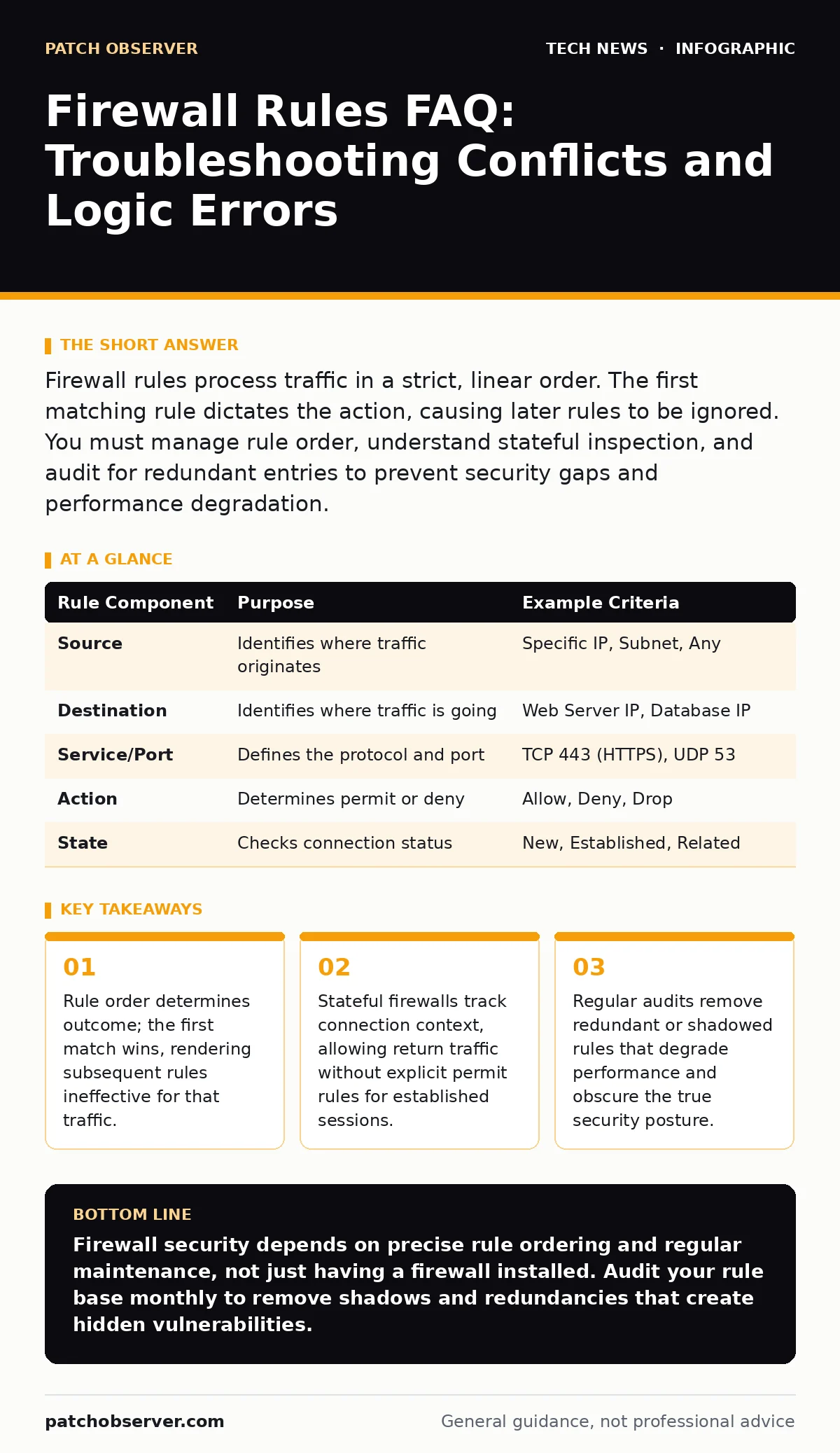
Firewall rules process traffic in a strict, linear order. The first matching rule dictates the action, causing later rules to be ignored. You must manage rule order, understand stateful inspection, and audit for redundant entries to prevent security gaps and performance degradation.
How does a firewall decide which rule applies?
Firewalls evaluate rules sequentially from top to bottom until they find a match. Once a rule matches the traffic criteria, the firewall executes the specified action and stops processing further rules. This "first match" logic means that a broad allow rule placed before a specific deny rule will permit traffic that should be blocked. You must place specific exceptions above general policies to ensure correct filtering.
What is the difference between stateful and stateless rules?
A stateless firewall inspects each packet in isolation without context. A stateful firewall tracks the state of active connections, remembering who initiated the session. With stateful inspection, you only need to permit the initial outbound request; the firewall automatically allows the returning response packets. This reduces rule complexity but requires careful handling of protocols that open multiple sub-connections, like FTP.
Why are my specific rules being ignored?
Specific rules are often ignored because a broader rule above them already matched the traffic. This phenomenon is called rule shadowing. If you have a rule allowing all HTTP traffic on port 80, any subsequent rule denying access to a specific IP on port 80 will never execute. You must review the rule base for overlapping criteria and reorder them to prioritize restrictions.
How do default policies affect security?
The default policy acts as the final catch-all for traffic that does not match any explicit rule. A default-deny policy blocks all unmatched traffic, which is the most secure approach. A default-allow policy permits unmatched traffic, creating significant risk if new threats emerge or if rules are misconfigured. You should always configure a default-deny policy and then explicitly permit only necessary traffic.
Can firewalls inspect encrypted traffic?
Standard firewalls cannot see the content of encrypted traffic because the payload is scrambled. They can only inspect the outer headers, such as source and destination addresses. To inspect the content, you need a firewall capable of SSL/TLS inspection, which decrypts traffic, examines it, and then re-encrypts it. This process requires trusted certificates and adds latency to user connections. For deeper context on protecting data in transit, review our guide on RSA encryption.
See also: Network Access Control Definition: How Policies Block Unauthorized Devices · Data Loss Prevention Explained: Stop Sensitive Info From Leaving
How do I handle protocols with dynamic ports?
Some protocols, like FTP or H.323, use control channels to negotiate data channels with random, high-numbered ports. Static firewall rules cannot predict these dynamic ports. Stateful firewalls often include protocol-specific helpers that monitor the control channel and temporarily open the necessary data ports. Without these helpers, legitimate traffic is blocked, or you must open wide port ranges that weaken security.
What is the impact of too many rules?
A large number of rules increases the processing time for each packet. Firewalls must evaluate each rule against every packet, so performance degrades as the rule base grows. This latency can affect user experience and application responsiveness. You should regularly consolidate rules and remove unused entries to maintain optimal throughput. Refer to our guide on software updates to ensure your firewall firmware supports efficient rule processing.
How do I manage rules for remote access?
Remote access requires specific rules to allow traffic from untrusted networks to internal resources. You must restrict these rules to specific source IPs or VPN tunnels to minimize exposure. Using a reverse proxy can add an additional layer of control, hiding internal server details and filtering requests before they reach the firewall. Ensure that remote access rules are time-bound or tied to multi-factor authentication events.
| Rule Component | Purpose | Example Criteria |
|---|---|---|
| Source | Identifies where traffic originates | Specific IP, Subnet, Any |
| Destination | Identifies where traffic is going | Web Server IP, Database IP |
| Service/Port | Defines the protocol and port | TCP 443 (HTTPS), UDP 53 |
| Action | Determines permit or deny | Allow, Deny, Drop |
| State | Checks connection status | New, Established, Related |
Why is rule auditing necessary?
Firewall rules accumulate over time as services are added and removed. Old rules become redundant or conflict with new security requirements. Regular audits identify shadowed rules, unused entries, and overly permissive configurations. This maintenance prevents security drift and ensures the firewall operates as intended. See our guide on remote work security for strategies to manage access rules as your workforce changes locations.
How do I troubleshoot blocked traffic?
Start by checking the firewall logs to see which rule matched the blocked traffic. Identify the source, destination, and service details from the log entry. Compare these details against your rule base to find the conflicting rule. Adjust the rule order or criteria to permit the legitimate traffic while maintaining security. If you manage complex network segments, our guide on Wi-Fi security may help isolate wireless-related filtering issues.
What are the risks of default-allow policies?
Default-allow policies assume that anything not explicitly blocked is safe. This approach leaves the network vulnerable to new or unknown threats that do not match existing deny rules. Attackers can exploit this by sending traffic on unusual ports or protocols that lack specific block rules. You should migrate to a default-deny policy to ensure only explicitly permitted traffic flows. For advanced protection against zero-day exploits, consider zero-knowledge proofs for authentication processes.
How do firewalls handle fragmented packets?
Fragmented packets are split into smaller pieces to traverse networks with small maximum transmission units. Some firewalls inspect each fragment individually, which can bypass stateful checks. Attackers may use fragmentation to hide malicious payloads within individual fragments. Ensure your firewall reassembles fragments before inspection or drops suspicious fragments to prevent evasion techniques.
Can firewalls prevent all attacks?
Firewalls filter traffic based on predefined rules but cannot inspect every aspect of an application's logic. They do not replace intrusion prevention systems or endpoint protection. Attackers may use allowed protocols to deliver malware or exploit application vulnerabilities. You must layer firewall rules with other security measures for effective protection. Review our guide on hardware security modules to understand how cryptographic keys can secure the infrastructure behind the firewall.
Key takeaways
- Rule order determines outcome; the first match wins, rendering subsequent rules ineffective for that traffic.
- Stateful firewalls track connection context, allowing return traffic without explicit permit rules for established sessions.
- Regular audits remove redundant or shadowed rules that degrade performance and obscure the true security posture.
Firewall security depends on precise rule ordering and regular maintenance, not just having a firewall installed. Audit your rule base monthly to remove shadows and redundancies that create hidden vulnerabilities.
Frequently asked questions
What is the difference between a packet filter and a stateful firewall?
A packet filter examines individual packets without context, while a stateful firewall tracks active connections to allow return traffic automatically.
How often should I review firewall rules?
You should review firewall rules at least quarterly, or immediately after any significant change to network services or infrastructure.
Can I have multiple default policies?
Most firewalls allow separate default policies for inbound, outbound, and internal traffic, but default-deny is recommended for all directions.
Do firewalls protect against DDoS attacks?
Firewalls can mitigate small DDoS attacks by rate-limiting or blocking specific sources, but large volumetric attacks require specialized DDoS protection services.
How this guide was produced: written by the Patch Observer editorial team with AI assistance, checked against the public references listed below, and reviewed when the facts change. See our editorial policy or report an error.