Recovery Point Objective: 6 Common Misreadings You Must Fix Now
Your recovery point objective determines how much data you accept losing during an incident, not how fast you restore it, a distinction that defines your actual risk tolerance.

Recovery point objective defines the maximum age of data you can restore from backups without unacceptable loss. It is not about speed or uptime. Confusing it with recovery time objective leads to over-engineered storage costs or insufficient backup frequency, leaving critical recent data permanently unrecoverable during an attack.
Misreading: RPO Means Fast Recovery
Correct reading: Recovery point objective defines how much data you can afford to lose, not how quickly you can get back online. This metric answers the question: "What is the maximum age of the backup we are willing to restore?" If your RPO is one hour, you must have backups that capture data from at least the last sixty minutes.
Recovery time objective is the separate metric that measures downtime. It answers: "How long can the system be offline?" Many organizations invest heavily in high-speed storage and fast network links to meet a tight RPO. This investment is wasted if the underlying issue is data loss tolerance. Speed helps meet recovery time objective, but frequency meets recovery point objective.
Confusing these two metrics leads to architectural errors. You might build a high-performance replication channel that costs thousands per month. This channel ensures you can restore quickly. It does nothing to prevent the loss of thirty minutes of transactions if your backup frequency is hourly. You pay for speed when you should be paying for granularity.
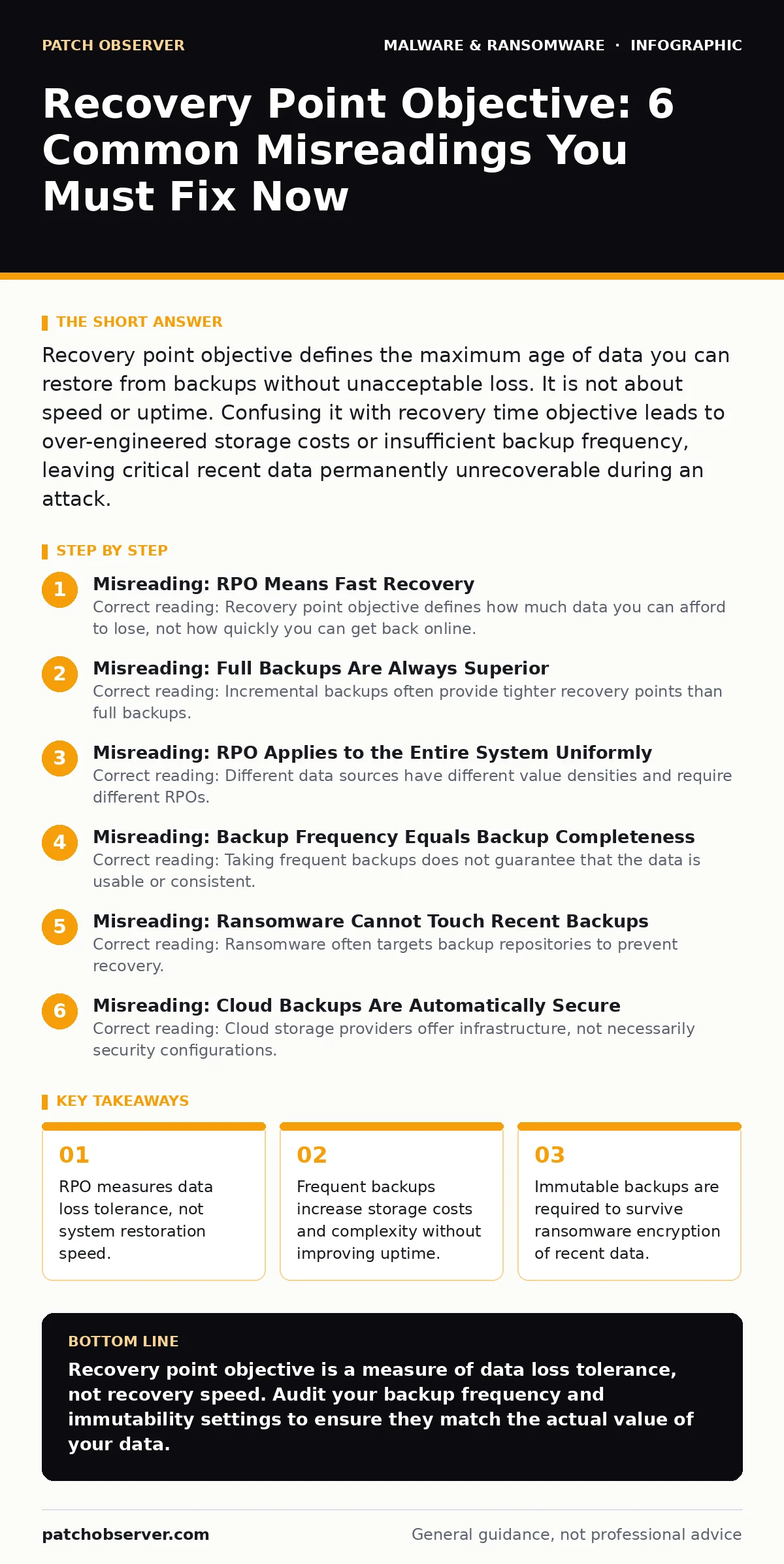
Misreading: Full Backups Are Always Superior
Correct reading: Incremental backups often provide tighter recovery points than full backups. A full backup copies every file in the dataset. This process takes significant time. If your system generates large amounts of data, a daily full backup might take four hours. During those four hours, no new backup exists. Your effective RPO is four hours plus the time since the last successful full backup.
Incremental backups only copy data that has changed since the last backup. These can run every fifteen minutes or even continuously. The restore process is slower because you must replay the base image plus every increment. However, the data loss window is drastically smaller. For high-transaction systems like email servers or database logs, incremental or continuous data protection is the only way to achieve an RPO of minutes.
Suppose you rely solely on nightly full backups. A ransomware event hits at 2 AM. The last backup finished at 11 PM. You lose three hours of data. An incremental strategy running every hour would limit that loss to sixty minutes. The trade-off is restore complexity. You must verify that your restoration process can handle long chains of increments without corruption.
Misreading: RPO Applies to the Entire System Uniformly
Correct reading: Different data sources have different value densities and require different RPOs. Treating your entire infrastructure as a single monolith for backup purposes is inefficient and risky. User files on a shared drive might tolerate an RPO of twenty-four hours. Losing a day of documents is inconvenient but rarely fatal.
Database transaction logs, however, may require an RPO of zero or near-zero. Losing even five minutes of financial transactions can cause reconciliation failures that take weeks to resolve. Email queues might need an RPO of fifteen minutes to prevent customer support delays. You must segment your backup architecture to match these specific tolerances.
This segmentation prevents resource contention. If you try to back up high-volume transaction logs with the same frequency and method as static archive data, you will saturate your network or storage IOPS. The backup process may fail or lag, violating the tight RPO for the critical data. Tailoring the approach ensures that critical paths get the attention they need without dragging down the rest of the environment.
Misreading: Backup Frequency Equals Backup Completeness
Correct reading: Taking frequent backups does not guarantee that the data is usable or consistent. Many applications, such as databases or virtual machines, maintain state in memory or in locked files. A file-level backup taken while the application is running may capture a half-written record. This results in a corrupted backup that fails to restore.
You need application-aware backups. These mechanisms quiesce the application briefly, ensuring that all pending writes are flushed to disk before the snapshot is taken. Without this, your frequent backups are technically frequent but functionally useless. You have met the time interval but failed the integrity test.
Virtualization platforms offer snapshot capabilities that appear to provide instant backups. These snapshots are point-in-time states of the virtual disk. They are not backups until they are exported or replicated to a secondary, isolated storage system. Keeping snapshots only on the primary host creates a single point of failure. If the hypervisor is compromised, both the live system and its "backups" are lost.
Misreading: Ransomware Cannot Touch Recent Backups
Correct reading: Ransomware often targets backup repositories to prevent recovery. If your backups are mounted as network drives or accessible via the same credentials as the production system, malware can encrypt them. This renders your RPO meaningless because the most recent backups are destroyed.
Immutable storage or air-gapped backups are necessary to preserve your RPO against this threat. Immutable storage allows data to be written but not modified or deleted for a set period. This prevents ransomware from overwriting recent backups. Air-gapping involves physically disconnecting the backup media from the network. This provides strong protection but makes restoration slower and more manual.
Imagine an attacker gains admin access. They search for mounted drives and known backup software directories. They encrypt everything they can reach. If your RPO relies on a backup taken ten minutes ago, and that backup was on a mounted drive, you lose that ten minutes. The attacker has effectively extended your data loss window to the last immutable or offline backup.
See also: Microsoft Defender Antivirus Mistakes That Leave Systems Exposed · Script Blocking Misunderstandings That Leave Systems Exposed
Misreading: Cloud Backups Are Automatically Secure
Correct reading: Cloud storage providers offer infrastructure, not necessarily security configurations. Misconfigured permissions can expose your backups to public access or allow unauthorized deletion. Many cloud platforms follow the shared responsibility model. The provider secures the hardware; you secure the data and access controls.
Versioning and lifecycle policies in cloud storage can be weaponized. If an attacker has write access, they may delete recent versions or overwrite them with empty files. You must implement strict access controls, such as requiring multi-factor authentication for any modification to backup buckets. Additionally, enable object lock features if available. This prevents deletion for a specified retention period, even by the root user.
Do not assume that because data is in the cloud, it is safe from your internal threats. Insider risk or compromised credentials can still wipe your cloud backups. You must treat cloud backup storage with the same rigor as on-premises storage. Regularly audit access logs to detect unusual deletion or modification patterns.
Key takeaways
- RPO measures data loss tolerance, not system restoration speed.
- Frequent backups increase storage costs and complexity without improving uptime.
- Immutable backups are required to survive ransomware encryption of recent data.
- Application state consistency matters more than raw file timestamps for databases.
Recovery point objective is a measure of data loss tolerance, not recovery speed. Audit your backup frequency and immutability settings to ensure they match the actual value of your data.
Frequently asked questions
How do I calculate my recovery point objective?
Identify the maximum amount of data loss your business can tolerate for each system without suffering significant financial or operational damage. Consult with department heads to determine the cost of losing hours or days of work.
Does continuous backup eliminate recovery point objective risk?
Continuous backup minimizes data loss to near zero but does not eliminate it. If the backup stream is interrupted or the target is encrypted, you still face data loss. You must ensure the continuous stream is protected by immutability or air-gapping.
Can I use snapshots as my primary backup strategy?
Snapshots are not backups if they reside on the same storage system as the production data. They are vulnerable to the same corruption and deletion events. You must replicate snapshots to a separate, isolated storage tier to create a true backup.
How does device hardening affect my RPO?
Device hardening prevents initial compromise, reducing the likelihood of needing to restore from backups. However, it does not guarantee prevention. Your RPO remains critical because advanced threats can bypass hardening measures. See device hardening for baseline security controls.
How this guide was produced: written by the Patch Observer editorial team with AI assistance, checked against the public references listed below, and reviewed when the facts change. See our editorial policy or report an error.