Script Blocking Misunderstandings That Leave Systems Exposed
Blocking all scripts breaks modern web functionality and shifts the attack surface to document macros and offline execution vectors that standard policies often ignore.

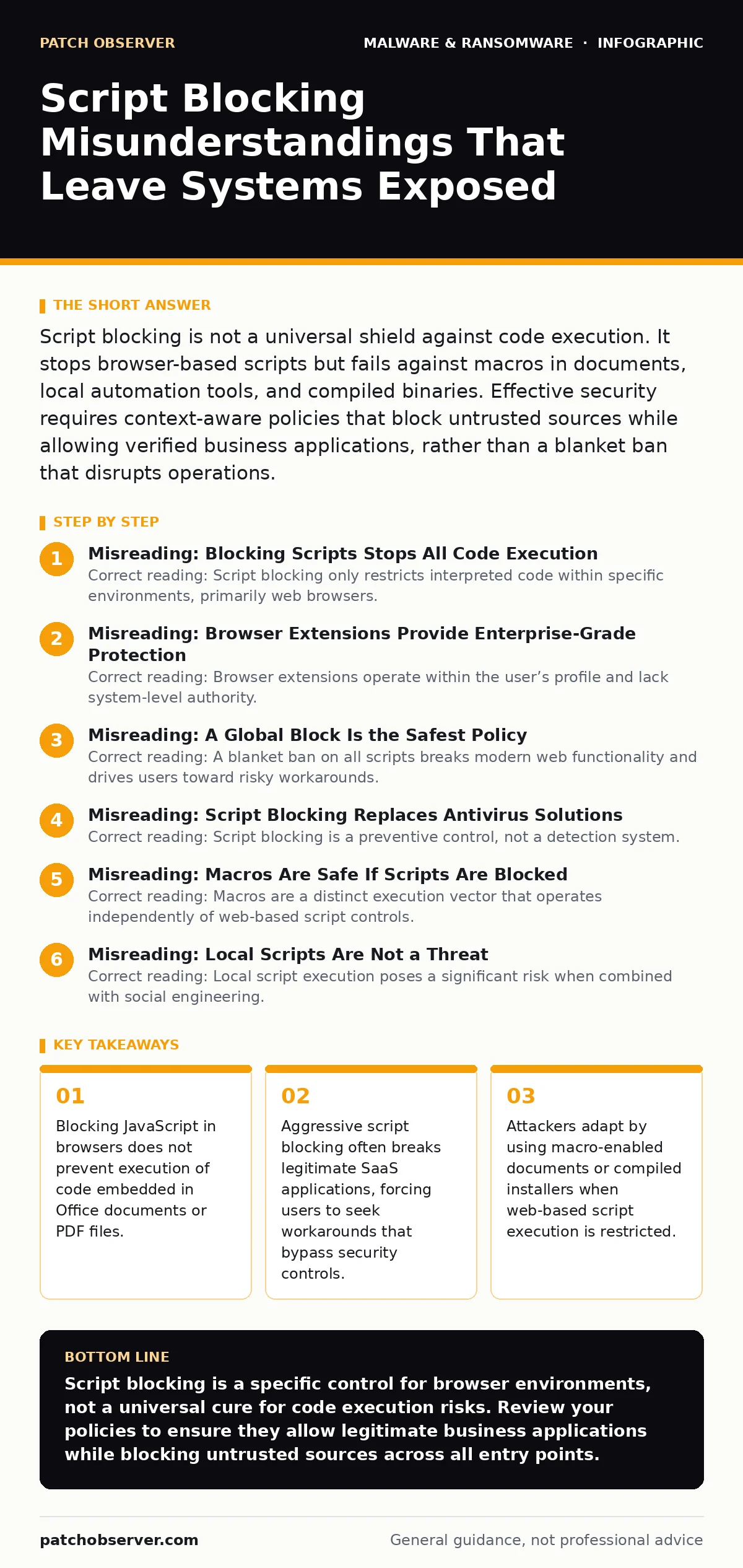
Script blocking is not a universal shield against code execution. It stops browser-based scripts but fails against macros in documents, local automation tools, and compiled binaries. Effective security requires context-aware policies that block untrusted sources while allowing verified business applications, rather than a blanket ban that disrupts operations.
Misreading: Blocking Scripts Stops All Code Execution
Correct reading: Script blocking only restricts interpreted code within specific environments, primarily web browsers. It does not prevent the execution of compiled binaries, PowerShell scripts, or macro commands embedded in productivity documents. You might believe that disabling JavaScript in your browser halts all automated threats. This assumption creates a false sense of security. Malware often arrives as a PDF or a Word document. These files execute instructions through their own internal engines, bypassing browser script filters entirely.
Misreading: Browser Extensions Provide Enterprise-Grade Protection
Correct reading: Browser extensions operate within the user’s profile and lack system-level authority. They cannot prevent code execution outside the browser window. Relying on a plugin to block malicious scripts ignores the broader attack surface. An extension can stop a malicious webpage from running code. It cannot stop a downloaded file from executing on your desktop. It also cannot protect other applications that render HTML content, such as email clients or chat platforms. These applications often have their own rendering engines that do not respect browser extension settings.
Misreading: A Global Block Is the Safest Policy
Correct reading: A blanket ban on all scripts breaks modern web functionality and drives users toward risky workarounds. Most enterprise software relies on client-side scripting for authentication, data validation, and user interface rendering. Blocking these scripts forces employees to disable security controls to perform their jobs. This behavior creates a shadow IT environment where users bypass protections to access necessary tools. Security teams then struggle to monitor activity that occurs outside controlled channels. The goal is selective blocking, not total prohibition.
Misreading: Script Blocking Replaces Antivirus Solutions
Correct reading: Script blocking is a preventive control, not a detection system. It stops known bad patterns from running but does not scan for malicious files already on disk. Antivirus solutions and endpoint detection tools monitor file behavior and system changes. Script blocking addresses the delivery mechanism. It does not address the payload once it has landed. You need both layers. If a user downloads a malicious document, script blocking in the browser will not help. The document executes locally, requiring traditional endpoint protection to detect and quarantine the threat.
Misreading: Macros Are Safe If Scripts Are Blocked
Correct reading: Macros are a distinct execution vector that operates independently of web-based script controls. Many users assume that disabling JavaScript protects them from all automated instructions. This is a critical gap. Macros in Microsoft Office documents can execute powerful commands, including downloading additional payloads or accessing network shares. Attackers frequently use macro-enabled documents because they bypass browser restrictions. Users often enable macros manually, believing the document is safe. This manual action defeats any browser-level script blocking policy you have in place.
See also: Malvertising Warning Signs: What to Look For and How to React
Misreading: Local Scripts Are Not a Threat
Correct reading: Local script execution poses a significant risk when combined with social engineering. Attackers often deliver payloads as PowerShell or Python scripts disguised as legitimate updates. These files run directly on the operating system, bypassing browser filters entirely. Users may execute these scripts because they appear to come from trusted internal sources. Script blocking policies that focus only on web traffic leave this vector open. You must restrict the execution of local scripts through application whitelisting or strict user permissions. This ensures that only authorized administrators can run automated commands.
Misreading: Users Will Not Bypass Restrictions
Correct reading: Users will find ways to circumvent strict script blocking to maintain productivity. When security controls prevent access to critical business applications, employees often use personal devices or unauthorized browsers. This behavior moves activity outside your monitoring capabilities. You lose visibility into threats that occur on unmanaged devices. Instead of forcing compliance through rigid blocks, implement allowlists for known business sites. This approach reduces friction while maintaining security. It also encourages users to report broken functionality rather than hiding their workarounds.
Misreading: Script Blocking Is a Set-and-Forget Control
Correct reading: Script blocking requires continuous tuning as web technologies and attack methods evolve. New web applications introduce novel script behaviors that may trigger false positives. Conversely, attackers develop new techniques to obfuscate malicious code. Your policy must adapt to these changes. Regularly review blocked items and user reports. Adjust your allowlists to include new legitimate services. Remove outdated entries that no longer serve a purpose. This ongoing maintenance ensures that your controls remain effective without disrupting business operations. Static policies become obsolete quickly and create unnecessary friction.
Misreading: All Script Threats Come from the Web
Correct reading: Script threats originate from multiple sources, including email attachments and removable media. While web browsing is a common vector, it is not the only one. Phishing emails often contain links to malicious scripts or attachments with embedded code. USB drives can carry autorun scripts that execute when plugged in. These vectors bypass browser-based controls entirely. You must address these risks through email filtering and device control policies. Blocking scripts in the browser does nothing to stop a malicious macro in an email attachment. A holistic approach covers all entry points.
Key takeaways
- Blocking JavaScript in browsers does not prevent execution of code embedded in Office documents or PDF files.
- Aggressive script blocking often breaks legitimate SaaS applications, forcing users to seek workarounds that bypass security controls.
- Attackers adapt by using macro-enabled documents or compiled installers when web-based script execution is restricted.
Script blocking is a specific control for browser environments, not a universal cure for code execution risks. Review your policies to ensure they allow legitimate business applications while blocking untrusted sources across all entry points.
Frequently asked questions
Does script blocking protect against phishing emails?
No, script blocking in browsers does not scan email attachments or links. You need dedicated email security filters to detect and block malicious content in messages.
Can I use script blocking to stop ransomware?
Script blocking can prevent some ransomware delivery methods, but it does not stop ransomware that arrives via documents or local scripts. You need endpoint protection and backups for full defense.
How do I block scripts without breaking my work apps?
Use allowlists for trusted business domains and block scripts on all other sites. This targeted approach maintains security while preserving functionality for critical applications.
Is disabling JavaScript enough for security?
Disabling JavaScript is too broad and breaks many modern websites. It also does not protect against macros or local script execution. Use granular controls instead.
How this guide was produced: written by the Patch Observer editorial team with AI assistance, checked against the public references listed below, and reviewed when the facts change. See our editorial policy or report an error.