Trojanized Software Explained: How Legit Apps Hide Malware
Trojans bypass security by hiding inside trusted programs, meaning your antivirus often sees only the clean wrapper and ignores the hidden payload inside.

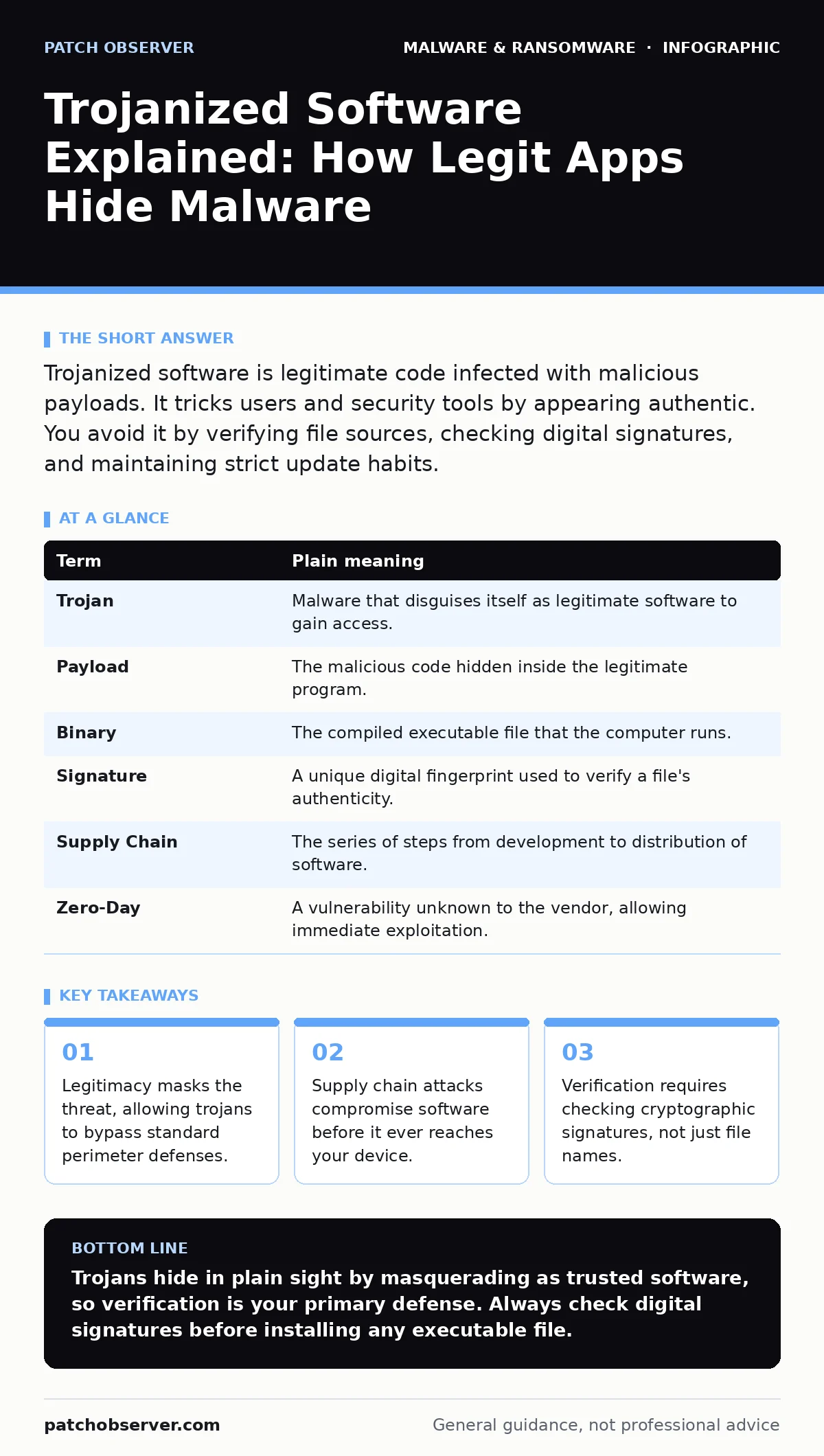
Trojanized software is legitimate code infected with malicious payloads. It tricks users and security tools by appearing authentic. You avoid it by verifying file sources, checking digital signatures, and maintaining strict update habits.
The Painted Crate Analogy
Imagine you order a crate of tools from a reputable manufacturer. The box is sealed, labeled correctly, and arrives on time. You trust the brand, so you do not inspect the contents closely. Inside, however, a thief has swapped the hammer for a brick and wrapped it in the original packaging. The crate looks legitimate, but the payload is destructive. This is how trojanized software operates. It relies on your trust in the source rather than technical obscurity.
How the Infection Hides
A trojanized application starts as legitimate software. Attackers inject malicious code into the original binary or installer. The resulting file retains the original appearance, name, and behavior. When you run the program, it performs its intended function while silently executing the hidden payload. This dual nature makes detection difficult. Traditional security measures often scan for known bad signatures. If the legitimate wrapper is clean, the scanner may miss the hidden component entirely.
The Supply Chain Vector
The most dangerous aspect of trojanized software is that the infection happens before installation. Attackers target the developers or the distribution channels. They compromise the build server or intercept the update feed. When you download the software, you receive the infected version directly from the official site. This means your local defenses are irrelevant. You are installing the threat with your own consent. This mirrors the logic of device hardening, where you assume the network is hostile, but here the software itself is the hostile agent.
Signs of a Compromised File
You cannot always see the infection by looking at the interface. The application may run slower than usual or consume excessive memory. Unexpected network connections often appear in the background. These connections send data to external servers controlled by the attacker. Sometimes the application crashes unexpectedly or fails to update correctly. These are non-specific symptoms, but they indicate something is wrong. If a trusted program suddenly behaves erratically, assume it may be trojanized. This is different from browser hijackers, which change your homepage but do not typically inject code into system binaries.
The Mini Glossary
| Term | Plain meaning |
|---|---|
| Trojan | Malware that disguises itself as legitimate software to gain access. |
| Payload | The malicious code hidden inside the legitimate program. |
| Binary | The compiled executable file that the computer runs. |
| Signature | A unique digital fingerprint used to verify a file's authenticity. |
| Supply Chain | The series of steps from development to distribution of software. |
| Zero-Day | A vulnerability unknown to the vendor, allowing immediate exploitation. |
See also: Microsoft Defender Antivirus Mistakes That Leave Systems Exposed · Email Attachment Scanning: 6 Misunderstandings That Leave Gaps
Verification Over Trust
You must verify the integrity of the software you install. Trusting the source is no longer sufficient. Use cryptographic signatures to ensure the file has not been altered. Most operating systems provide tools to check these signatures. If the signature is missing or invalid, do not install the file. This process adds a step to your workflow, but it prevents many supply chain attacks. It is similar to checking the seal on a package before opening it.
Safety Habits for Users
You can reduce your risk with simple, consistent habits. First, keep your operating system and applications updated. Patches often close the vulnerabilities that trojans exploit. Second, use the principle of least privilege. Run your daily tasks with a standard user account, not an administrator account. This limits what a trojan can do if it executes. Third, verify file hashes when available. This ensures the file you downloaded matches the original.
- Check the digital signature of every installer before running it.
- Disable macros and scripts in downloaded documents unless you explicitly trust the sender.
- Maintain a regular backup schedule to support your recovery point objective.
Handling Suspicious Activity
If you suspect a program is trojanized, disconnect it from the network immediately. This prevents the payload from communicating with its controller. Do not delete the file yet. Preserve it for analysis if you are in a professional environment. For home users, uninstall the program and run a deep scan. Consider that antivirus false positives can occur, but err on the side of caution. If the software is critical, reinstall it from a verified source. This approach is safer than attempting dynamic malware analysis yourself, which requires specialized tools and knowledge.
The Hidden Cost of Convenience
The trade-off for using pre-compiled software is blind trust. You rely on the developer's security practices. If they fail, you suffer. This is why open-source software can be safer; you or others can inspect the code. However, most users do not have this luxury. You must accept that some risk remains. The goal is not zero risk, but manageable risk. By verifying signatures and updating regularly, you shift the burden back to the attacker. This is more effective than relying on removing malware from an Android phone or other reactive measures after the fact.
Key takeaways
- Legitimacy masks the threat, allowing trojans to bypass standard perimeter defenses.
- Supply chain attacks compromise software before it ever reaches your device.
- Verification requires checking cryptographic signatures, not just file names.
Trojans hide in plain sight by masquerading as trusted software, so verification is your primary defense. Always check digital signatures before installing any executable file.
Frequently asked questions
Can antivirus software detect trojanized applications?
Standard antivirus often misses them because the outer layer is legitimate. Behavior-based detection is more effective but not perfect.
Is open-source software safe from trojans?
It is safer because code is visible, but supply chain attacks can still compromise open-source projects. Verification is still required.
How do I know if a file signature is valid?
Your operating system will usually warn you if a signature is missing or untrusted. You can also use command-line tools to verify it manually.
Should I stop downloading software from the internet?
No, but you must change how you trust it. Verify every file and assume the download channel could be compromised.
How this guide was produced: written by the Patch Observer editorial team with AI assistance, checked against the public references listed below, and reviewed when the facts change. See our editorial policy or report an error.