Browser Hijackers: How They Rewrite Your Digital Defaults
Browser hijackers persist by manipulating system registries and extension permissions, rendering simple browser resets ineffective against advanced variants.

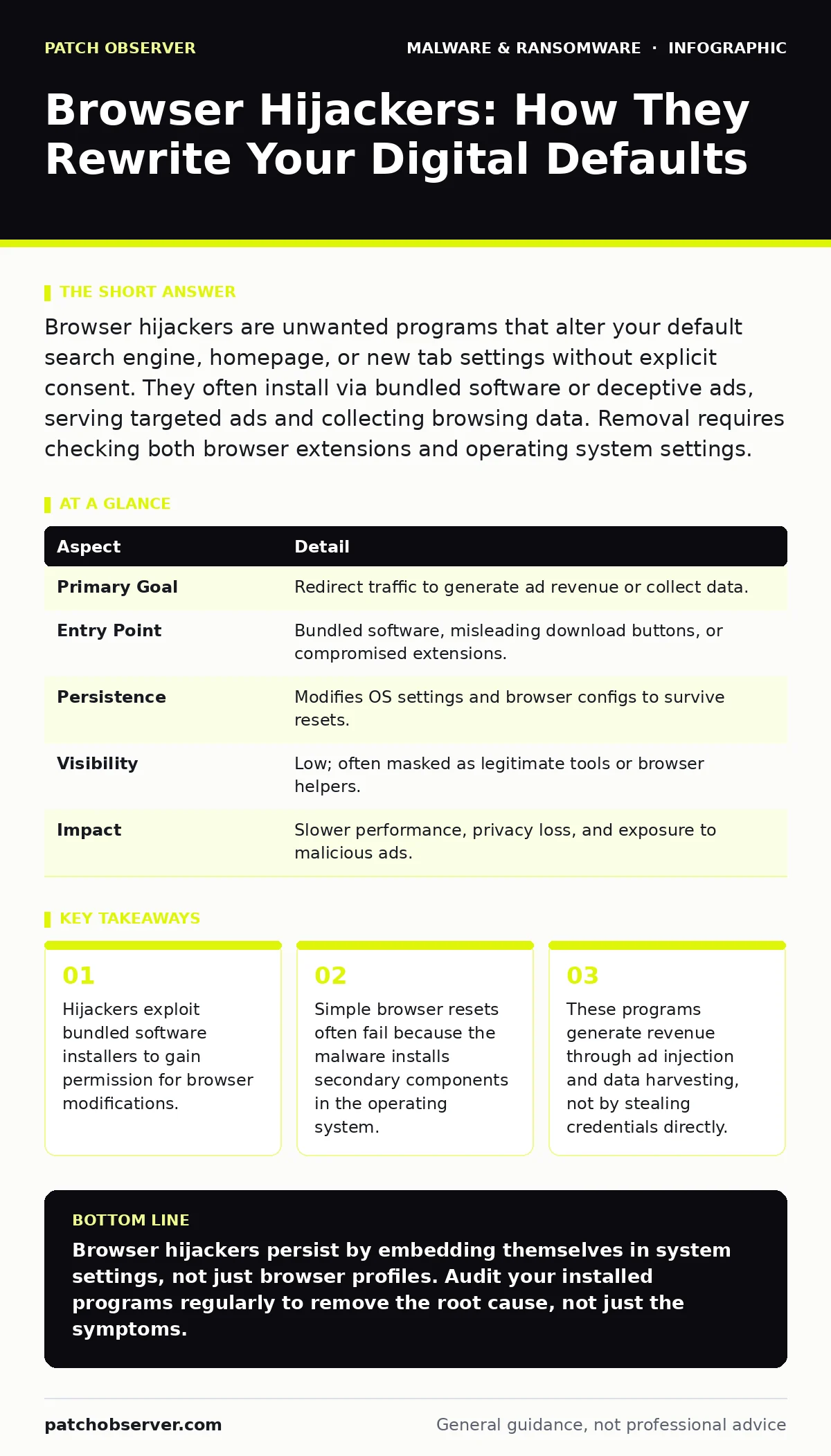
Browser hijackers are unwanted programs that alter your default search engine, homepage, or new tab settings without explicit consent. They often install via bundled software or deceptive ads, serving targeted ads and collecting browsing data. Removal requires checking both browser extensions and operating system settings.
The Uninvited Tour Guide
Imagine hiring a travel agent who promises a specific itinerary but books you on a different route to visit shops they own. You did not ask for the detour, but the agent controls the vehicle. Browser hijackers operate on this exact principle. They do not break into your computer with a sledgehammer. Instead, they manipulate the settings you rely on daily.
These programs change your default search provider, homepage, or new tab page. They may also inject advertisements into search results. The goal is visibility. By forcing your traffic through specific portals, the operator earns money per click or impression. You pay with your attention and your data.
Anatomy of the Takeover
Hijackers function by intercepting your browser’s configuration files. They modify registry keys or configuration databases that store your preferences. This allows them to override your choices whenever you launch the application.
Unlike ransomware, which locks your files, hijackers keep your system running. They need your browser open to generate revenue. This distinction matters for detection. A system under attack by a hijacker often feels sluggish due to background processes, but it does not crash. The user experience degrades slowly, making the intrusion easy to ignore until it becomes annoying.
| Aspect | Detail |
|---|---|
| Primary Goal | Redirect traffic to generate ad revenue or collect data. |
| Entry Point | Bundled software, misleading download buttons, or compromised extensions. |
| Persistence | Modifies OS settings and browser configs to survive resets. |
| Visibility | Low; often masked as legitimate tools or browser helpers. |
| Impact | Slower performance, privacy loss, and exposure to malicious ads. |
How the Infection Lands
Most hijackers arrive through a technique called software bundling. You download a free utility, such as a video converter or PDF editor. The installer includes optional components. If you click "Next" too quickly, you accept these extras. One of them is the hijacker.
Other infections occur through deceptive advertising. A banner claims your system is infected and prompts a scan. The resulting download installs a browser helper object. This object registers with your browser as a legitimate extension. It then gains the authority to modify your settings.
Common Forms and Behaviors
Hijackers present themselves in several ways. The most common is the search engine swap. Your default search provider changes to an unknown engine. This engine may return legitimate results but wraps them in advertising. It may also redirect certain queries to malicious sites.
Another form is the homepage lock. You try to set your browser to open to a specific site, but it reverts to the hijacker’s portal. The program monitors your settings and rewrites them if you attempt to change them. This creates a frustrating loop of configuration and reconfiguration.
Some variants inject ads directly into web pages. Even if you visit a clean site, you see banners or pop-ups that appear to belong to the site. This is known as ad injection. It damages trust in legitimate websites and increases the risk of clicking on malicious content.
Who Gets Hit and Why
These programs target any user who installs software or visits ad-heavy websites. They are not selective about operating systems, though they are most prevalent on desktop platforms with large software ecosystems. Users who rush through installation wizards are the primary victims.
The financial incentive drives the spread. Operators sell access to the traffic generated by infected browsers. This traffic is valuable because it is forced. The user has no choice but to use the hijacked search engine or homepage. This guarantees a baseline level of engagement for the advertiser.
The Hidden Cost of Convenience
The immediate annoyance is the changed settings. The deeper issue is data collection. Hijackers log your search queries, visited URLs, and sometimes form inputs. This data builds a profile of your interests and habits. It is sold to third parties.
This profiling happens without your explicit consent. The privacy policy of the bundled software may mention data sharing, but it is often buried in legal jargon. You trade your browsing privacy for a free tool. The cost is cumulative. Over time, the profile becomes detailed enough to target you with highly specific, and potentially malicious, advertisements.
What People Get Wrong
Many users believe that resetting their browser settings removes the hijacker. This is often incorrect. A browser reset clears extensions and preferences within the browser. It does not remove the underlying application or service installed in the operating system. The hijacker’s installer often places a secondary component in a system folder. This component monitors the browser and reinstalls the hijack if it detects a reset.
Another misconception is that antivirus software will catch all hijackers. Many hijackers use legitimate browser extension APIs. They behave like normal extensions, just with unwanted settings changes. Antivirus engines may flag them as "potentially unwanted programs" rather than malware. This classification leads to lower priority in scans.
Reducing the Risk
Prevention starts with careful installation practices. Always choose the "Custom" or "Advanced" installation option. This reveals optional components. Uncheck any boxes related to toolbars, search engines, or browser helpers. Read the fine print.
Regularly audit your installed programs. Look for applications you do not recognize or do not remember installing. Remove them immediately. This practice is part of broader device hardening. It reduces the attack surface by eliminating unnecessary software.
Keep your browser updated. Updates often patch vulnerabilities that hijackers use to maintain persistence. Use ad blockers to reduce exposure to deceptive advertising. This is not a substitute for caution, but it adds a layer of defense against malicious landing pages.
The Aftermath and Recovery
If you suspect an infection, start by checking your browser extensions. Disable any that you do not recognize. Then, check your operating system’s list of installed programs. Look for recent additions that match the name of the hijacker or its parent company.
Run a scan with a reputable security tool. Look for false positives, as some legitimate tools may be flagged. If the hijacker persists, consider dynamic malware analysis techniques to identify the specific files it is modifying. This helps in creating targeted removal steps.
Remember that removing the hijacker does not erase the data it collected. If sensitive information was entered, monitor your accounts for unusual activity. Change passwords for any accounts accessed during the infection period. This is a standard step in incident response, even for low-severity threats like adware.
Key takeaways
- Hijackers exploit bundled software installers to gain permission for browser modifications.
- Simple browser resets often fail because the malware installs secondary components in the operating system.
- These programs generate revenue through ad injection and data harvesting, not by stealing credentials directly.
Browser hijackers persist by embedding themselves in system settings, not just browser profiles. Audit your installed programs regularly to remove the root cause, not just the symptoms.
Frequently asked questions
Can a browser hijacker steal my passwords?
Standard hijackers focus on redirecting traffic and injecting ads. They rarely have the capability to steal stored passwords unless they are combined with a keylogger or other spyware components.
Does resetting my browser delete the hijacker?
No. A browser reset clears browser-specific settings but often leaves the underlying application or service intact. You must uninstall the associated program from your operating system to achieve full removal.
How this guide was produced: written by the Patch Observer editorial team with AI assistance, checked against the public references listed below, and reviewed when the facts change. See our editorial policy or report an error.