Backported Security Fixes: What They Are and How to Manage Risks
Backports isolate critical security patches from full version upgrades, reducing deployment risk while creating maintenance complexity for long-term support environments.

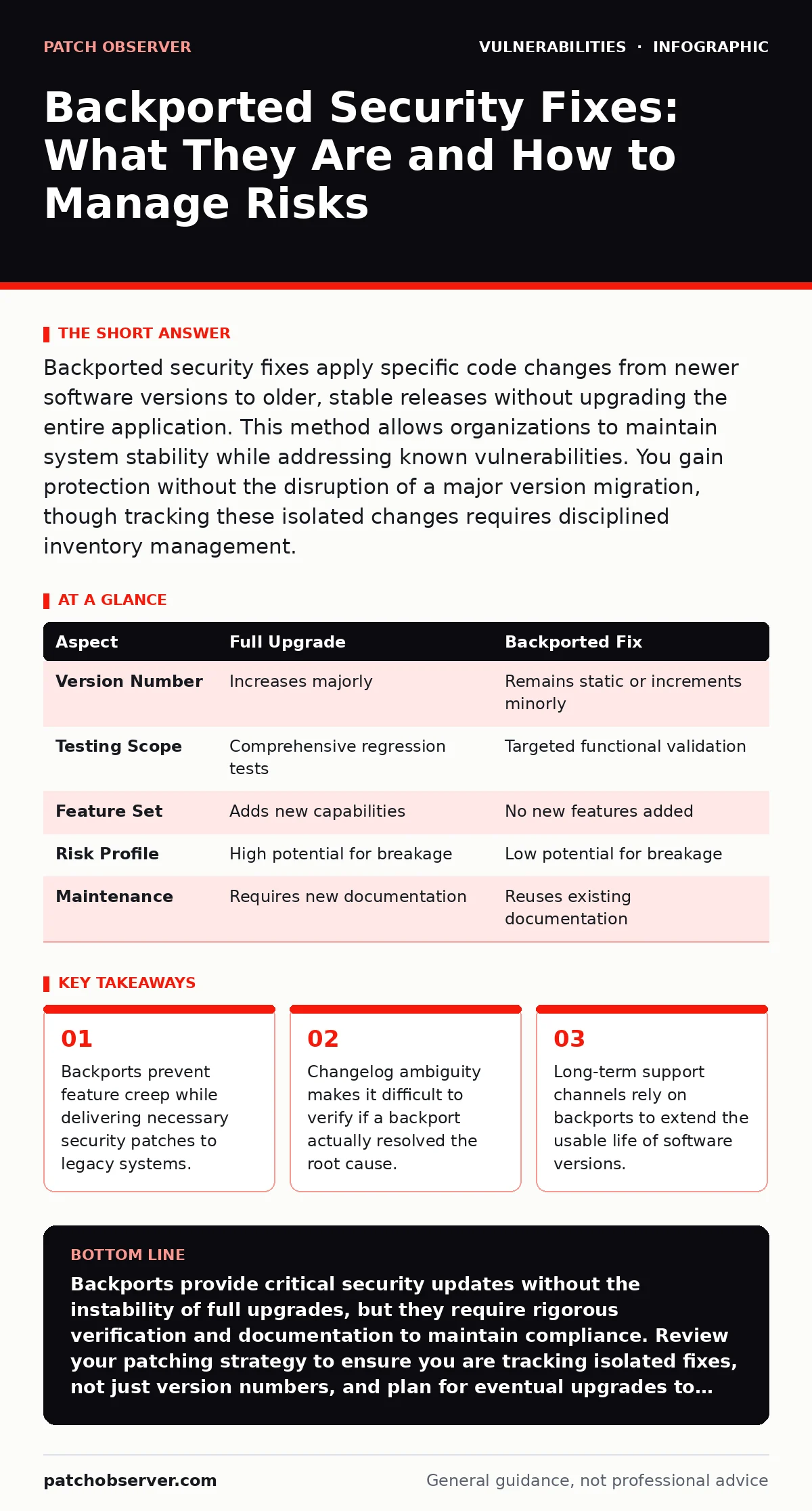
Backported security fixes apply specific code changes from newer software versions to older, stable releases without upgrading the entire application. This method allows organizations to maintain system stability while addressing known vulnerabilities. You gain protection without the disruption of a major version migration, though tracking these isolated changes requires disciplined inventory management.
What defines a backported security fix?
A backported security fix is a targeted code change extracted from a newer software version and applied to an older, supported release. This process isolates the security correction from new features, bug fixes, or architectural changes present in the newer version. The goal is to maintain the stability of the existing environment while closing a specific vulnerability. You receive the protection without the potential instability of a full upgrade.
Why use backports instead of full upgrades?
Full software upgrades introduce new features, dependencies, and behaviors that can break existing configurations or integrations. Backports allow you to apply only the necessary security logic. This minimizes testing requirements and reduces the window of exposure during deployment. You avoid the risk of introducing regressions caused by unrelated code changes. This approach is standard for long-term support channels where stability outweighs the need for new capabilities.
How do you verify a backport was applied?
Verification requires inspecting the source code or detailed commit history rather than relying on version numbers alone. Version numbers often remain static even when critical patches are backported. You must cross-reference vulnerability identifiers with the vendor’s advisory notes. Check for specific commit hashes or file timestamps that correspond to the fix. Relying solely on package manager output can be misleading if the vendor bundles multiple fixes under a single incremental version bump.
What is the impact on compliance and auditing?
Auditors require proof that specific vulnerabilities are mitigated on production systems. Backports complicate this because standard version checks may show an "unpatched" older version. You must maintain documentation linking the installed package to the specific backported commits. This documentation serves as evidence that the system is secure despite not running the latest release. Without this mapping, compliance tools may flag false positives, creating unnecessary alert fatigue.
Do backports introduce new attack surfaces?
Backports can introduce subtle inconsistencies if the underlying code structure has changed significantly in newer versions. A fix designed for a modern architecture might not integrate cleanly with legacy components. This mismatch can create edge cases where the patch fails under specific conditions. You must test backports in isolated environments before deployment. The risk is not the feature itself, but the integration of modern security logic into outdated frameworks.
| Aspect | Full Upgrade | Backported Fix |
|---|---|---|
| Version Number | Increases majorly | Remains static or increments minorly |
| Testing Scope | Comprehensive regression tests | Targeted functional validation |
| Feature Set | Adds new capabilities | No new features added |
| Risk Profile | High potential for breakage | Low potential for breakage |
| Maintenance | Requires new documentation | Reuses existing documentation |
See also: Vulnerability Prioritization: How to Rank Risks Without Wasting Time · Exploit Chains Explained: How Attackers String Vulnerabilities Together
How does this relate to firmware updates?
Firmware updates often operate on similar principles to software backports, especially in hardware devices with constrained resources. Vendors may release microcode patches that address specific vulnerabilities without rewriting the entire firmware image. These patches are critical for devices where a full reflash carries high risks of bricking the hardware. Understanding the mechanism of firmware updates helps you apply the same verification rigor to hardware components as you do to software packages.
What role does responsible disclosure play?
Vendors often coordinate with security researchers to release backports before full public disclosure of a vulnerability. This coordination allows users to patch systems before exploit code becomes widely available. The timing of backport releases is often dictated by the embargo period agreed upon during responsible disclosure. You should monitor vendor security advisories closely during these windows. Early access to backports can be the difference between a contained incident and a widespread breach.
Can backports mask integer overflow vulnerabilities?
Complex vulnerabilities like integer overflow vulnerabilities often require structural changes that are difficult to isolate. A backport might apply a surface-level check without addressing the deeper architectural flaw. This creates a false sense of security where the specific exploit path is blocked, but similar logic errors remain. You must review the technical details of the fix to determine if it is a complete remediation or a temporary workaround. Partial fixes may require a full upgrade to resolve permanently.
How do backports affect server-side template injection risks?
Vulnerabilities like server-side template injection often stem from how input is processed by the rendering engine. Backports may restrict input handling without altering the core template syntax. This reduces the immediate risk but may not prevent future variations of the attack. You should treat backports for injection flaws as temporary mitigations. A full upgrade often includes a redesigned input sanitization layer that provides deeper protection.
What is the long-term maintenance cost?
Managing backports requires continuous monitoring of vendor advisories and manual verification of applied fixes. As the gap between your version and the latest release grows, backports become less frequent and less reliable. Eventually, the maintenance burden exceeds the cost of upgrading. You must establish a clear policy for when to stop accepting backports and mandate a full migration. This prevents technical debt from accumulating to unsustainable levels.
How do you handle HTTP request smuggling via backports?
Complex protocol issues like HTTP request smuggling often require parser-level changes that are difficult to backport safely. Vendors may release a backport that adds strict header validation, but this might not cover all edge cases present in the newer version. You should validate backports for protocol vulnerabilities against a comprehensive test suite. The complexity of these flaws means that a backport is rarely a complete solution.
What if the backport conflicts with weak password policies?
Some security backports modify authentication logic to enforce stricter standards. If your organization relies on custom authentication modules that bypass standard checks, a backport might break functionality. This is often related to weak password policies that were implemented as workarounds for usability issues. You must review authentication flows before applying backports that touch the security layer. Conflicts here can lock out legitimate users or expose stored credentials.
How do attack vectors in CVSS score backports?
The attack vectors in CVSS scoring do not change based on whether a fix is a backport or a full upgrade. The severity of the vulnerability remains the same. However, the ease of deployment changes. Backports lower the barrier to remediation, effectively reducing the operational risk. You should prioritize backports for high-severity vulnerabilities where full upgrades are impractical. The CVSS score guides the urgency, but the deployment method guides the strategy.
Key takeaways
- Backports prevent feature creep while delivering necessary security patches to legacy systems.
- Changelog ambiguity makes it difficult to verify if a backport actually resolved the root cause.
- Long-term support channels rely on backports to extend the usable life of software versions.
Backports provide critical security updates without the instability of full upgrades, but they require rigorous verification and documentation to maintain compliance. Review your patching strategy to ensure you are tracking isolated fixes, not just version numbers, and plan for eventual upgrades to avoid technical debt.
Frequently asked questions
Are backports available for all software vendors?
Not all vendors provide backports. Many open-source projects and commercial vendors only support the latest version, forcing users to upgrade to receive security fixes.
Can I automate the verification of backported fixes?
You can automate parts of the process by parsing commit hashes and cross-referencing them with vulnerability databases, but manual review is often necessary for complex code changes.
Do backports expire?
Backports are valid until the underlying vulnerability is exploited in a new way or the software version reaches end-of-life. They do not have a fixed expiration date but require ongoing maintenance.
How do backports differ from hotfixes?
Hotfixes are typically emergency patches for critical issues, while backports are structured integrations of fixes from newer versions. Hotfixes are often less tested and may be superseded by backports.
How this guide was produced: written by the Patch Observer editorial team with AI assistance, checked against the public references listed below, and reviewed when the facts change. See our editorial policy or report an error.