GitLab Vulnerability Response: Containment and Recovery Steps
Immediate network isolation prevents lateral movement while preserving forensic evidence for later analysis of the attack chain.

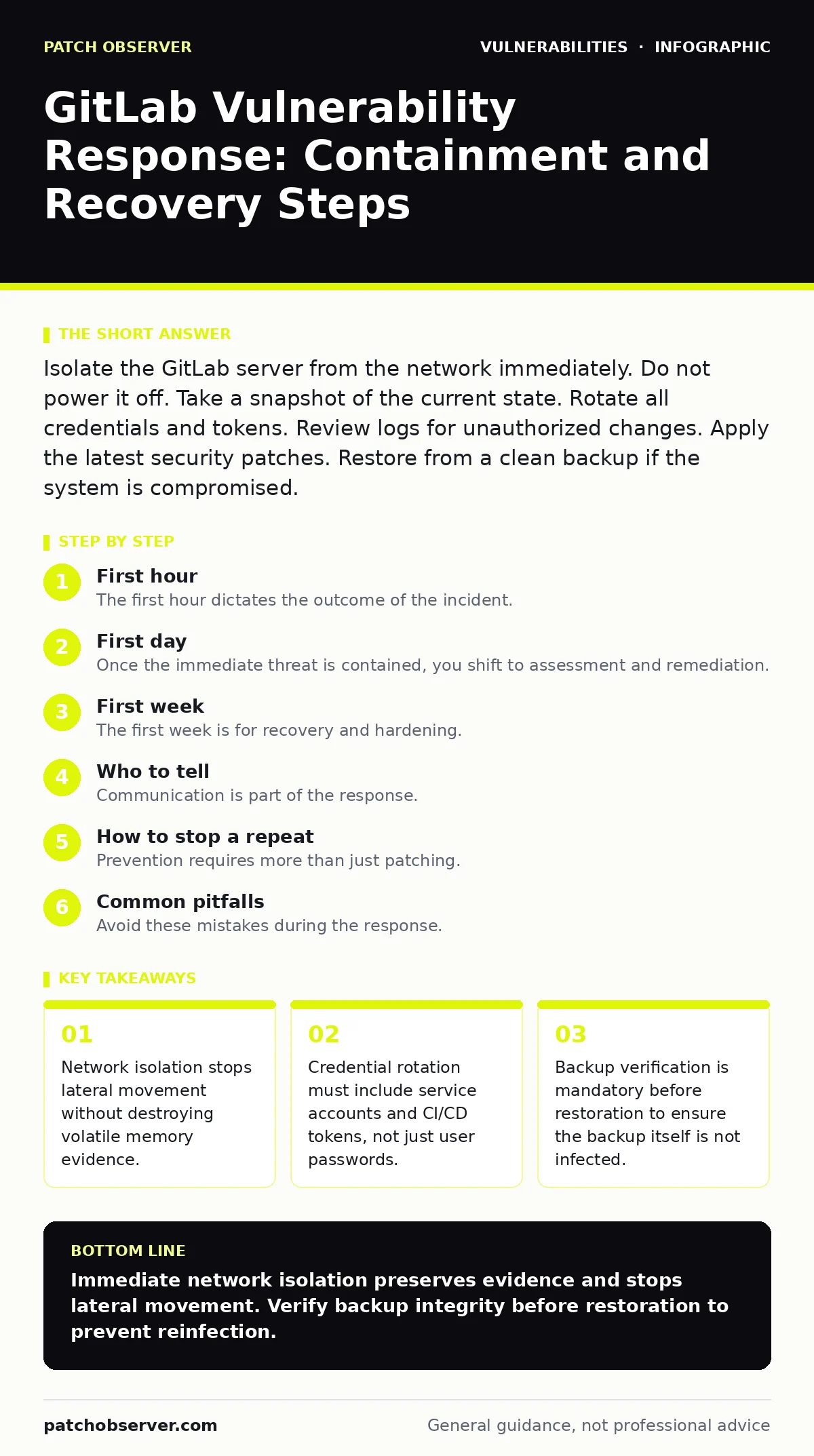
Isolate the GitLab server from the network immediately. Do not power it off. Take a snapshot of the current state. Rotate all credentials and tokens. Review logs for unauthorized changes. Apply the latest security patches. Restore from a clean backup if the system is compromised.
First hour
The first hour dictates the outcome of the incident. You must contain the spread while preserving evidence. Do not panic. Do not guess. Act on established procedures.
- Isolate the network. Disconnect the GitLab server from the internet and internal networks. Keep the system running. This stops attackers from moving to other servers or exfiltrating more data.
- Secure access. Revoke all active sessions. Disable single sign-on if it relies on the compromised identity provider. Force password resets for all users.
- Take a snapshot. Create a forensic image of the disk. This preserves the current state for later analysis. Do not modify files on the live system.
- Check backups. Verify the integrity of your most recent backups. Ensure they are from a point before the vulnerability was exploited.
- Disconnect network cables or disable virtual network adapters.
- Revoke all personal access tokens.
- Revoke all deploy tokens.
- Disable webhooks that send data to external services.
- Take a full disk snapshot.
- Verify backup integrity.
First day
Once the immediate threat is contained, you shift to assessment and remediation. You need to understand the extent of the damage. You also need to restore service safely.
Assess the scope of the breach. Review GitLab logs for unauthorized commits, tag creations, or repository deletions. Check for new users with administrator privileges. Look for changes to CI/CD pipelines. Attackers often insert malicious code into build scripts. This is a common entry point for server-side template injection attacks.
Rotate all credentials. This includes user passwords, but also service accounts, API keys, and SSH keys. Do not reuse old passwords. Generate new keys for all repositories. Ensure that weak password policies are enforced during this process to prevent future easy entry.
Analyze the attack vectors in CVSS to understand how the initial access occurred. Was it a remote code execution flaw? Was it an authentication bypass? Understanding the vector helps you patch the specific weakness. If the vulnerability involves integer overflow vulnerabilities, the fix may require more than just a software update. It may require configuration changes.
First week
The first week is for recovery and hardening. You must restore operations while ensuring the vulnerability is fully patched. You also need to improve your defenses to prevent recurrence.
Restore from clean backups. If the system was deeply compromised, a fresh install is safer than attempting to clean it. Restore data only after verifying the backup is not infected. This step is critical. Backported security fixes may not cover all edge cases. A fresh install with the latest stable version ensures you have all known patches.
Update the GitLab instance. Apply the latest security patches. Do not skip versions. Each version may contain critical fixes. Test the update in a staging environment first. Ensure that firmware updates for the underlying hardware are also current. Outdated firmware can bypass software-level security controls.
Review CI/CD pipelines. Remove any unauthorized changes. Verify that build scripts are signed and verified. Implement strict access controls for pipeline management. This prevents attackers from injecting malicious code into the build process.
Who to tell
Communication is part of the response. You must inform the right people at the right time. Delaying notification can increase liability and damage trust.
Inform your team. Provide clear, factual updates. Avoid speculation. Tell them what has happened, what is being done, and what they need to do. This includes rotating their own credentials if they were compromised.
Notify affected users. If user data was exposed, you may be legally required to notify them. Follow local regulations. Be transparent about what happened and what steps you are taking to protect them.
Contact your insurance provider. If you have cyber insurance, notify them immediately. They may require specific steps for evidence preservation. Failure to follow their procedures can void your coverage.
How to stop a repeat
Prevention requires more than just patching. You need to change your security posture. You must assume that vulnerabilities will exist. You need to minimize the impact.
Implement least privilege. Users should only have the permissions they need. Administrators should not have direct access to production systems. Use role-based access control. This limits the damage if an account is compromised.
Enable multi-factor authentication. This adds a layer of security beyond passwords. Even if a password is stolen, the attacker cannot access the account without the second factor. This is particularly important for administrator accounts.
Regularly audit permissions. Review user access quarterly. Remove access for users who no longer need it. This reduces the attack surface. It also helps detect unauthorized changes early.
Monitor for anomalies. Set up alerts for unusual activity. This includes large data transfers, new administrative users, or changes to critical configuration files. Early detection allows for faster containment.
See also: Attack Vectors Explained: Mechanisms, Limits, and Defense Strategies · Social Engineering Tactics: How Attackers Bypass Technical Defenses
Common pitfalls
Avoid these mistakes during the response. They can worsen the situation.
Do not ignore minor vulnerabilities. Small flaws can be part of exploit chains. Attackers combine multiple vulnerabilities to gain access. Patch everything.
Do not rely on default configurations. GitLab comes with secure defaults, but they may not be suitable for your environment. Customize settings to meet your security requirements.
Do not skip testing. Test patches and backups regularly. Un tested backups may fail when you need them most. Un tested patches may break your system.
Long-term resilience
Building resilience takes time. It requires ongoing effort.
Conduct security assessments. Regularly test your defenses. This helps identify weaknesses before attackers do. It also validates your response procedures.
Train your team. Security is everyone’s responsibility. Train users to recognize phishing attempts and other social engineering tactics. Train administrators on secure configuration practices.
Keep software updated. Establish a regular patching schedule. Delaying updates increases risk. Prioritize critical security patches.
Review incident response plans. Update them after each incident. Incorporate lessons learned. This ensures your procedures remain effective.
Final checks
Before declaring the incident resolved, perform final checks.
Verify all patches are applied. Check for any remaining unauthorized changes. Ensure all credentials are rotated. Confirm that monitoring is active. Document the incident. This documentation is vital for future improvements.
Key takeaways
- Network isolation stops lateral movement without destroying volatile memory evidence.
- Credential rotation must include service accounts and CI/CD tokens, not just user passwords.
- Backup verification is mandatory before restoration to ensure the backup itself is not infected.
Immediate network isolation preserves evidence and stops lateral movement. Verify backup integrity before restoration to prevent reinfection.
Frequently asked questions
How do I know if my GitLab instance is compromised?
Look for unauthorized changes to repositories, new administrative users, or unusual network traffic. Check logs for failed login attempts and suspicious commands.
Should I restore from a backup or reinstall GitLab?
Reinstalling is safer if the compromise is deep. Restoring from a backup is faster but risky if the backup is infected. Verify backup integrity first.
What is the most common way attackers access GitLab?
Attackers often exploit vulnerabilities in the web interface or CI/CD pipelines. They may also use stolen credentials or weak passwords.
How often should I patch GitLab?
Patch immediately when critical security updates are released. Regularly apply non-critical updates to maintain stability and security.
How this guide was produced: written by the Patch Observer editorial team with AI assistance, checked against the public references listed below, and reviewed when the facts change. See our editorial policy or report an error.