Mobile Device Management Checklist: Prevent Silent Data Leaks
Most mobile security failures stem from configuration drift rather than direct attacks, leaving endpoints vulnerable to silent data exfiltration over time.

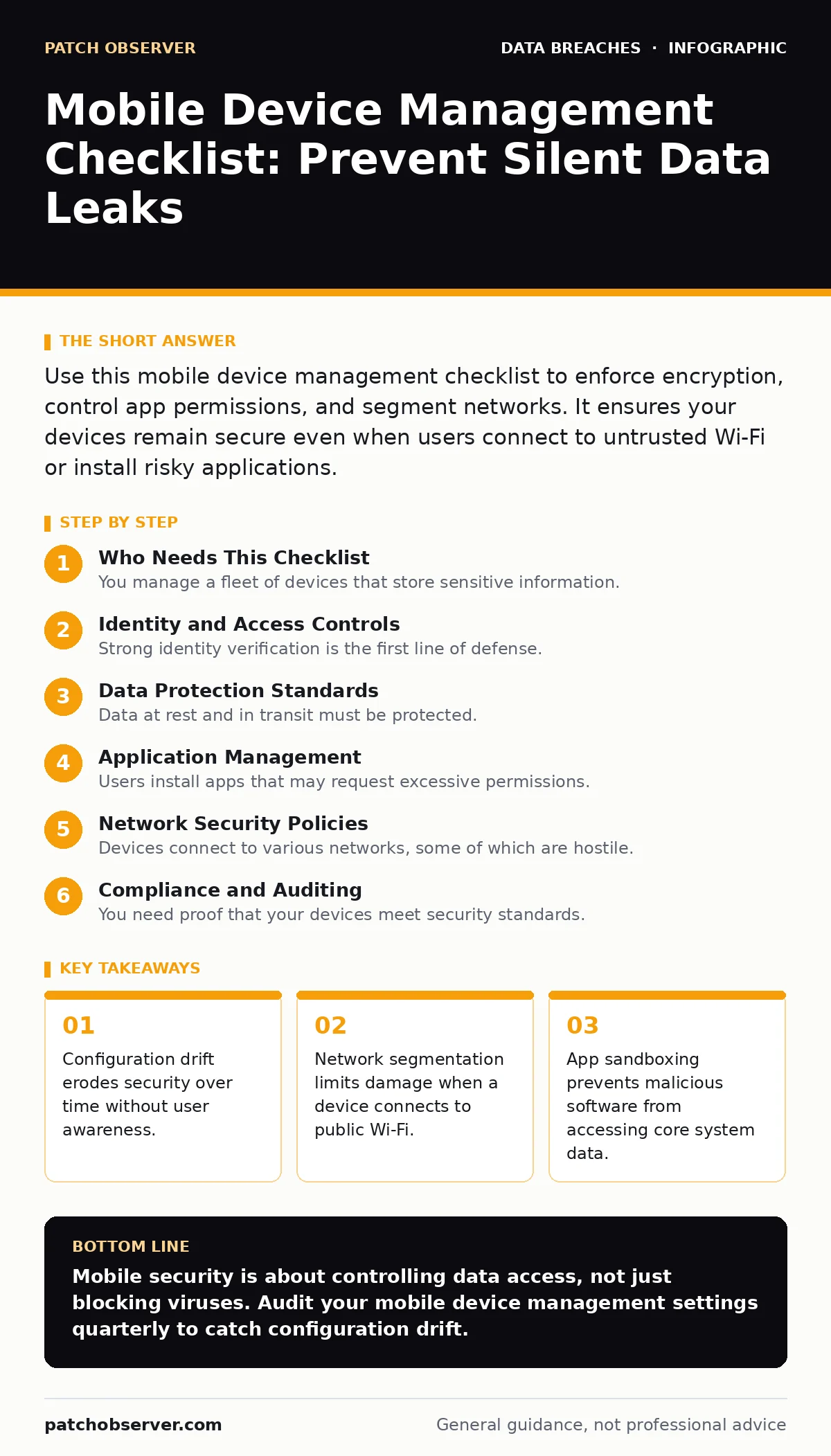
Use this mobile device management checklist to enforce encryption, control app permissions, and segment networks. It ensures your devices remain secure even when users connect to untrusted Wi-Fi or install risky applications.
Who Needs This Checklist
You manage a fleet of devices that store sensitive information. These devices move through untrusted networks, connect to personal accounts, and face physical theft risks. This checklist helps you verify that your mobile device management system is configured correctly. It focuses on controls that prevent data loss rather than just blocking viruses. Use it during onboarding and quarterly audits.
Identity and Access Controls
Strong identity verification is the first line of defense. If an attacker gains physical access to a device, they need more than a PIN to proceed.
- Enforce complex passcodes: Simple PINs are easily guessed or observed.
- Require biometric authentication: Fingerprint or facial recognition adds a layer that is hard to replicate.
- Set automatic lock timers: Unattended devices become entry points for data theft quickly.
- Enable remote wipe capability: This destroys data if a device is lost or stolen permanently.
- Restrict root or jailbreak detection: Compromised operating systems bypass all other security controls.
Without these controls, a stolen device is an open door. You must ensure that access requires something the user knows and something the user is.
Data Protection Standards
Data at rest and in transit must be protected. If an attacker extracts the storage chip, they should see only scrambled bytes.
- Encrypt device storage: This prevents data recovery from physical hardware access.
- Enforce TLS for all connections: This ensures data in transit cannot be read by intermediaries.
- Disable insecure protocols: Older protocols like HTTP or FTP expose credentials to eavesdroppers.
- Control clipboard sharing: Prevents sensitive text from leaking between apps unexpectedly.
- Manage backup permissions: Ensure backups are encrypted and stored in secure locations.
See our guide on data encryption for deeper technical details on key management. Proper encryption renders stolen hardware useless to attackers.
Application Management
Users install apps that may request excessive permissions. You must control which apps run and what they can access.
- Approve app sources: Block sideloading to prevent malicious software installation.
- Review app permissions: Restrict access to camera, microphone, and contacts where unnecessary.
- Enforce app sandboxing: This isolates apps so one compromise does not spread.
- Update critical apps automatically: Patches fix known vulnerabilities before attackers exploit them.
- Block unapproved administrative apps: These can override security policies silently.
Malicious apps often hide behind legitimate functionality. By restricting permissions, you limit the damage a single bad app can cause.
Network Security Policies
Devices connect to various networks, some of which are hostile. Your policies must protect data regardless of the connection type.
- Require VPN for corporate data: This tunnels traffic through a secure server.
- Disable auto-connect to open Wi-Fi: Prevents connection to rogue access points.
- Enforce certificate pinning: This ensures apps only talk to trusted servers.
- Segment device traffic: Isolate mobile devices from core internal servers.
- Monitor for man-in-the-middle attacks: Detect when traffic is being intercepted or altered.
Imagine a user connects to a coffee shop Wi-Fi. Without segmentation, that connection could expose your internal network. See our guide on edge computing security for more on protecting distributed endpoints.
See also: API Security Checklist: Verify Access, Data, and Rate Limits
Compliance and Auditing
You need proof that your devices meet security standards. Auditing reveals gaps that automated tools might miss.
- Log policy violations: Track when users attempt to bypass security controls.
- Review access logs regularly: Identify unusual activity patterns early.
- Verify compliance with data loss prevention: Ensure sensitive data does not leave the device.
- Audit third-party integrations: Check that connected services meet your security standards.
- Document incident response procedures: Know exactly what to do when a breach occurs.
Refer to our guide on data loss prevention for strategies to monitor data movement. Regular audits catch configuration errors before they lead to breaches. See our guide on GDPR breach notification rule to understand reporting obligations.
Common Pitfalls to Avoid
Many organizations implement mobile device management but fail to maintain it. Neglect leads to silent failures.
- Ignore configuration drift: Settings change over time without alerts.
- Over-rely on user training: Users will make mistakes regardless of training.
- Neglect legacy devices: Older hardware may not support modern security features.
- Skip regular penetration testing: Internal tests reveal weaknesses external audits miss.
- Assume cloud storage is secure: Misconfigured cloud storage leaks data easily.
See our guide on misconfigured cloud storage leaks to understand how easy it is to expose data. Also, review our guide on email account compromise, as mobile devices are often the entry point for credential theft.
Final Verification Steps
Before deploying changes, test them in a controlled environment. Roll out updates in phases to catch issues early.
- Test in a sandbox: Verify policies do not break critical business apps.
- Monitor user feedback: Identify usability issues that lead to workarounds.
- Validate remote wipe: Ensure it works across different device models.
- Check backup integrity: Confirm you can restore data if needed.
- Review vendor updates: Stay current with security patches and features.
See our guide on data breaches to understand the real-world impact of these controls. Regular verification ensures your mobile device management remains effective.
Key takeaways
- Configuration drift erodes security over time without user awareness.
- Network segmentation limits damage when a device connects to public Wi-Fi.
- App sandboxing prevents malicious software from accessing core system data.
Mobile security is about controlling data access, not just blocking viruses. Audit your mobile device management settings quarterly to catch configuration drift.
Frequently asked questions
How often should I update mobile device management policies?
Update policies whenever new threats emerge or when you deploy new applications. Quarterly reviews are a good baseline.
Can mobile device management protect against phishing?
It can limit damage by restricting app permissions and enforcing encryption, but it cannot stop users from clicking malicious links.
What is the risk of sideloading apps?
Sideloading bypasses security checks, allowing malicious apps to access sensitive data and system functions.
How do I handle lost devices?
Use remote wipe capabilities to erase data immediately. Ensure this feature is tested and functional.
How this guide was produced: written by the Patch Observer editorial team with AI assistance, checked against the public references listed below, and reviewed when the facts change. See our editorial policy or report an error.