Data Encryption Explained: How to Lock Files Against Breaches
Encryption transforms readable information into unreadable code, ensuring that stolen data remains useless to attackers without the specific decryption key.

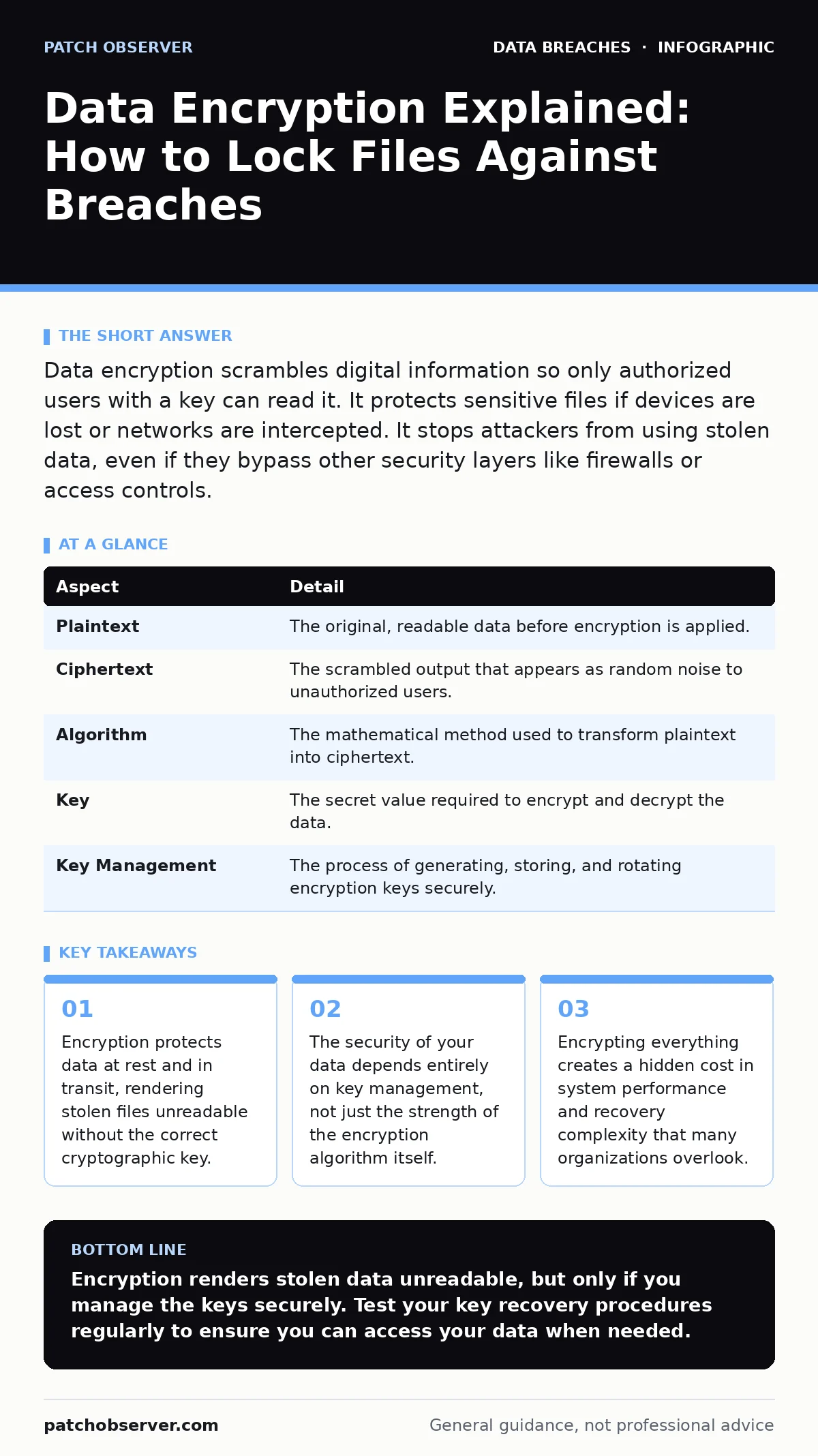
Data encryption scrambles digital information so only authorized users with a key can read it. It protects sensitive files if devices are lost or networks are intercepted. It stops attackers from using stolen data, even if they bypass other security layers like firewalls or access controls.
The Vault Analogy for Digital Secrets
Imagine you send a letter containing your bank account details through the mail. You place it in a sealed envelope, but the post office could open it. Now, imagine you write the letter in a code that only your bank can decode. Even if the post office opens the envelope and reads the gibberish, they cannot understand it or use it. Data encryption works the same way. It turns plain text into ciphertext, a scrambled format that looks like random noise. Without the correct decryption key, the data is mathematically impossible to read. This process ensures that physical theft of a laptop or interception of network traffic does not result in a usable data leak.
What Encryption Actually Solves
The primary problem encryption solves is confidentiality in the face of unauthorized access. You can have strong firewalls and strict access controls, but these are perimeter defenses. Once an attacker breaches the perimeter, they can often move laterally to reach sensitive databases. Encryption adds a final layer of defense that travels with the data.
It ensures that even if an attacker gains full administrative access to a server or steals a hard drive, the data remains locked. This is particularly critical for devices that leave the secure office environment, such as laptops and smartphones. If a device is lost, encryption prevents the immediate exposure of customer records or intellectual property.
The Core Components of Encryption
Encryption relies on three main parts: the plaintext, the algorithm, and the key. Plaintext is the original, readable data. The algorithm is the mathematical formula used to scramble that data. Modern standards use algorithms like AES, which are publicly vetted and considered secure. The key is a unique string of characters that acts as the lock and unlock mechanism. The strength of your encryption does not come from hiding the algorithm. It comes from keeping the key secret. If an attacker knows the algorithm but not the key, they cannot decrypt the data. This separation of logic and access is fundamental to modern cryptography.
| Aspect | Detail |
|---|---|
| Plaintext | The original, readable data before encryption is applied. |
| Ciphertext | The scrambled output that appears as random noise to unauthorized users. |
| Algorithm | The mathematical method used to transform plaintext into ciphertext. |
| Key | The secret value required to encrypt and decrypt the data. |
| Key Management | The process of generating, storing, and rotating encryption keys securely. |
Symmetric vs Asymmetric Methods
There are two main types of encryption: symmetric and asymmetric. Symmetric encryption uses the same key for both locking and unlocking the data. This method is fast and efficient, making it ideal for encrypting large volumes of data on disks or in databases. However, it requires a secure way to share the key between parties. Asymmetric encryption uses a pair of keys: a public key for encryption and a private key for decryption.
This solves the key distribution problem because you can share the public key openly. However, it is computationally heavier and slower. Most systems use a hybrid approach. They use asymmetric encryption to securely exchange a symmetric key, then use the symmetric key to encrypt the actual data. This balances speed with secure key exchange.
Where Encryption Fits in Defense
Encryption is not a standalone solution. It works best as part of a layered security strategy. It complements access controls by protecting data even if those controls fail. It also supports compliance requirements, as many regulations mandate the protection of personal information. When combined with data loss prevention, encryption ensures that data leaving the network is unreadable if it falls into the wrong hands.
It also mitigates the risk of misconfigured cloud storage leaks. If a cloud bucket is accidentally set to public, encrypted files remain protected. However, encryption does not stop malware from running. It does not prevent an attacker from deleting data. It only ensures that stolen data cannot be read.
See also: Cloud Key Management Services: Secure Data Without the Heavy Lift · Full Disk Encryption Best Practices for Secure Data Storage
Common Misconceptions About Encryption
Many organizations believe that enabling encryption is a one-time setup. This is a dangerous assumption. The real risk lies in key management. If you lose the decryption key, you lose the data permanently. No amount of hacking can recover it. Conversely, if you store keys in the same location as the encrypted data, an attacker who breaches that location can access both. Another common mistake is assuming that encryption protects against all threats. It does not protect against insider threats who have authorized access. If an employee can read the data on their screen, encryption does not stop them from copying it. Encryption protects data at rest and in transit, not data in use.
The Hidden Costs of Encryption
Implementing encryption introduces latency. Every time data is written to disk or sent over a network, it must be encrypted. Every time it is read, it must be decrypted. This processing overhead can slow down systems, especially on older hardware or in high-throughput environments. You must balance security with performance. Additionally, encryption complicates data recovery.
If a system crashes, you need the keys to restore the data. Backups must also be encrypted and managed carefully. If you do not manage keys correctly, you risk locking yourself out of your own data. This is why key rotation and backup procedures are as important as the encryption itself. Ignoring these operational costs can lead to business disruption during a crisis.
Integrating With Other Controls
To maximize protection, integrate encryption with other security measures. Use mobile device management to enforce encryption on all corporate phones and tablets. Ensure that email account compromise protocols include steps to revoke access to encrypted shares. When planning for data breaches, assume that encryption will be the last line of defense. It buys you time to contain the incident and notify affected parties under the GDPR breach notification rule. It also reduces the severity of the breach, as the data is not immediately usable. By combining encryption with strong identity management and regular audits, you create a resilient security posture that withstands sophisticated attacks.
Key takeaways
- Encryption protects data at rest and in transit, rendering stolen files unreadable without the correct cryptographic key.
- The security of your data depends entirely on key management, not just the strength of the encryption algorithm itself.
- Encrypting everything creates a hidden cost in system performance and recovery complexity that many organizations overlook.
Encryption renders stolen data unreadable, but only if you manage the keys securely. Test your key recovery procedures regularly to ensure you can access your data when needed.
Frequently asked questions
Does encryption protect my data if my computer is hacked?
Encryption protects data at rest and in transit. If a hacker accesses your active session, they can see what you see. Encryption prevents them from copying and reading files from the hard drive later.
Is cloud storage automatically encrypted?
Most cloud providers encrypt data at rest by default. However, you must ensure that keys are managed securely and that you use encryption for data in transit. Check your provider's documentation for specific details.
Can I encrypt individual files instead of the whole drive?
Yes, you can encrypt specific files or folders. This is useful for highly sensitive documents. However, full disk encryption is easier to manage and ensures that no accidental temporary files are left unprotected.
How often should I change encryption keys?
You should rotate keys periodically or when there is a suspected compromise. Regular rotation limits the amount of data exposed if a key is stolen. Follow best practices for key lifecycle management.
How this guide was produced: written by the Patch Observer editorial team with AI assistance, checked against the public references listed below, and reviewed when the facts change. See our editorial policy or report an error.