Data Encryption Explained: How to Scramble Secrets
Encryption turns readable data into unreadable noise that only authorized users can decode with a specific mathematical key.

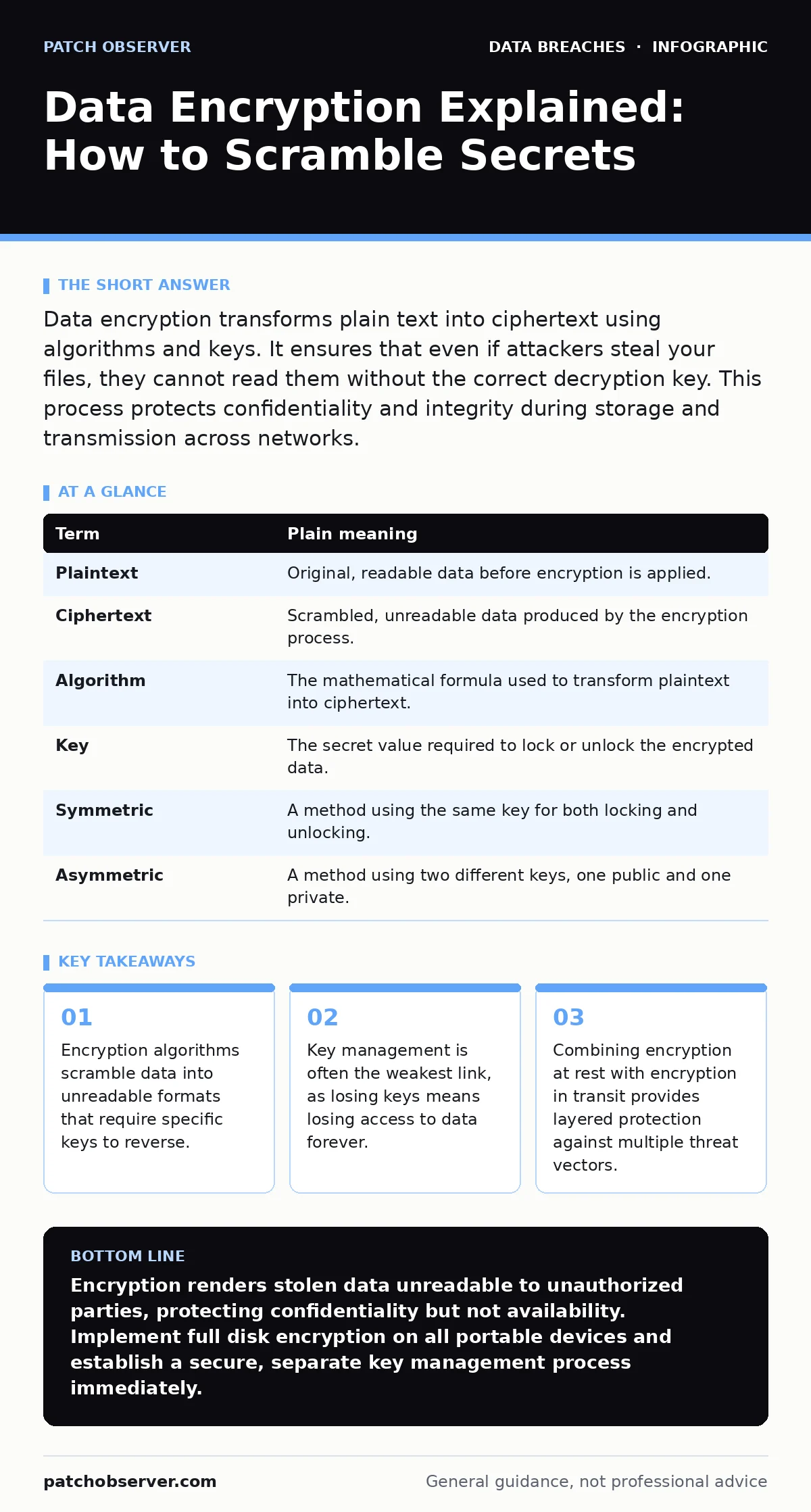
Data encryption transforms plain text into ciphertext using algorithms and keys. It ensures that even if attackers steal your files, they cannot read them without the correct decryption key. This process protects confidentiality and integrity during storage and transmission across networks.
How Encryption Protects Your Digital Assets
Imagine you are sending a valuable painting through a courier service. You could hand it over naked, risking theft or damage. Instead, you place it in a heavy steel box with a complex lock. Only the recipient has the unique key to open that box. The courier can move the box, drop it, or even steal it, but they cannot see the art inside. Data encryption works exactly like that steel box. It wraps your digital files in mathematical complexity, rendering them useless to anyone without the correct key.
The Core Mechanisms of Scrambling
Encryption relies on two main components: the algorithm and the key. The algorithm is the mathematical recipe that scrambles the data. The key is the specific variable that determines how the recipe is applied. Without the key, the algorithm produces random noise. Even if an attacker knows which algorithm you used, they cannot reverse the process without the exact key. This separation allows you to share encrypted files safely, knowing the method of protection is public but the solution remains private.
Understanding Encryption Terminology
To navigate security discussions, you must understand the language. These terms define how data is protected and accessed.
| Term | Plain meaning |
|---|---|
| Plaintext | Original, readable data before encryption is applied. |
| Ciphertext | Scrambled, unreadable data produced by the encryption process. |
| Algorithm | The mathematical formula used to transform plaintext into ciphertext. |
| Key | The secret value required to lock or unlock the encrypted data. |
| Symmetric | A method using the same key for both locking and unlocking. |
| Asymmetric | A method using two different keys, one public and one private. |
Symmetric Versus Asymmetric Approaches
Symmetric encryption uses one key for both encryption and decryption. It is fast and efficient for large volumes of data, such as full disk encryption on a laptop. However, sharing that single key securely is difficult. Asymmetric encryption uses a pair of keys. You share the public key with anyone, allowing them to send you encrypted messages. Only your private key can decrypt those messages. This solves the key distribution problem but is slower. Most modern systems use both, combining the speed of symmetric keys with the security of asymmetric exchanges.
The Hidden Cost of Key Loss
Many organizations focus on buying encryption software but ignore key management. If you encrypt a database and lose the decryption key, that data is gone forever. No amount of money or technical skill can recover it. This is a non-obvious risk. Encryption provides confidentiality, not availability. You must have a reliable, secure way to back up and rotate keys. If your key storage is compromised, your encryption is worthless. If your key storage is lost, your business operations halt.
See also: Data Encryption Explained: How to Lock Files Against Breaches · Full Disk Encryption Best Practices for Secure Data Storage
Practical Steps for Immediate Protection
You can start protecting sensitive data today with these three steps.
- Enable full disk encryption on all laptops and portable drives. This protects data if the device is lost or stolen.
- Verify that your cloud storage providers use encryption in transit for all data uploads and downloads.
- Store your encryption keys in a separate, secure location from the encrypted data itself.
Integrating Encryption Into Your Strategy
Encryption is not a standalone solution. It works best when combined with other controls. For instance, if an attacker gains access to your network, encryption prevents them from reading stolen files. However, it does not stop them from deleting those files. You need layered defenses. Consider how encryption fits with your broader security posture, including access controls and monitoring. If you manage remote teams, mobile device management policies can enforce encryption on personal and company devices alike.
Common Misconceptions About Security
Many believe that encryption makes them invisible. It does not. It only makes the content unreadable. Attackers can still see that you are communicating, how much data you are sending, and when. They can also target the endpoints where data is decrypted. Understanding this limitation helps you prioritize other controls, such as email account compromise prevention. If an attacker steals your credentials, they can read your data before it is encrypted or after it is decrypted.
Key takeaways
- Encryption algorithms scramble data into unreadable formats that require specific keys to reverse.
- Key management is often the weakest link, as losing keys means losing access to data forever.
- Combining encryption at rest with encryption in transit provides layered protection against multiple threat vectors.
Encryption renders stolen data unreadable to unauthorized parties, protecting confidentiality but not availability. Implement full disk encryption on all portable devices and establish a secure, separate key management process immediately.
Frequently asked questions
Does encryption protect against ransomware?
Encryption helps limit damage by making stolen data unreadable, but it does not prevent ransomware from encrypting your files or deleting backups.
Is cloud storage always encrypted?
Most reputable providers encrypt data at rest and in transit, but you should verify their specific compliance standards, such as SOC 2, to ensure proper handling.
What happens if I forget my encryption password?
If there is no separate key backup, the data is permanently lost. Strong key management is as important as the encryption itself.
Can encryption slow down my computer?
Modern processors have built-in support for encryption, so the performance impact is usually negligible for most everyday tasks.
How this guide was produced: written by the Patch Observer editorial team with AI assistance, checked against the public references listed below, and reviewed when the facts change. See our editorial policy or report an error.