7 Cloud Ransomware Mistakes That Silence Your Backup Strategy
Misconfigured identity permissions allow ransomware to encrypt cloud storage buckets before your backup systems can replicate the data, rendering recovery impossible.

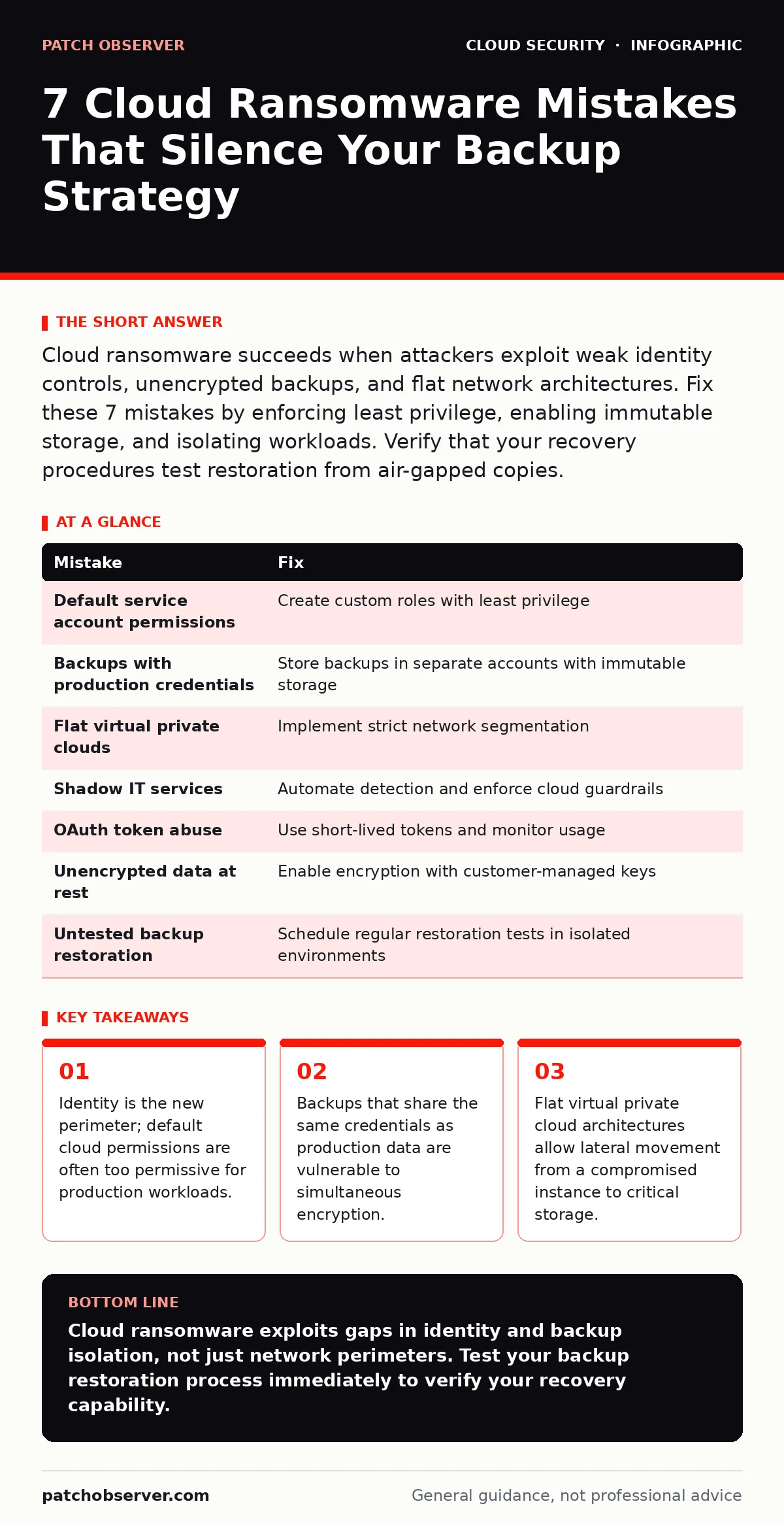
Cloud ransomware succeeds when attackers exploit weak identity controls, unencrypted backups, and flat network architectures. Fix these 7 mistakes by enforcing least privilege, enabling immutable storage, and isolating workloads. Verify that your recovery procedures test restoration from air-gapped copies.
Mistake 1: Using Default Service Account Permissions
Default service accounts come with broad permissions to ensure initial setup works. Attackers scan for these high-privilege accounts because they bypass multi-factor authentication. When a service account is compromised, the attacker gains immediate access to any resource the account can touch. This includes production databases and storage buckets. The scope of the account defines the blast radius of the breach.
Why it hurts: Attackers use these accounts to enumerate resources and locate sensitive data. They do not need to crack passwords or bypass firewalls. The default permissions act as an open door. Once inside, the attacker moves laterally to encryption-capable services. The speed of this movement prevents human intervention.
The fix: Remove default permissions from all service accounts. Create custom roles that grant only the specific actions required for each workload. Review these permissions quarterly. Use identity and access management tools to audit who holds these roles. Ensure that service accounts cannot escalate privileges to administrative levels.
Mistake 2: Storing Backups with Production Credentials
Many organizations store backup data in the same cloud account as production data. This convenience creates a single point of failure. If an attacker compromises the production credentials, they also control the backup environment. They can locate, lock, or delete backup files before you detect the intrusion. This renders your disaster recovery plan useless.
Why it hurts: Ransomware operators know that backups are the last line of defense. They target backups early in the attack chain. If your backups are accessible via the same identity tokens as your live systems, you have no safety net. The attacker encrypts both the source and the copy. You lose everything in one stroke.
The fix: Store backups in a separate cloud account or tenant. Use a distinct set of credentials that no production service can access. Enable immutable storage for backup files. Immutable storage prevents deletion or modification for a set period. This ensures that even if credentials are stolen, the data remains intact.
Mistake 3: Leaving Virtual Private Clouds Flat
Flat network architectures allow any compromised instance to communicate with any other instance. There are no internal firewalls or segmentation rules. An attacker who compromises a low-value web server can scan the entire internal network. They locate high-value assets like database servers or storage buckets. This lateral movement is rapid and often silent.
Why it hurts: Without segmentation, the attacker has free rein. They do not need to exploit multiple vulnerabilities. One breach grants access to the entire estate. The attacker maps the network and identifies the most valuable targets. They then deploy encryption tools or data exfiltration scripts. The lack of barriers accelerates the attack timeline.
The fix: Implement strict network segmentation within your virtual private clouds. Use security groups to restrict traffic between workloads. Allow only necessary ports and protocols. Isolate sensitive data stores in private subnets with no direct internet access. Monitor internal traffic for anomalies. This containment limits the spread of ransomware.
Mistake 4: Ignoring Shadow IT Services
Employees often provision cloud resources without IT approval. These shadow IT services operate outside standard security controls. They may lack logging, monitoring, or patch management. Attackers scan for these unmanaged instances because they are easy targets. A compromised shadow IT service provides a foothold into the broader network.
Why it hurts: Shadow IT creates blind spots in your security posture. You cannot protect what you do not know exists. These services often connect to the main network, bridging the gap between the outside world and critical assets. The attacker uses this bridge to pivot. The lack of oversight means detection is delayed until significant damage occurs.
The fix: Conduct regular cloud security assessments to identify unauthorized resources. Implement cloud guardrails that prevent the creation of non-compliant resources. Automate the detection and remediation of shadow IT. Enforce policies that require approval for new service provisioning. Integrate shadow IT management into your DevSecOps pipeline.
Mistake 5: Overlooking OAuth Token Abuse
OAuth tokens allow applications to access cloud resources on behalf of users. These tokens often have longer lifespans than session cookies. Attackers steal these tokens to maintain access even after password changes. They use the tokens to bypass multi-factor authentication. This makes token theft a preferred method for persistent access.
Why it hurts: Traditional security tools focus on login attempts. They do not always monitor token usage. An attacker with a valid token appears as a legitimate user. They can access data and deploy ransomware without triggering alerts. The token remains valid until it expires or is manually revoked. This window allows for extensive data theft.
The fix: Implement short-lived tokens with automatic rotation. Monitor token usage for unusual patterns. Revoke tokens immediately when suspicious activity is detected. Use conditional access policies to require re-authentication for sensitive actions. Educate users about the risks of sharing application access. Treat tokens as sensitive credentials.
See also: Why Identity and Access Management Matters for Cloud Security
Mistake 6: Failing to Encrypt Data at Rest
Unencrypted data is vulnerable if physical or logical boundaries are breached. Attackers can copy unencrypted data and decrypt it offline. They do not need to stay in your network to extract value. This enables denial-of-wallet attacks where data is held for ransom. Encryption ensures that stolen data remains unreadable without the key.
Why it hurts: Without encryption, data exfiltration is trivial. The attacker copies the data and threatens to publish it. This double extortion tactic increases pressure to pay. Even if you recover your systems, the leaked data causes reputational harm. Encryption adds a layer of complexity for the attacker. It protects the confidentiality of the data.
The fix: Enable encryption for all data at rest. Use customer-managed keys rather than provider-managed keys. Store encryption keys in a separate, highly secure vault. Implement key rotation policies regularly. Ensure that backup data is also encrypted. Verify that decryption capabilities are restricted to authorized personnel only.
Mistake 7: Not Testing Backup Restoration
Many organizations back up data but never test restoration. They assume the backups are valid. When ransomware strikes, they discover that the backups are corrupted or incomplete. The restoration process fails under pressure. The lack of testing reveals gaps in the recovery plan too late. This leads to prolonged downtime and data loss.
Why it hurts: Unverified backups provide a false sense of security. Corruption can occur silently over time. Format changes or permission errors can prevent restoration. The time spent troubleshooting failed backups allows the ransomware to spread further. You lose critical hours during the incident response. The inability to restore data forces difficult decisions.
The fix: Schedule regular restoration tests. Restore backups to an isolated environment. Verify data integrity and accessibility. Document the restoration steps and time requirements. Update the plan based on test results. Treat restoration testing as a critical security control. This ensures readiness when a real attack occurs.
| Mistake | Fix |
|---|---|
| Default service account permissions | Create custom roles with least privilege |
| Backups with production credentials | Store backups in separate accounts with immutable storage |
| Flat virtual private clouds | Implement strict network segmentation |
| Shadow IT services | Automate detection and enforce cloud guardrails |
| OAuth token abuse | Use short-lived tokens and monitor usage |
| Unencrypted data at rest | Enable encryption with customer-managed keys |
| Untested backup restoration | Schedule regular restoration tests in isolated environments |
Key takeaways
- Identity is the new perimeter; default cloud permissions are often too permissive for production workloads.
- Backups that share the same credentials as production data are vulnerable to simultaneous encryption.
- Flat virtual private cloud architectures allow lateral movement from a compromised instance to critical storage.
Cloud ransomware exploits gaps in identity and backup isolation, not just network perimeters. Test your backup restoration process immediately to verify your recovery capability.
Frequently asked questions
How do I know if my cloud backups are immutable?
Check your cloud provider's documentation for object locking features. Verify that the setting prevents deletion and modification for a specified retention period.
Can ransomware affect serverless functions?
Yes, if the function's execution role has permissions to modify storage or other resources. Attackers can inject malicious code into serverless functions to encrypt data.
What is the difference between encryption at rest and in transit?
Encryption at rest protects stored data from unauthorized access. Encryption in transit protects data moving between systems. Both are necessary for comprehensive protection.
How often should I rotate encryption keys?
Rotate keys annually or after any suspected compromise. Shorter rotation periods increase security but add operational complexity. Balance risk with management overhead.
How this guide was produced: written by the Patch Observer editorial team with AI assistance, checked against the public references listed below, and reviewed when the facts change. See our editorial policy or report an error.