Wi-Fi Security Checklist: Hardening Wireless Infrastructure
This checklist helps you verify protocol versions, encryption standards, and isolation rules to reduce attack surface on your wireless network.
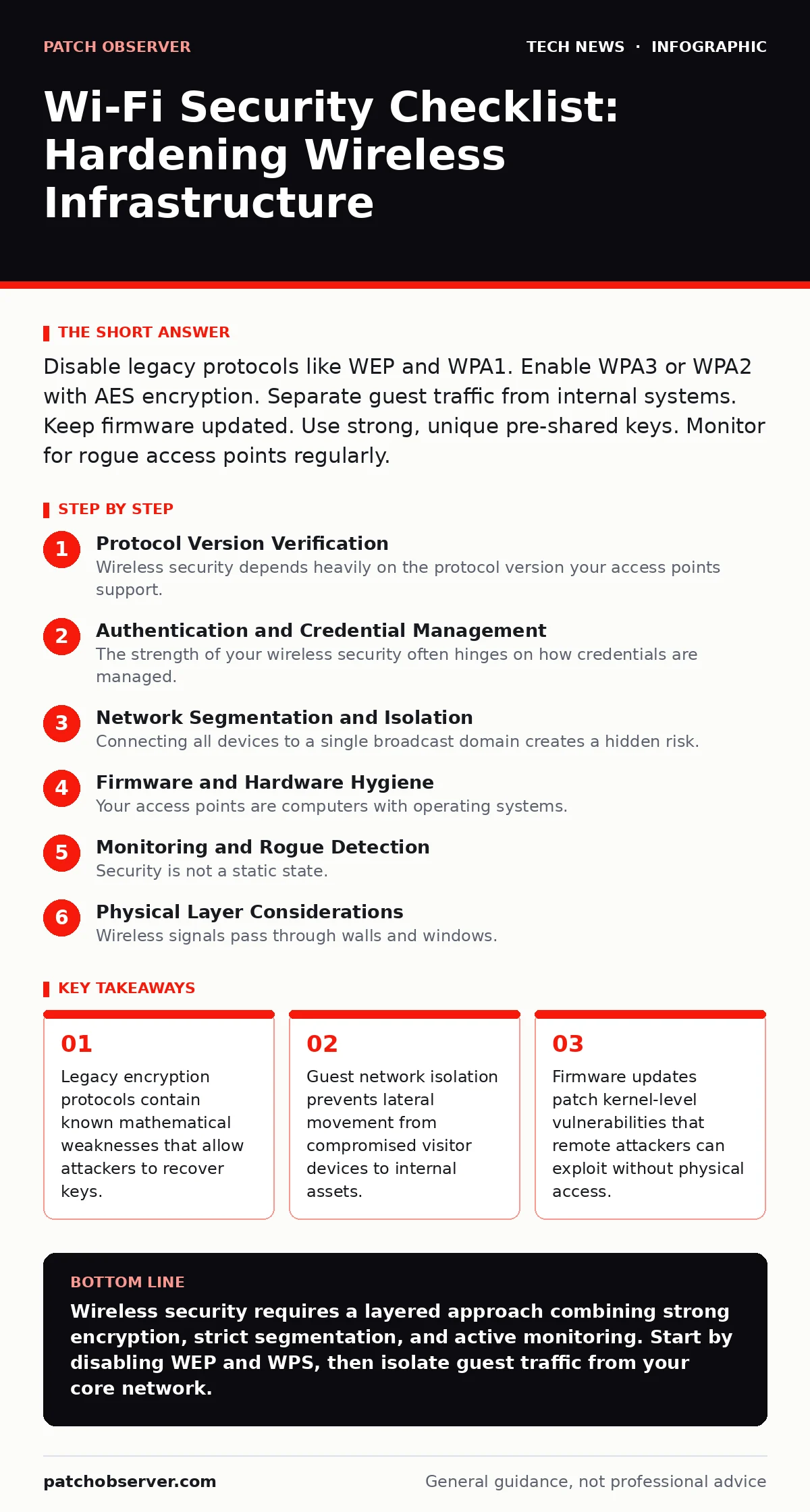
Disable legacy protocols like WEP and WPA1. Enable WPA3 or WPA2 with AES encryption. Separate guest traffic from internal systems. Keep firmware updated. Use strong, unique pre-shared keys. Monitor for rogue access points regularly.
Protocol Version Verification
Wireless security depends heavily on the protocol version your access points support. Older standards were designed before modern computational power made brute-force attacks trivial. You must ensure your infrastructure rejects these outdated methods.
- Disable WEP (Wired Equivalent Privacy): This protocol uses static keys and a weak initialization vector, allowing attackers to capture packets and decrypt them in minutes.
- Disable WPA1 (Wi-Fi Protected Access 1): This version relies on TKIP (Temporal Key Integrity Protocol), which has known collision attacks that break encryption integrity.
- Enable WPA3 (Wi-Fi Protected Access 3): This standard uses SAE (Simultaneous Authentication of Equals) to prevent offline dictionary attacks against the password.
- Enable WPA2 with AES (Advanced Encryption Standard): If WPA3 is unavailable, WPA2 with AES provides strong block cipher encryption that remains secure against current public attacks.
Authentication and Credential Management
The strength of your wireless security often hinges on how credentials are managed. A weak pre-shared key is the most common entry point for unauthorized access. You need to enforce complexity and separation of duties.
- Use long, random pre-shared keys: A passphrase of twenty characters or more resists dictionary attacks and rainbow table lookups.
- Disable WPS (Wi-Fi Protected Setup): This feature has a known brute-force vulnerability in its eight-digit PIN, allowing physical attackers to bypass the main password.
- Implement 802.1X authentication for enterprise: This standard uses individual user credentials and certificates, allowing you to revoke access per device rather than resetting a shared key.
- Rotate credentials after staff changes: When an employee leaves, their access must be revoked immediately to prevent former insiders from connecting to the network.
Network Segmentation and Isolation
Connecting all devices to a single broadcast domain creates a hidden risk. A compromised smart thermostat should not have a route to your database servers. Segmentation limits the blast radius of a breach.
- Create a separate guest VLAN (Virtual Local Area Network): This isolates visitor traffic from your internal corporate network, preventing lateral movement.
- Enable AP isolation (client isolation): This feature prevents wireless clients from communicating with each other, stopping peer-to-peer malware spread.
- Disable wireless broadcasting for management interfaces: Hiding the SSID (Service Set Identifier) of admin networks reduces visibility to casual scanners, though it does not prevent targeted attacks.
- Restrict DHCP (Dynamic Host Configuration Protocol) scope: Ensure guest devices receive IP addresses in a range that has no route to internal subnets.
Firmware and Hardware Hygiene
Your access points are computers with operating systems. Like any server, they accumulate vulnerabilities over time. Neglecting updates leaves known exploits open for attackers to use.
- Apply firmware updates within thirty days of release: Vendors patch critical security flaws in new releases, leaving older versions vulnerable to remote code execution.
- Change default administrative credentials: Attackers scan for default usernames and passwords to gain control of access point configurations.
- Disable unused wireless radios: If you only use 5 GHz, disable the 2.4 GHz radio to reduce the attack surface and potential interference.
- Physically secure access points: Unauthorized physical access allows attackers to reset devices or connect directly to the Ethernet port, bypassing wireless security entirely.
Monitoring and Rogue Detection
Security is not a static state. New devices appear, and attackers may set up rogue access points that mimic your network. You need active monitoring to detect anomalies.
- Enable rogue AP detection: Your controller should scan for unauthorized access points broadcasting your SSID or similar names to confuse users.
- Monitor for deauthentication attacks: These attacks flood a client with disconnect packets, forcing it to reconnect, often to a rogue access point.
- Log all connection attempts: Reviewing logs helps identify patterns of brute-force attacks or unauthorized devices trying to join the network.
- Verify certificate validity: If using 802.1X, ensure client certificates are valid and have not been revoked or expired.
See also: Defense in Depth Layers: How to Stop Attacks When One Control Fails · IoT Device Vulnerabilities: How to Secure Connected Hardware
Physical Layer Considerations
Wireless signals pass through walls and windows. Your network may extend beyond your intended boundary, allowing attackers to connect from parking lots or neighboring buildings.
- Conduct a site survey for signal leakage: Use spectrum analyzers to map where your Wi-Fi signal is detectable outside your premises.
- Adjust transmit power: Lowering the power reduces the range, keeping the signal within your building and reducing the attack surface from external locations.
- Shield sensitive areas: Use Faraday cages or signal-blocking paint in server rooms to prevent wireless access from inside critical infrastructure zones.
- Disable WMM Power Save: This feature can sometimes be exploited to infer traffic patterns or cause denial of service on specific clients.
Key takeaways
- Legacy encryption protocols contain known mathematical weaknesses that allow attackers to recover keys.
- Guest network isolation prevents lateral movement from compromised visitor devices to internal assets.
- Firmware updates patch kernel-level vulnerabilities that remote attackers can exploit without physical access.
Wireless security requires a layered approach combining strong encryption, strict segmentation, and active monitoring. Start by disabling WEP and WPS, then isolate guest traffic from your core network.
Frequently asked questions
Is WPA3 backward compatible with older devices?
WPA3 is not fully backward compatible. Older devices that only support WPA2 may not connect to a WPA3-only network, requiring a mixed mode or separate network.
Can I use a consumer router for business?
Consumer routers lack enterprise features like VLAN segmentation, 802.1X authentication, and centralized management, making them unsuitable for business security requirements.
How this guide was produced: written by the Patch Observer editorial team with AI assistance, checked against the public references listed below, and reviewed when the facts change. See our editorial policy or report an error.