How Infrastructure-as-Code Scanning Works: The Silent Gaps
Scanning tools often miss the logic errors that allow attackers to pivot, focusing instead on syntax that human reviewers already catch easily.

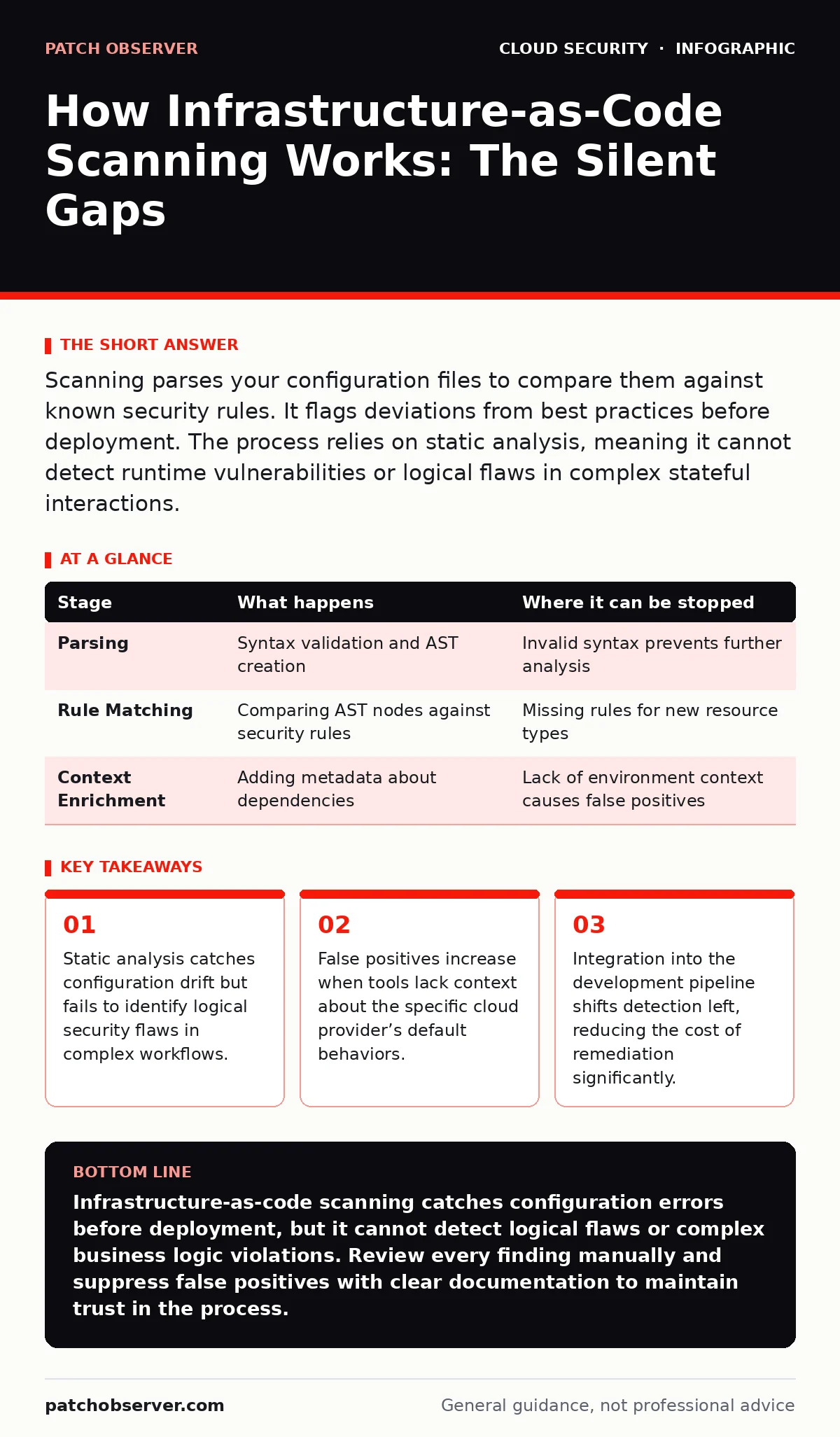
Scanning parses your configuration files to compare them against known security rules. It flags deviations from best practices before deployment. The process relies on static analysis, meaning it cannot detect runtime vulnerabilities or logical flaws in complex stateful interactions.
The Foundation of Static Analysis
Infrastructure-as-code (IaC) treats server provisioning like software development. You write scripts that define networks, servers, and databases. These scripts become the single source of truth for your environment. Security scanning analyzes these files before they reach the cloud. This approach prevents misconfigurations from ever becoming live vulnerabilities.
The core mechanism is static analysis. The scanner reads the code without executing it. It looks for patterns that match known insecure configurations. This differs from dynamic testing, which probes a running system. Static analysis is fast and does not require a live environment. It allows you to catch errors while you are still writing the code.
Stage 1: Parsing and Abstraction
The scanner begins by ingesting your configuration files. These might be YAML files for Kubernetes, JSON for AWS CloudFormation, or HCL for Terraform. The tool parses the syntax to ensure the file is valid. If the syntax is broken, the scan stops immediately.
Once parsed, the tool builds an abstract syntax tree (AST). This tree represents the structure of your code in a way the computer can reason about. It separates the logical intent from the textual representation. This abstraction allows the scanner to understand relationships between resources. For example, it can see that a database resource is linked to a security group.
| Stage | What happens | Where it can be stopped |
|---|---|---|
| Parsing | Syntax validation and AST creation | Invalid syntax prevents further analysis |
| Rule Matching | Comparing AST nodes against security rules | Missing rules for new resource types |
| Context Enrichment | Adding metadata about dependencies | Lack of environment context causes false positives |
Stage 2: Rule Matching and Evaluation
With the structure mapped, the scanner applies security rules. Each rule defines a specific insecure pattern. A common rule checks if a database port is open to the public internet. The scanner walks through the AST and checks every resource against this list.
This process is deterministic. The same code always produces the same result. The tool does not guess; it matches. If a resource matches an insecure pattern, the scanner flags it. It assigns a severity level based on the potential impact. High severity usually means direct data exposure. Low severity might indicate a missing best practice.
Stage 3: Contextual Validation
Basic rule matching generates many false positives. A tool might flag a port as open, not realizing it is behind a firewall. Advanced scanners add context to reduce noise. They analyze the entire file to understand resource dependencies. They check if a security group restricts access to the flagged port.
This stage requires the scanner to understand the cloud provider’s logic. It must know how virtual private clouds isolate traffic. It must understand how cloud IAM policies grant or deny permissions. Without this context, the scanner cannot distinguish between a real risk and a safe configuration. The accuracy of the scan depends heavily on this contextual understanding.
Stage 4: Reporting and Integration
The scanner compiles its findings into a report. This report lists each issue, its location in the code, and its severity. It often includes a remediation snippet. This tells you exactly how to fix the problem. The integration method determines how you see these results.
You can integrate the scanner into your continuous integration pipeline. This runs the scan every time you commit code. If the scan finds high-severity issues, it blocks the deployment. This enforces security standards automatically. You can also run scans on demand for existing repositories. This helps you audit legacy code that was never scanned before.
See also: CIS Benchmarks for Small Business: Secure Cloud Configs
The Hidden Cost of Complexity
Scanning works well for simple, flat configurations. It struggles with complex, modular code. When you split your infrastructure into many small modules, the scanner loses context. It may not see how Module A affects Module B. This fragmentation creates blind spots.
You must manually verify that the scanner understands your module structure. If it does not, you will miss cross-module vulnerabilities. This is a hidden cost of maintainability. Clean, modular code is harder for scanners to analyze accurately. You often need to write custom rules to bridge these gaps. This requires deep knowledge of both the code and the tooling.
Limits of the Scanner
Scanners cannot detect logical flaws. They do not understand business logic. Suppose you create a user account that has too many permissions. The scanner might not flag this if the syntax is correct. It only checks against predefined rules. It cannot judge if the permission set is appropriate for the role.
This is where policy as code becomes relevant. You can write custom policies that define your specific security requirements. These policies act as additional rules for the scanner. They allow you to enforce business logic, not just technical best practices. Without custom policies, you rely entirely on the vendor’s default rule set.
Managing False Positives
False positives are the biggest operational risk. They occur when the scanner flags a safe configuration as insecure. This happens when the tool lacks context or when your use case is unusual. If you ignore true positives because you are tired of false ones, you create risk.
You must triage every finding. Verify if the flag is a real issue. If it is a false positive, suppress it in the tool. Document why it is safe. This builds a knowledge base for your team. Over time, this reduces noise and improves trust in the scanning process. Regular reviews of suppressed findings ensure you do not miss new threats.
Integrating with Broader Security
Scanning IaC is just one layer. It does not replace runtime protection. You still need to monitor your live environment for anomalies. Combining static scanning with cloud security assessments provides deeper visibility. The scanner catches pre-deployment errors. The assessment catches runtime drift.
You should also review your cloud IAM policies regularly. Misconfigured permissions are a common root cause of breaches. Scanning helps, but manual review ensures intent matches implementation. Consider using federated identity to reduce the need for long-lived credentials. This reduces the blast radius if a configuration error does occur.
Key takeaways
- Static analysis catches configuration drift but fails to identify logical security flaws in complex workflows.
- False positives increase when tools lack context about the specific cloud provider’s default behaviors.
- Integration into the development pipeline shifts detection left, reducing the cost of remediation significantly.
Infrastructure-as-code scanning catches configuration errors before deployment, but it cannot detect logical flaws or complex business logic violations. Review every finding manually and suppress false positives with clear documentation to maintain trust in the process.
Frequently asked questions
Can IaC scanning replace penetration testing?
No. Scanning checks for known misconfigurations in code. Penetration testing probes the live system for logical and runtime vulnerabilities that static analysis cannot see.
How often should I run IaC scans?
Run them on every code commit. This catches errors early when they are cheapest to fix. Also run periodic audits on existing repositories to catch drift.
Do I need custom rules for every cloud provider?
Most tools support major providers out of the box. However, you need custom rules for unique business logic or non-standard architectures that deviate from best practices.
What is the difference between IaC scanning and policy as code?
IaC scanning uses predefined rules to find misconfigurations. Policy as code allows you to write custom rules that enforce your specific security and compliance requirements.
How this guide was produced: written by the Patch Observer editorial team with AI assistance, checked against the public references listed below, and reviewed when the facts change. See our editorial policy or report an error.