macOS security features explained and how they protect systems
Apple operating system controls rely heavily on hardware-level enforcement that blocks unauthorized software before it ever reaches the main processor.
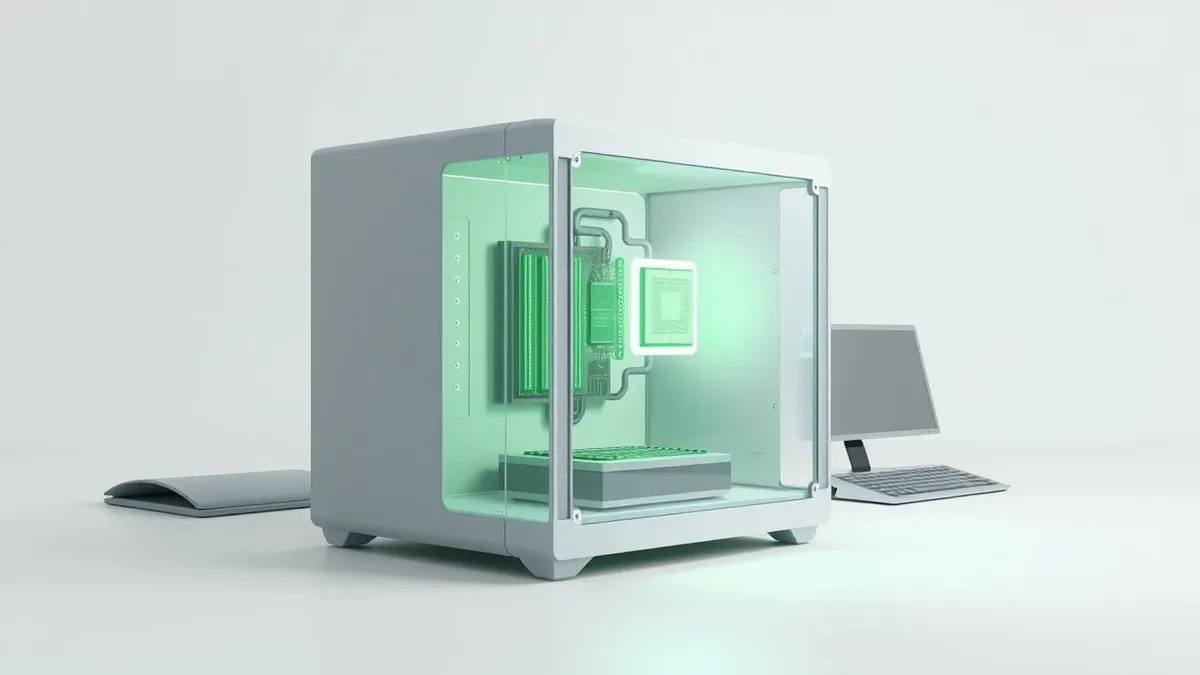
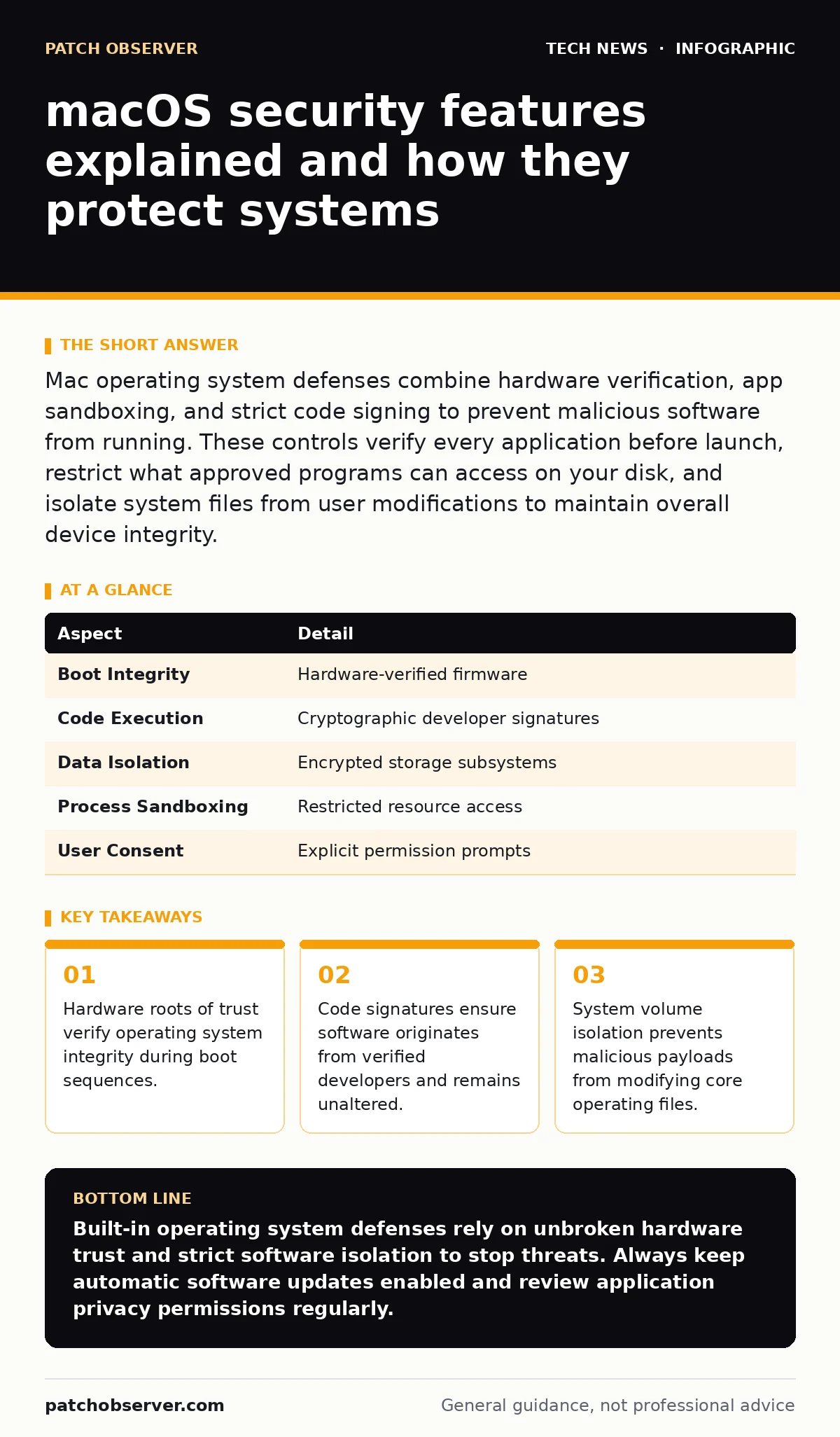
Mac operating system defenses combine hardware verification, app sandboxing, and strict code signing to prevent malicious software from running. These controls verify every application before launch, restrict what approved programs can access on your disk, and isolate system files from user modifications to maintain overall device integrity.
Understanding macos security features
Operating system security operates much like a high-security office building with multiple checkpoints, receptionist validation, and locked internal doors. macOS security features represent a collection of hardware-backed controls and software restrictions designed to stop unauthorized modifications. These mechanisms verify code authenticity, isolate running applications, and protect sensitive data from unauthorized extraction.
Every application launching on the platform undergoes rigorous checks. The system evaluates cryptographic signatures attached to the software package to confirm the developer identity. Unsigned code faces immediate blocking unless specific administrative overrides occur. This architecture ensures that obtaining software from unverified internet sources triggers explicit warnings or outright blocks.
How hardware roots of trust enforce boot integrity
Silicon architecture establishes the foundational trust for the entire machine. A dedicated hardware security processor manages the initial bootloader sequence before handing control to the main operating system. This hardware layer checks cryptographic signatures of every firmware component during startup. If any file appears modified, the boot sequence halts immediately.
Hardware isolation extends beyond simple boot verification. Secure enclaves handle sensitive cryptographic keys independently from the primary operating system. Even if root-level administrative accounts face compromise, keys stored within this isolated hardware subsystem remain inaccessible to unauthorized processes.
| Aspect | Detail |
|---|---|
| Boot Integrity | Hardware-verified firmware |
| Code Execution | Cryptographic developer signatures |
| Data Isolation | Encrypted storage subsystems |
| Process Sandboxing | Restricted resource access |
| User Consent | Explicit permission prompts |
Application sandboxing and resource restrictions
Sandboxing forces applications to operate inside isolated virtual containers. An application running within a sandbox cannot freely read files belonging to other programs or access system memory outside its assigned boundary. Developers must explicitly declare required capabilities, such as camera access or network connections, during the compilation phase.
Operating system policies intercept resource requests and compare them against declared entitlements. When an app attempts to read user documents without prior authorization, the system blocks the action silently or prompts the user for confirmation. This containment strategy prevents a single compromised utility from spreading infection across the entire storage volume.
What people usually get wrong about default settings
Administrators often assume that default configurations provide complete protection against sophisticated credential theft. While built-in defenses block most commodity malware, they rely heavily on correct user responses during permission prompts. Clicking allow on deceptive security alerts bypasses protective barriers entirely.
Another common misconception involves confusing disk encryption with runtime protection. Storage encryption safeguards data at rest if physical hardware falls into the wrong hands. However, encryption offers zero defense once the machine unlocks and malicious processes execute within an active user session.
Managing application execution and notarization
Apple requires software developers to submit applications for automated malware scanning before distribution. This process, known as notarization, issues a digital ticket confirming the absence of known malicious routines. Systems check this ticket online whenever a user launches a newly downloaded utility for the first time.
IT administrators managing fleets of devices often integrate network monitoring tools to observe outbound traffic anomalies generated by misbehaving applications. When an application attempts unauthorized data exfiltration, visibility tools help teams isolate the affected endpoint quickly.
See also: Why is SAML more secure than traditional password login · DNSSEC vs DNS over TLS: Protect Integrity and Privacy
Handling disk access and privacy controls
Modern privacy preferences restrict access to sensitive locations like the user desktop, documents folder, and removable volumes. Applications must request explicit consent through system dialogs before reading personal directories. Users retain granular control over which utilities maintain persistent access to sensitive data feeds.
Maintaining clean system configurations requires balancing operational freedom with strict boundary enforcement. Integrating proper firewall rules at the network perimeter complements local endpoint controls by filtering unauthorized inbound and outbound connections.
Key takeaways
- Hardware roots of trust verify operating system integrity during boot sequences.
- Code signatures ensure software originates from verified developers and remains unaltered.
- System volume isolation prevents malicious payloads from modifying core operating files.
Built-in operating system defenses rely on unbroken hardware trust and strict software isolation to stop threats. Always keep automatic software updates enabled and review application privacy permissions regularly.
Frequently asked questions
Can malware bypass built-in Mac security controls?
Sophisticated threats occasionally bypass defenses by exploiting unpatched vulnerabilities or social engineering users into granting manual permissions.
What is application notarization?
Notarization is an automated Apple service that scans developer software for malicious content and issues a cryptographic ticket allowing execution.
How do secure enclaves protect encryption keys?
Secure enclaves use isolated hardware processors that store cryptographic keys away from the main operating system memory space.
Why do apps request permission to access folders?
Operating system privacy controls require explicit user consent before allowing applications to read personal directories or hardware peripherals.
How this guide was produced: written by the Patch Observer editorial team with AI assistance, checked against the public references listed below, and reviewed when the facts change. See our editorial policy or report an error.