How Smartphone Security Updates Work: The Hidden Chain
Your phone rebuilds its trust chain every time it updates, meaning a single broken cryptographic signature blocks the entire operating system from running.
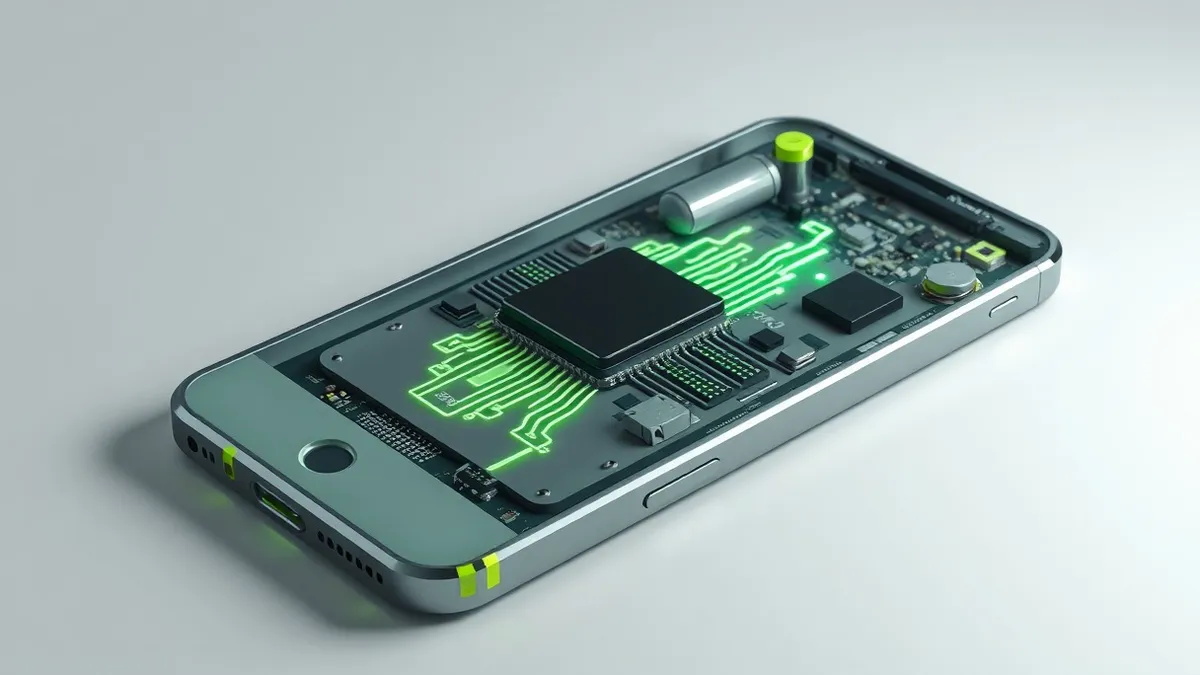
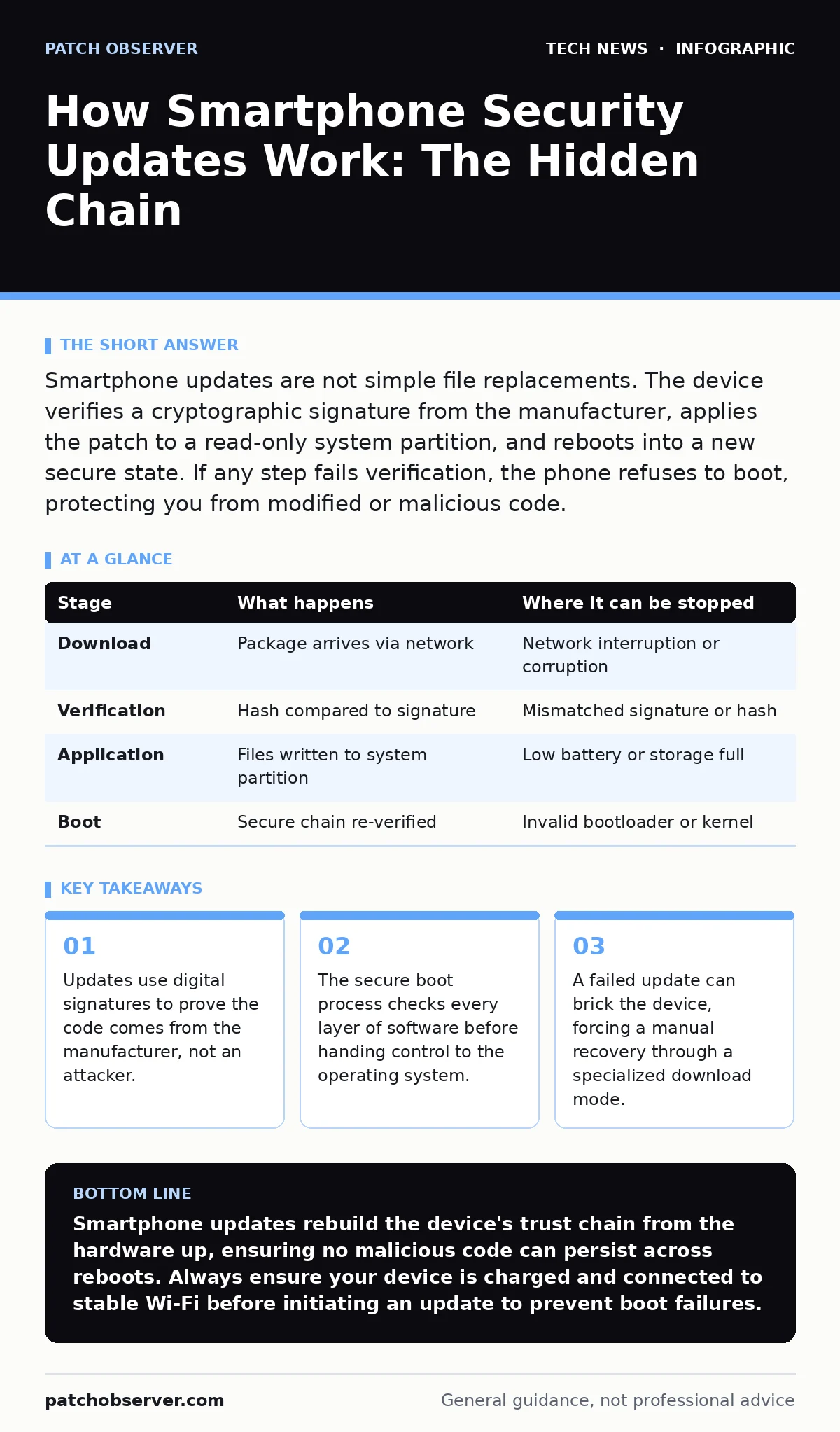
Smartphone updates are not simple file replacements. The device verifies a cryptographic signature from the manufacturer, applies the patch to a read-only system partition, and reboots into a new secure state. If any step fails verification, the phone refuses to boot, protecting you from modified or malicious code.
The Signature Verification Process
When you tap the update button, your phone does not immediately start installing files. It first downloads a package that contains the new operating system components and a digital signature. This signature is a mathematical proof created by the device manufacturer using a private cryptographic key. Your phone holds the corresponding public key, which is burned into the hardware during manufacturing.
The device calculates a hash of the downloaded package. A hash is a fixed-length string of characters that represents the data. If even one bit of the update changes, the hash changes completely. The phone then uses the public key to decrypt the signature and compares it to the calculated hash. If they match, the phone knows the update is authentic and has not been tampered with.
This step prevents attackers from injecting malicious code into the update stream. Even if an attacker intercepts the download, they cannot create a valid signature without the manufacturer’s private key. Without that key, any modified update will fail the verification check. The phone will reject the package and notify you of a download error.
Stage 1: Download and Integrity Check
The update package is transferred over the network, typically via Wi-Fi to conserve mobile data. During this transfer, the connection is encrypted to prevent eavesdropping. You should review Wi-Fi security practices to ensure your local network does not expose this traffic to local attackers. Once the file arrives, the integrity check begins. The system isolates the downloaded file in a temporary storage area. It does not touch the active operating system yet. This isolation ensures that a corrupted download cannot crash your running applications.
| Stage | What happens | Where it can be stopped |
|---|---|---|
| Download | Package arrives via network | Network interruption or corruption |
| Verification | Hash compared to signature | Mismatched signature or hash |
| Application | Files written to system partition | Low battery or storage full |
| Boot | Secure chain re-verified | Invalid bootloader or kernel |
The Partition Write Mechanism
Smartphones do not have a single hard drive like desktop computers. They use flash memory divided into partitions. The operating system lives in a read-only partition. This means the system cannot modify its own core files while running. To apply an update, the phone must write to this protected area.
The update process uses an updater binary, a small program with elevated privileges. This program takes the verified package and extracts the new files. It writes these files to the system partition. Because the partition is normally locked, the updater temporarily unlocks it for this specific operation. This is a high-risk moment. If power fails during this write, the system files become incomplete.
This is why your phone warns you about battery levels. The device requires enough power to complete the write and reboot. If the battery dies mid-write, the phone may enter a boot loop. You would then need to use a computer to restore the device. This mechanism protects against partial updates that could leave the system in an unstable state.
Stage 2: Applying the Patch
The updater writes the new files to the designated partition. It also updates configuration files and database schemas if the new version requires them. This process is silent to the user, but it involves significant disk I/O. The phone may feel warm as the storage controller works. You should avoid using the device heavily during this phase. Heavy usage can generate heat and consume power, increasing the risk of interruption. The updater logs the progress internally, but you usually see only a progress bar.
The Secure Boot Chain
After the files are written, the phone reboots. This is not a normal restart. It is a secure boot process. The hardware starts by running the bootloader, a small program stored in read-only memory. The bootloader checks the signature of the kernel, the core of the operating system. If the kernel is valid, the bootloader loads it.
The kernel then checks the signature of the init process, which starts the user space. Each layer verifies the next. This chain of trust ensures that no malicious code has replaced any part of the startup sequence. If any link in the chain is broken, the phone stops booting. This is a critical defense against persistent malware that tries to survive reboots.
This mechanism relies on the hardware remaining unchanged. If an attacker modifies the bootloader, the chain breaks. Most manufacturers lock the bootloader to prevent this. Unlocking it allows you to install custom operating systems, but it also disables the secure boot chain. You lose the guarantee that the software is authentic.
Stage 3: Reboot and Verification
The device powers off and starts the secure boot sequence. The bootloader executes and verifies the kernel signature. The kernel loads and verifies the init process. The operating system starts. If any verification fails, the phone displays a warning or remains black. This step ensures that the update was applied correctly and that no tampering occurred. It is the final gatekeeper before you regain access to your device.
The Limits of Over-the-Air Updates
Over-the-air updates are convenient, but they have limits. They rely on a stable internet connection. In areas with poor connectivity, updates may fail or hang. They also require the device to be compatible with the new software. Older hardware may not support new security features. Manufacturers eventually stop providing updates for older devices. This is known as end-of-life.
When updates stop, the device remains vulnerable to new exploits. You cannot patch these holes. This is why software updates are a finite resource. You must plan for device replacement before support ends. Also, some updates require a factory reset. This erases all data on the device. You must back up your data before installing such updates.
Managing Update Failures
Sometimes updates fail. The phone may reboot multiple times. This is a safety feature. The device detects that the new system is unstable and rolls back to the previous version. This rollback uses a secondary partition that holds the old system. If the rollback fails, the phone may need manual intervention.
You can often fix this by connecting the phone to a computer. The manufacturer provides tools to restore the device to a known good state. This process erases all data. It is a last resort. To avoid this, keep your device charged and connected to stable Wi-Fi during updates. Also, check for browser security settings that might block the update server’s certificates.
See also: macOS security features explained and how they protect systems · Why is SAML more secure than traditional password login
The Human Element in Security
The technical mechanisms are strong, but human behavior weakens them. Users often ignore update notifications. They fear that updates will slow down the device or change the interface. This delay leaves the device exposed to known vulnerabilities. Attackers exploit these windows of opportunity.
You must treat updates as a security requirement, not a feature upgrade. Even if the new version does not add features, it likely patches security holes. The update process is designed to be safe, but it requires your cooperation. Keep your device charged, ensure stable connectivity, and allow the reboot to complete.
Conclusion of the Update Cycle
Once the update is complete, the phone returns to normal operation. The new security patches are now active. The secure boot chain has been re-established with the new signatures. Your device is now protected against the vulnerabilities that existed before the update.
This cycle repeats regularly. Manufacturers release patches for new threats. You must keep the cycle going. Ignoring updates breaks the chain of protection. The mechanisms are designed to be robust, but they depend on your participation. Stay informed about remote work security practices, as your device may connect to corporate networks that require specific security configurations.
Key takeaways
- Updates use digital signatures to prove the code comes from the manufacturer, not an attacker.
- The secure boot process checks every layer of software before handing control to the operating system.
- A failed update can brick the device, forcing a manual recovery through a specialized download mode.
Smartphone updates rebuild the device's trust chain from the hardware up, ensuring no malicious code can persist across reboots. Always ensure your device is charged and connected to stable Wi-Fi before initiating an update to prevent boot failures.
Frequently asked questions
Can I install security updates without Wi-Fi?
Most devices allow updates over mobile data, but this consumes your data allowance and may be slower. Manufacturers often restrict large updates to Wi-Fi to prevent unexpected data charges.
What happens if the battery dies during an update?
The phone may fail to boot. It will likely enter a recovery mode. You will need to connect it to a computer and use manufacturer tools to restore the operating system, which erases your data.
Do updates erase my photos and contacts?
Standard security updates do not erase user data. However, major operating system upgrades sometimes require a factory reset. Always check the update description and back up your data before major upgrades.
Why does my phone heat up during an update?
The storage controller works intensively to write new files to the system partition. This generates
How this guide was produced: written by the Patch Observer editorial team with AI assistance, checked against the public references listed below, and reviewed when the facts change. See our editorial policy or report an error.