Network Ports and Protocols Explained: How Data Actually Moves
Most security breaches occur not because hackers break encryption, but because administrators leave unused network ports open like forgotten side doors.
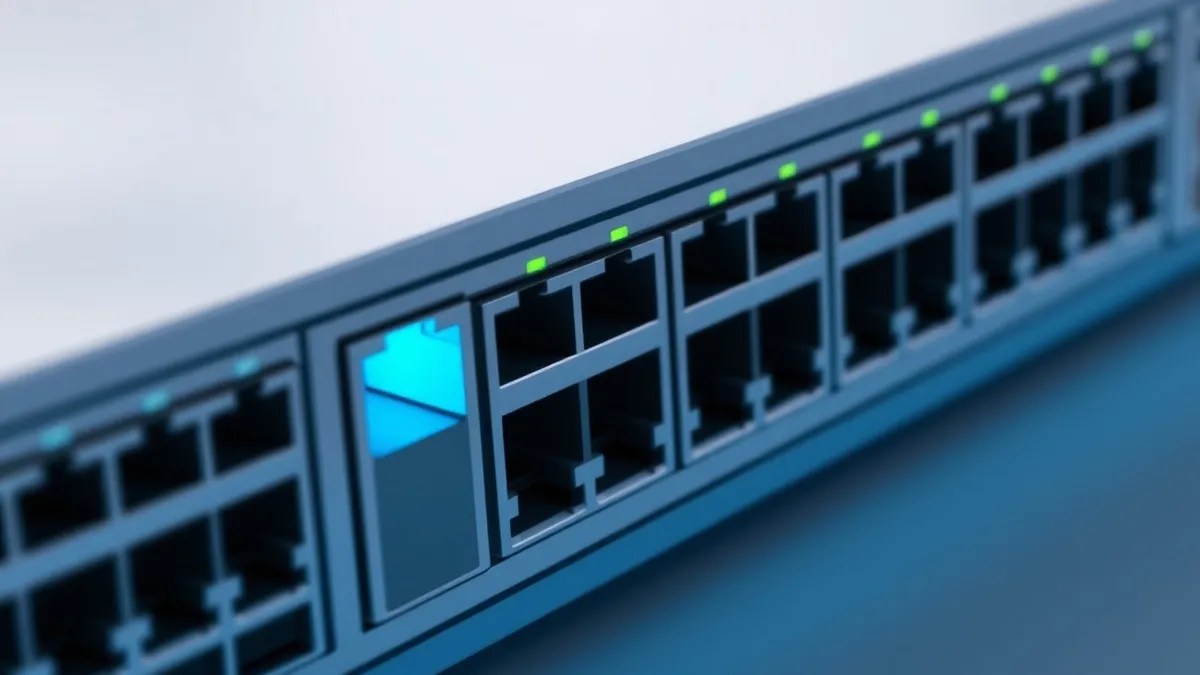
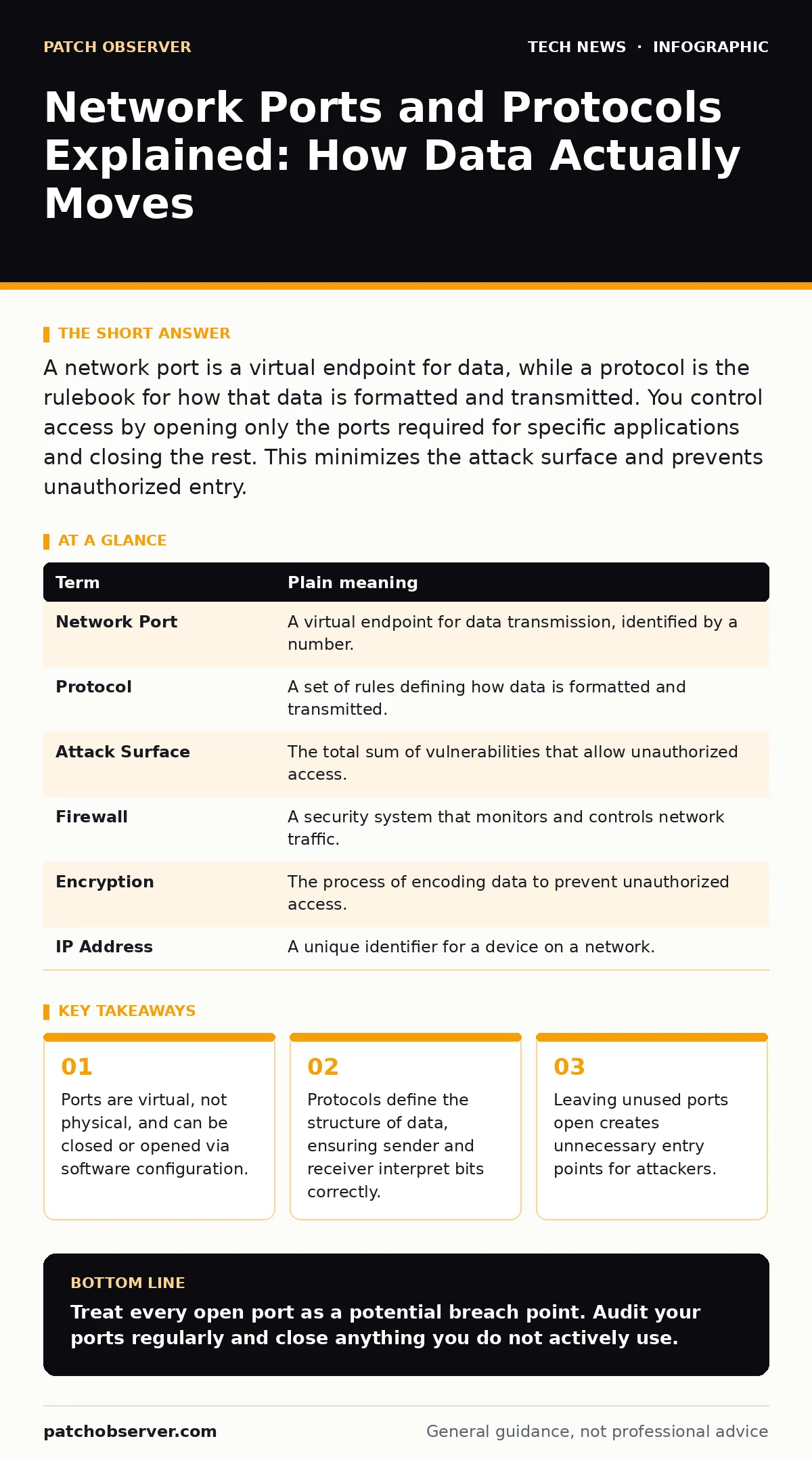
A network port is a virtual endpoint for data, while a protocol is the rulebook for how that data is formatted and transmitted. You control access by opening only the ports required for specific applications and closing the rest. This minimizes the attack surface and prevents unauthorized entry.
The Post Office Analogy
Imagine your computer is a large post office building. The building address is your IP address, which tells mail where to go. Inside the building, there are hundreds of individual mailboxes. Each mailbox has a number. This number is the network port. It tells the mail clerk exactly where to place the package once it arrives at the building.
You do not need every mailbox open. If you only receive letters, you should not have the box for large freight trucks open. Keeping unnecessary boxes open wastes space and allows strangers to leave unwanted items. In networking, an open port is an invitation for data to enter. If you do not expect a delivery, do not open the box.
What Is a Protocol?
The mailbox number tells the clerk where to put the item. It does not tell the clerk what is inside. That is the job of the protocol. A protocol is a set of rules that defines how data is formatted, transmitted, and received. It is like the standard envelope size and stamp requirement.
If you send a letter using the wrong envelope type, the post office rejects it. Similarly, if a device sends data in a format the receiver does not understand, the connection fails. Common protocols include HTTP for web pages and SSH for secure remote management. Each protocol dictates the structure of the conversation between devices.
Common Points of Confusion
Many beginners confuse ports with physical hardware. You cannot touch a port. It exists only in the operating system’s memory. This distinction matters because you can change port settings instantly without unplugging cables.
Another confusion is assuming higher security equals lower port numbers. This is false. Port numbers are arbitrary identifiers. Port 80 is used for web traffic, and port 443 is used for secure web traffic. The security comes from the protocol running on that port, not the number itself. You can run a secure service on port 80 if you configure it correctly, though it is unusual.
The Hidden Cost of Open Ports
Every open port is a potential entry point. This is called the attack surface. The more ports you open, the larger the target for attackers. Even if a port is not actively used, it may still accept connections. Attackers scan for these open ports to find vulnerabilities.
Suppose you run a web server. You open port 443 for HTTPS traffic. You might also leave port 80 open for legacy redirects. An attacker scans your IP address. They find port 80 is open. Even if you redirect traffic, the fact that the port is listening reveals information about your system. This information helps them plan further attacks.
Managing Access with Firewall Rules
You control which ports are open using a firewall. A firewall is a security system that monitors and controls incoming and outgoing network traffic based on predetermined security rules. It acts like a bouncer at the post office. It checks every package against a list of allowed deliveries.
You should configure your firewall to deny all traffic by default. Then, you explicitly allow only the ports you need. This is the principle of least privilege. If you do not need remote desktop access, close that port. If you do, restrict it to specific IP addresses. See our guide on firewall rules for detailed configuration steps.
See also: Firewall Rules Linux: How Packet Filtering Shapes Network Security · Network Access Control Definition: How Policies Block Unauthorized Devices
Protocol-Specific Risks
Not all protocols are created equal. Some protocols transmit data in plain text. This means anyone who intercepts the data can read it. HTTP is an example of a plain text protocol. HTTPS encrypts the data using RSA encryption or similar methods. Encryption ensures that even if someone intercepts the package, they cannot read the contents without the key.
Using unencrypted protocols on public networks is dangerous. Imagine sending a postcard with your bank account number. Anyone who handles the postcard can read it. Always use encrypted protocols for sensitive data. For remote management, use SSH instead of Telnet. For file transfers, use SFTP instead of FTP.
Try This Now
- Identify the services running on your devices. List which ports each service uses.
- Check your firewall settings. Ensure all ports not on your list are blocked.
- Test your configuration. Use a port scanning tool to verify that only intended ports are open.
| Term | Plain meaning |
|---|---|
| Network Port | A virtual endpoint for data transmission, identified by a number. |
| Protocol | A set of rules defining how data is formatted and transmitted. |
| Attack Surface | The total sum of vulnerabilities that allow unauthorized access. |
| Firewall | A security system that monitors and controls network traffic. |
| Encryption | The process of encoding data to prevent unauthorized access. |
| IP Address | A unique identifier for a device on a network. |
Key takeaways
- Ports are virtual, not physical, and can be closed or opened via software configuration.
- Protocols define the structure of data, ensuring sender and receiver interpret bits correctly.
- Leaving unused ports open creates unnecessary entry points for attackers.
Treat every open port as a potential breach point. Audit your ports regularly and close anything you do not actively use.
Frequently asked questions
Can two services use the same port?
No, only one service can listen on a specific port on a single IP address. You must use different ports for different services on the same device.
Do I need to open ports for incoming traffic?
Only if you are hosting a service that requires external access. For most users, only outgoing connections are necessary.
How do I know which ports are open?
Use built-in operating system tools or third-party port scanners to check listening ports.
Is it safe to use well-known port numbers?
Yes, using standard ports is safe if the service is properly secured. Security depends on the protocol and configuration, not the port number.
How this guide was produced: written by the Patch Observer editorial team with AI assistance, checked against the public references listed below, and reviewed when the facts change. See our editorial policy or report an error.