How Network Ports and Protocols Handle Data Transit
Protocols define the rules for data exchange while ports act as specific delivery addresses, creating a layered system where errors in one layer mask problems in the next.

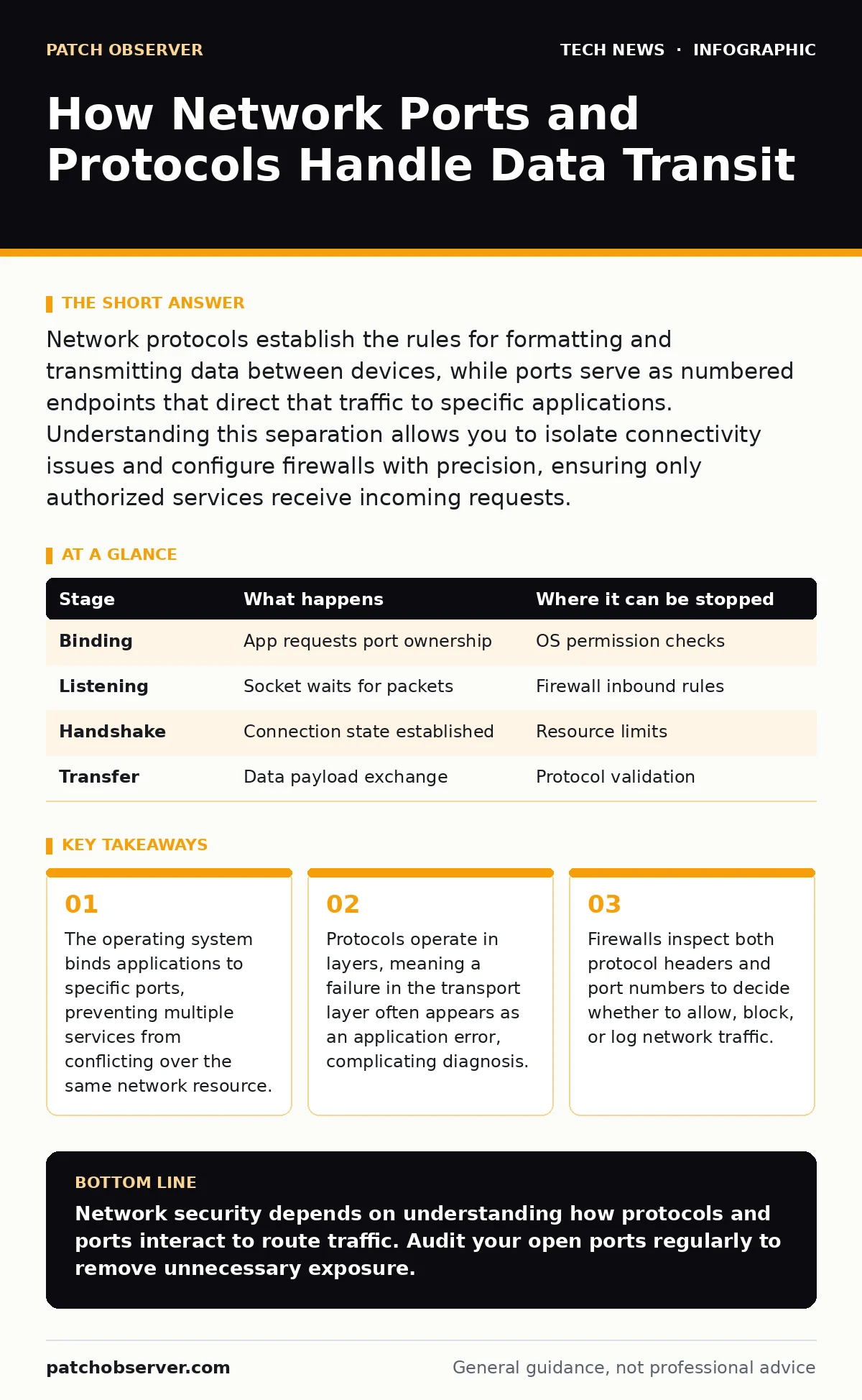
Network protocols establish the rules for formatting and transmitting data between devices, while ports serve as numbered endpoints that direct that traffic to specific applications. Understanding this separation allows you to isolate connectivity issues and configure firewalls with precision, ensuring only authorized services receive incoming requests.
The Architecture of Network Endpoints
Network communication relies on a strict separation of concerns. You must distinguish between the method of transport and the destination address. A protocol is a set of rules that governs how data is formatted, transmitted, and received. A port is a logical endpoint identified by a number, used by the operating system to direct incoming data to the correct application process.
Think of a protocol as the postal service’s rules for writing an address and sealing an envelope. The port is the specific apartment number within a large building. Without the apartment number, the mailroom cannot deliver the package to the right person, even if the street address is correct. This separation allows multiple applications to run on a single server without interfering with one another.
The operating system manages this mapping. When an application starts, it requests a port binding. The system checks if that port is available. If another service is already listening on that port, the request fails. This mechanism prevents data collisions where two different services might misinterpret incoming packets as intended for themselves.
Stage 1: Application Initialization and Binding
The process begins when a server application starts. The software requests a specific port from the operating system. This is known as binding. The application specifies whether it expects incoming connections, known as listening, or only needs to send data outbound.
If the application requests a well-known port, such as those below 1024, the operating system may require elevated privileges. This restriction protects critical system services from being hijacked by standard user processes. The system records the binding in an internal table, linking the port number to the process ID of the application.
| Stage | What happens | Where it can be stopped |
|---|---|---|
| Binding | App requests port ownership | OS permission checks |
| Listening | Socket waits for packets | Firewall inbound rules |
| Handshake | Connection state established | Resource limits |
| Transfer | Data payload exchange | Protocol validation |
Stage 2: Connection Establishment and State
Once bound, the application enters a listening state. It does not actively seek connections but waits for incoming signals. When a client initiates contact, the protocol dictates a handshake process. For TCP, this involves a three-step exchange to synchronize sequence numbers and establish a reliable channel.
This handshake is critical for security and stability. It ensures both parties are ready to communicate and prevents old, stale connections from interfering with new ones. The operating system maintains a state table for each active connection. This table tracks the source address, destination address, source port, and destination port for every session.
If the handshake fails, the connection never opens. This can happen due to firewall rules blocking the initial packet or network congestion dropping packets before they arrive. The application remains unaware of the attempt if the firewall silently drops the traffic rather than rejecting it.
Stage 3: Data Encapsulation and Routing
When data is sent, it undergoes encapsulation. The application data is wrapped in protocol headers at each layer of the network stack. The transport layer adds source and destination port numbers. The network layer adds IP addresses. The link layer adds hardware addresses.
This layered approach allows routers to make decisions based on different parts of the packet. Routers primarily look at the network layer IP addresses to determine the path. They do not inspect the port numbers unless configured to do so via advanced firewalling or deep packet inspection.
The receiving device reverses this process. It strips away the link layer header, then the network layer header. Finally, it uses the transport layer header to identify the port. The operating system looks up the port in its binding table and delivers the payload to the corresponding application process.
Stage 4: Session Termination and Cleanup
Communication ends when one side signals completion. For connection-oriented protocols, this involves a formal teardown sequence. Both sides acknowledge the end of data transmission. The operating system then removes the entry from the state table and releases the port back to the pool of available resources.
If a connection is terminated abruptly, such as by a network cable unplugging, the port may remain in a "waiting" state for a period. This is known as a time-wait state. It prevents delayed packets from a previous connection from being misinterpreted as belonging to a new connection.
Understanding this cleanup phase is vital for diagnosing high-load issues. If too many connections remain in a waiting state, the server may run out of available ports for new connections, causing service degradation even if the application itself is functioning correctly.
See also: Telegram link and domain outages: Understanding routing failures · Getting a Reddit API Key: Account Types and Rate Limits Explained
Security Implications of Port Exposure
Exposing ports to the internet increases the attack surface. Each open port is a potential entry point for unauthorized access. Attackers scan for open ports to identify running services. They then attempt to exploit known vulnerabilities in those specific applications.
Firewalls mitigate this risk by filtering traffic. They can block all inbound traffic by default, only allowing specific ports necessary for business operations. However, firewalls cannot inspect the content of encrypted traffic unless you implement additional measures, such as those discussed in our guide on reverse proxies.
The choice of protocol also impacts security. Some protocols transmit data in plain text, allowing anyone on the network path to read the contents. Others encrypt the payload, ensuring confidentiality. Understanding the difference helps you prioritize which services need additional encryption layers.
Diagnosing Connectivity Issues
When connectivity fails, you must determine where the breakdown occurs. Is the application bound to the correct port? Is the firewall allowing the traffic? Is the network path intact? Tools that display active connections and listening ports help isolate these issues.
A common mistake is assuming that if a port is open, the service is working. The port may be open, but the application might be crashing or misconfigured. Conversely, the application may be running, but a firewall rule might be blocking the specific source IP address.
Check the operating system logs for binding errors. Review firewall logs for dropped packets. Verify that the client is targeting the correct port number. This systematic approach prevents wasted time on false leads. For issues related to credential storage during these sessions, refer to our guide on API key security.
Managing Port Conflicts and Limits
In high-traffic environments, port exhaustion can occur. Each active connection consumes a port on both the client and server sides. If the server runs out of available ephemeral ports, it cannot accept new connections.
You can adjust system parameters to increase the range of available ports or reduce the time a port remains in the waiting state after connection closure. However, these adjustments have trade-offs. Reducing the wait time too aggressively can lead to packet confusion if delayed traffic arrives.
Regularly auditing listening ports ensures that only necessary services are exposed. Disable any unused services to reduce the risk of exploitation. This practice aligns with the principles of least privilege, ensuring that your network infrastructure only exposes what is strictly required for operation.
Key takeaways
- The operating system binds applications to specific ports, preventing multiple services from conflicting over the same network resource.
- Protocols operate in layers, meaning a failure in the transport layer often appears as an application error, complicating diagnosis.
- Firewalls inspect both protocol headers and port numbers to decide whether to allow, block, or log network traffic.
Network security depends on understanding how protocols and ports interact to route traffic. Audit your open ports regularly to remove unnecessary exposure.
Frequently asked questions
What is the difference between a TCP and UDP port?
TCP ports handle connection-oriented traffic with error checking and delivery guarantees, while UDP ports handle connectionless traffic that prioritizes speed over reliability.
Can two applications use the same port number?
No, the operating system binds each port to a single process. If two applications try to bind to the same port, the second attempt will fail.
Why do some ports require admin privileges?
Privileged ports, typically below 1024, are reserved for system services. Restricting access to these ports prevents unauthorized applications from impersonating critical services.
How do I know which ports are open on my server?
Use operating system network tools to list listening sockets. These tools show the port number, the protocol type, and the process ID associated with each open port.
How this guide was produced: written by the Patch Observer editorial team with AI assistance, checked against the public references listed below, and reviewed when the facts change. See our editorial policy or report an error.