MFA for Cloud Accounts: Secure Small Business Access Without Complexity
Multi-factor authentication stops credential theft by requiring a second proof of identity that attackers cannot guess or steal from a password database alone.
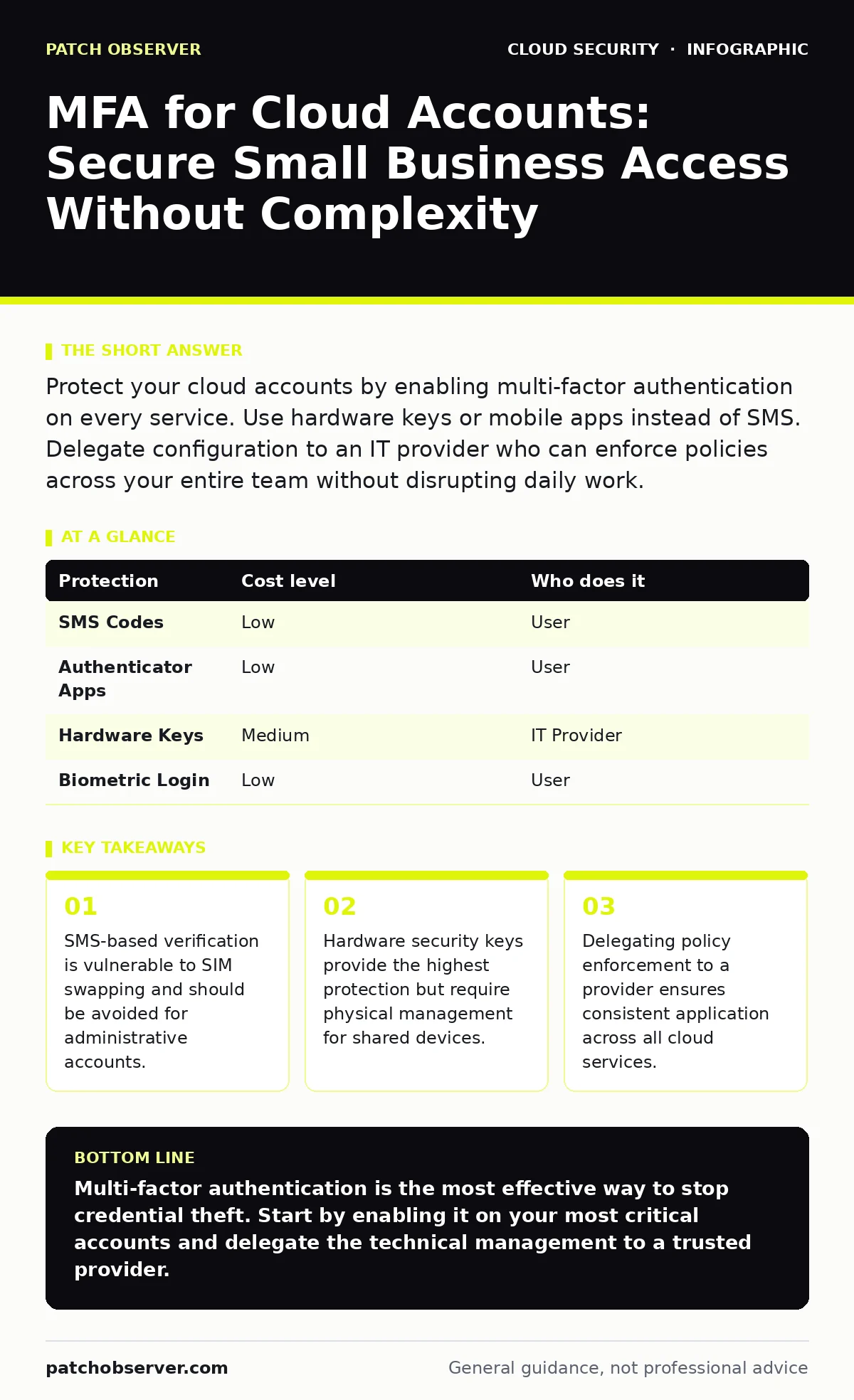
Protect your cloud accounts by enabling multi-factor authentication on every service. Use hardware keys or mobile apps instead of SMS. Delegate configuration to an IT provider who can enforce policies across your entire team without disrupting daily work.
The Hidden Risk of Shared Credentials
Small organizations often rely on shared accounts for convenience. This practice creates a single point of failure. When one person leaves or their device is compromised, the entire team’s access is at risk. Cloud providers offer granular identity controls, but they require strict adherence to authentication standards.
Multi-factor authentication (MFA) adds a layer of defense. It requires two distinct forms of verification. The first is something you know, like a password. The second is something you have, such as a phone or a hardware key. This combination ensures that stolen passwords are useless without the physical device.
You might think your industry is not a target. Attackers use automated tools to scan for weak accounts. They do not care about your company size. They only care about whether the door is unlocked.
Why SMS Is Not Enough
Many users default to text message verification because it is easy. Your phone number is already linked to your account. You receive a code via SMS. This method is convenient but flawed.
SIM swapping is a technique where an attacker convinces your mobile carrier to transfer your phone number to a new SIM card. Once the number is active on their device, they receive your login codes. This bypasses the second factor entirely.
For small businesses, the cost of a breach often exceeds the cost of better security. SMS should be reserved for low-risk consumer accounts. Administrative and financial accounts require stronger methods.
Choosing the Right Verification Method
Not all second factors are equal. The strength of your protection depends on the method you choose.
| Protection | Cost level | Who does it |
|---|---|---|
| SMS Codes | Low | User |
| Authenticator Apps | Low | User |
| Hardware Keys | Medium | IT Provider |
| Biometric Login | Low | User |
Authenticator apps generate time-based one-time passwords. These codes change every thirty seconds. They do not rely on the cellular network. This makes them resistant to SIM swapping.
Hardware keys are small USB or NFC devices. They use public-key cryptography. This is the same technology that secures online banking. When you plug in the key, it signs a challenge from the server. No data is stored on the key that can be stolen.
The Cost of Complexity
Implementing MFA correctly can feel overwhelming. You must ensure every user has a working method. You must handle lost devices. You must update policies when staff change.
If you manage this internally, you risk configuration errors. A misconfigured policy can lock out your entire team. This downtime costs more than the security tool itself.
Delegating this task to an IT provider is often smarter. They have templates for common cloud platforms. They can test changes in a sandbox environment before applying them live. This reduces the risk of accidental lockouts.
What to Delegate to Your Provider
You should not just ask for MFA. You need to define how it is enforced. A provider should handle the technical implementation and the ongoing management.
Ask your provider these questions:
- How do you enforce MFA across all cloud services, not just email?
- What is the process for recovering access if a user loses their device?
- Do you use conditional access policies to reduce friction for trusted users?
- How do you monitor for failed login attempts and unusual activity?
Conditional access policies allow you to set rules. For example, you can require MFA only when logging in from a new location. This reduces the number of times users must verify their identity. It improves the user experience while maintaining security.
See also: CIS Benchmarks for Small Business: Secure Cloud Configs
Integrating with Cloud IAM Policies
Multi-factor authentication is not a standalone tool. It works with Identity and Access Management (IAM) policies. These policies define who can do what.
If you have strong MFA but weak IAM policies, you are still vulnerable. An attacker with a valid login could still access sensitive data if the permissions are too broad.
You should review your cloud IAM policies regularly. Ensure that users have only the permissions they need. This is called least privilege. It limits the damage if an account is compromised.
Consider how policy as code can help. This approach stores your security rules in version-controlled files. It allows you to test changes before deployment. It ensures that your security posture is consistent and auditable.
Handling Shared Devices and Kiosks
Some roles require access from shared devices. Reception desks, conference rooms, and temporary staff often use kiosks. MFA is tricky here because the device is not tied to a single user.
You can use single-use login codes. These are sent to a personal phone or email. The user enters the code on the shared device. This ensures that only the authorized person can log in.
Another option is session timeouts. The system logs out the user after a period of inactivity. This prevents the next person from using the active session.
The Role of Secure Access
MFA protects the login process. It does not protect the data once you are inside. You need a broader security model.
Secure Access Service Edge (SASE) combines networking and security functions. It verifies identity and device health before allowing access. This ensures that only trusted users and devices can reach your resources.
For small businesses, this might seem complex. However, many cloud providers offer simplified versions. Look for zero-trust network access features. These features verify every request, regardless of where it comes from.
Managing the Long-Term Burden
Security is not a one-time setup. It is an ongoing process. Users will forget passwords. Devices will break. Staff will leave.
You need a clear process for offboarding. When an employee leaves, their access must be revoked immediately. This includes removing their MFA registration.
Your IT provider should handle this. They can automate the deprovisioning process. This ensures that former employees cannot access your systems.
Regular audits are also necessary. Review who has access and why. Remove unnecessary permissions. This reduces the attack surface.
Consider the risks in your cloud supply chain risks. If you use third-party apps, they may have access to your data. Ensure that these apps also require MFA.
Next Steps for Implementation
Start with your most critical accounts. Email and financial systems are usually the top targets. Enable MFA on these first.
Then expand to other services. Use the same method for all accounts if possible. This reduces confusion for users.
Document your procedures. Write down how to recover access. Keep this document in a secure location.
Key takeaways
- SMS-based verification is vulnerable to SIM swapping and should be avoided for administrative accounts.
- Hardware security keys provide the highest protection but require physical management for shared devices.
- Delegating policy enforcement to a provider ensures consistent application across all cloud services.
Multi-factor authentication is the most effective way to stop credential theft. Start by enabling it on your most critical accounts and delegate the technical management to a trusted provider.
Frequently asked questions
Can I use MFA without an IT provider?
Yes, but you must manage the configuration and recovery process yourself. This can be time-consuming and error-prone for small teams.
What happens if I lose my hardware key?
You will need a backup method, such as a secondary key or a recovery code. Store these securely and test the recovery process regularly.
Is MFA required by law?
Many regulations require strong authentication. Check the specific requirements for your industry and region.
Does MFA slow down my team?
It adds a few seconds to the login process. Conditional access policies can reduce this friction for trusted users and devices.
How this guide was produced: written by the Patch Observer editorial team with AI assistance, checked against the public references listed below, and reviewed when the facts change. See our editorial policy or report an error.