Accidental Data Disclosure Prevention Checklist for Secure Operations
Most accidental disclosures occur because default configurations expose data to the public internet or allow unrestricted internal access without verification.

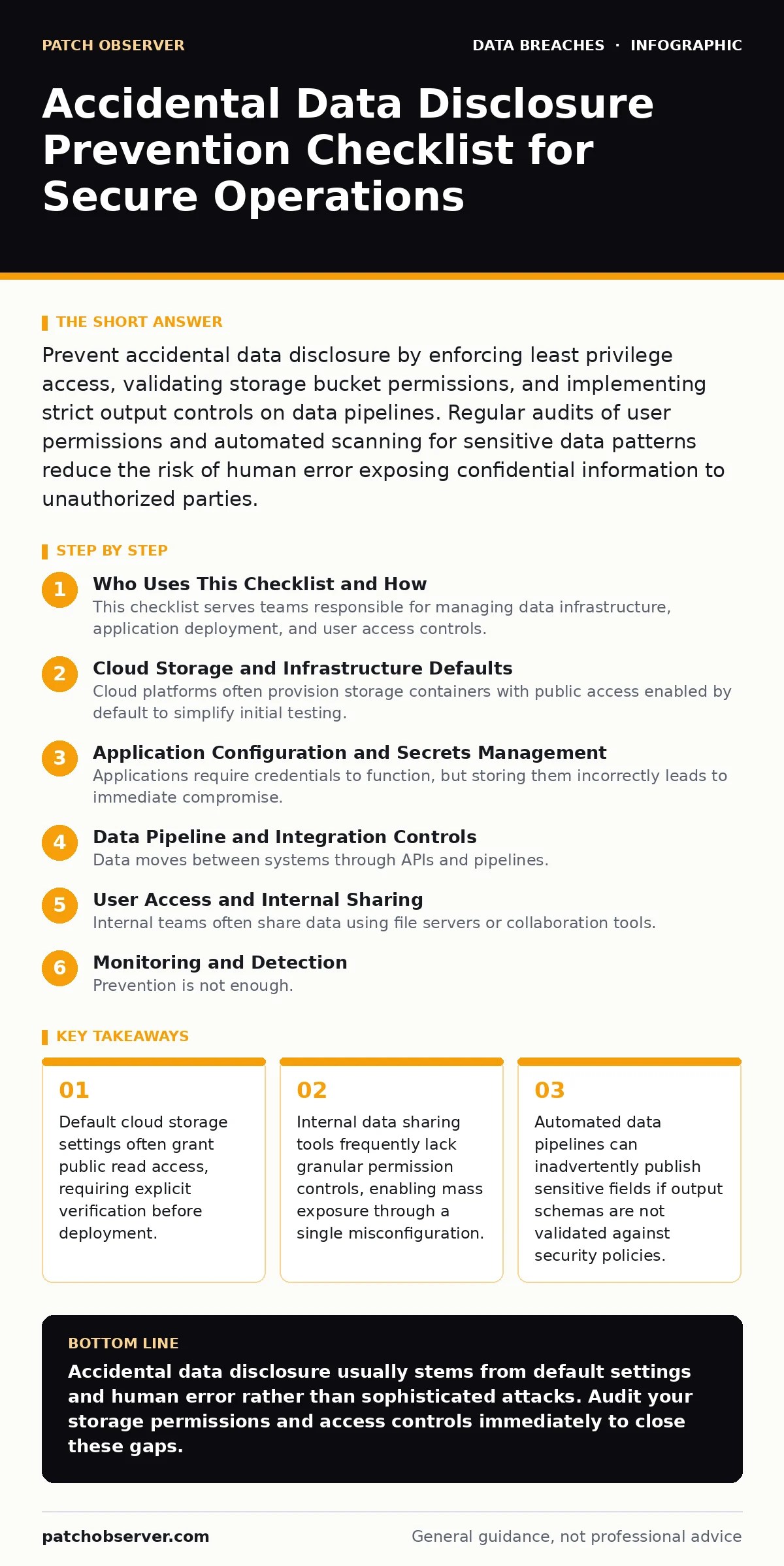
Prevent accidental data disclosure by enforcing least privilege access, validating storage bucket permissions, and implementing strict output controls on data pipelines. Regular audits of user permissions and automated scanning for sensitive data patterns reduce the risk of human error exposing confidential information to unauthorized parties.
Who Uses This Checklist and How
This checklist serves teams responsible for managing data infrastructure, application deployment, and user access controls. You use this list to audit your current environment for common misconfigurations that lead to accidental data disclosure. Review each section quarterly or whenever you deploy new services. The items are grouped by the stage of the data lifecycle where errors typically occur.
Cloud Storage and Infrastructure Defaults
Cloud platforms often provision storage containers with public access enabled by default to simplify initial testing. This convenience creates a persistent risk for production environments.
- Verify storage bucket permissions are set to private by default: Public read access allows anyone to view your files without authentication.
- Disable public listing of directory contents: Listing contents reveals the structure of your data to attackers.
- Remove sensitive files from version control history: Git repositories often commit credentials or keys that remain visible in history.
- Audit infrastructure-as-code templates for hardcoded secrets: Hardcoded values are deployed with every change, increasing exposure.
Application Configuration and Secrets Management
Applications require credentials to function, but storing them incorrectly leads to immediate compromise. Environment variables are safer than configuration files, but they must be managed carefully.
- Store secrets in a dedicated secrets manager: Centralized management allows rotation and audit trails for access.
- Rotate API keys regularly and revoke unused keys: Old keys often remain active, providing persistent backdoors.
- Validate that debug modes are disabled in production: Debug modes often output stack traces containing sensitive memory data.
- Check that error messages do not reveal system details: Generic errors prevent attackers from mapping your infrastructure.
Data Pipeline and Integration Controls
Data moves between systems through APIs and pipelines. Misconfigured endpoints or overly broad data mappings can leak information during transfer.
- Validate output schemas against sensitive data patterns: Automated checks prevent accidental inclusion of personal identifiers.
- Restrict API endpoints to specific IP ranges: Limiting source IPs reduces the attack surface for unauthorized access.
- Implement rate limiting on data export functions: Rate limiting prevents bulk scraping of your data by automated bots.
- Encrypt data in transit using modern TLS versions: Encryption ensures data cannot be read if intercepted during transfer.
User Access and Internal Sharing
Internal teams often share data using file servers or collaboration tools. Lack of granular permissions means one user’s mistake affects everyone.
- Enforce least privilege access for all users: Users should only access data necessary for their specific role.
- Review shared folder permissions quarterly: Permissions often accumulate over time, granting access to former employees.
- Disable external sharing by default on collaboration tools: External links can be forwarded indefinitely without tracking.
- Train users on identifying sensitive data types: Human error is the primary cause of accidental disclosure via email.
See also: SOC 2 Type 2 Explained: How It Works and What It Proves · How Data Scraping Works: The Mechanism Behind Unauthorized Harvesting
Monitoring and Detection
Prevention is not enough. You must detect when sensitive data leaves your environment unexpectedly. Monitoring tools help identify anomalies in data access patterns.
- Enable logging for all data access events: Logs provide the evidence needed to investigate potential breaches.
- Set alerts for unusual data download volumes: Sudden spikes often indicate automated scraping or insider threats.
- Scan for sensitive data in public-facing assets: Regular scans identify accidental exposures on web servers.
- Test incident response procedures regularly: Drills ensure your team can contain a disclosure quickly.
Maintenance and Continuous Improvement
Security is not a one-time setup. Configurations drift over time as teams add features and change permissions. Regular maintenance keeps your defenses aligned with your current architecture.
- Conduct quarterly access reviews for all systems: Remove access for users who no longer need it.
- Update software dependencies to patch known vulnerabilities: Old software often contains unpatched disclosure flaws.
- Review third-party vendor access controls: Vendors with access to your data are part of your security perimeter.
- Document all data flows and access points: Documentation helps new team members avoid common mistakes.
Key takeaways
- Default cloud storage settings often grant public read access, requiring explicit verification before deployment.
- Internal data sharing tools frequently lack granular permission controls, enabling mass exposure through a single misconfiguration.
- Automated data pipelines can inadvertently publish sensitive fields if output schemas are not validated against security policies.
Accidental data disclosure usually stems from default settings and human error rather than sophisticated attacks. Audit your storage permissions and access controls immediately to close these gaps.
Frequently asked questions
How do I know if my data has been accidentally disclosed?
Check your web server logs for unusual traffic patterns and use external scanning tools to search for your data on the public internet.
What is the difference between accidental disclosure and a data breach?
Accidental disclosure
How this guide was produced: written by the Patch Observer editorial team with AI assistance, checked against the public references listed below, and reviewed when the facts change. See our editorial policy or report an error.