Windows 11 Task Manager Obscures Startup Items, Complicating MSP Incident Response
System administrators face blind spots in Windows 11 Task Manager startup tabs, requiring alternative methods to identify hidden processes and unauthorized applications.
Key points
- Windows 11 Task Manager startup section hides certain applications and processes from view.
- Hidden entries include services, scripts, and other background items that launch with the PC.
- Administrators must use alternative methods to see every entry that starts with Windows.
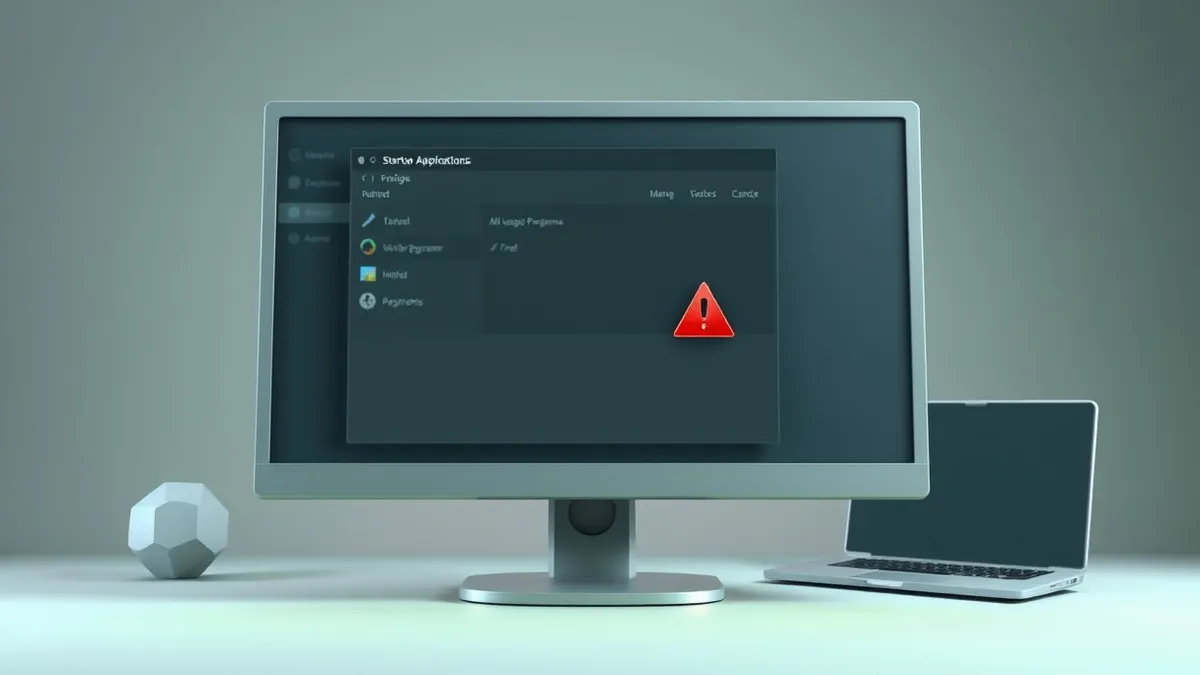
Managed service providers managing Windows 11 environments are encountering significant visibility gaps in the operating system’s Task Manager. The Startup section, traditionally relied upon for quick assessments of boot-time applications, now displays only a partial view of active processes. This limitation complicates routine audits and incident response efforts for IT teams tasked with maintaining system integrity.
The change affects how administrators detect unauthorized software or persistent threats that execute upon system boot. According to Neowin, the Startup section of Task Manager shows only part of the picture, leaving critical components invisible to standard user interfaces. This reduction in transparency forces security teams to adopt more complex verification procedures.
How it unfolded
- Windows 11 introduced changes to the Task Manager interface that limit the visibility of startup items.
- Neowin reported that the Startup section hides hidden apps and processes from standard views.
- Users and administrators discovered that services, scripts, and other entries are not listed in this tab.
Who is affected
IT professionals and managed service providers who rely on Task Manager for rapid system diagnostics are directly impacted by this design change. The inability to see all startup items in one location increases the time required to verify system configurations. Security analysts must now look beyond the standard interface to ensure no malicious or unauthorized processes are running at startup.
This issue is particularly relevant for organizations with strict compliance requirements regarding software inventory and process monitoring. If a threat actor installs a persistence mechanism that does not appear in the Task Manager Startup tab, detection becomes significantly more difficult. The limitation applies to all Windows 11 users, regardless of administrative privileges, though admins are most affected by the operational overhead.
Our take on the response
The shift towards hiding certain startup items in the Task Manager represents a potential regression in operational visibility for system administrators. While Microsoft may have design reasons for simplifying the interface, the trade-off is reduced transparency for security operations. There is no indication from the source material that Microsoft plans to revert this change or provide a native toggle to restore full visibility in the Task Manager.
Administrators must adapt their workflows to account for these blind spots. Relying solely on the Task Manager Startup tab is no longer sufficient for comprehensive system audits. The industry standard for endpoint visibility may need to shift towards command-line tools or third-party monitoring solutions that can query the operating system more deeply than the graphical interface allows.
What to do and how to stay safe: Windows 11
- Audit startup processes using command-line tools such as PowerShell or Command Prompt to bypass graphical interface limitations.
- Implement centralized endpoint monitoring solutions that track process creation and startup items across all managed devices.
- Review registry keys and scheduled tasks manually to identify persistence mechanisms that do not appear in Task Manager.
- Train support staff on alternative methods for verifying startup applications to ensure consistent security posture across the organization.
Step-by-step guide: How Smartphone Security Updates Work: The Hidden Chain
General security guidance from the Patch Observer newsroom. It is not confirmed advice from the organisations named in this story.
Frequently asked questions
Does Windows 11 Task Manager show all startup apps?
No, according to Neowin, the Startup section shows only part of the picture and hides certain apps and processes.
What types of items are hidden in the Task Manager?
Hidden entries include services, scripts, and other background items that start with the Windows PC, beyond standard applications.
Is there a patch to fix this visibility issue?
No fix or update has been confirmed yet in the source material to restore full visibility in the Task Manager Startup tab.