Windows Privilege Escalation Warning Signs and Immediate Response Steps
Hidden service misconfigurations and broken file permissions often trigger privilege escalation long before any network alert fires, leaving defenders blind to the initial foothold.

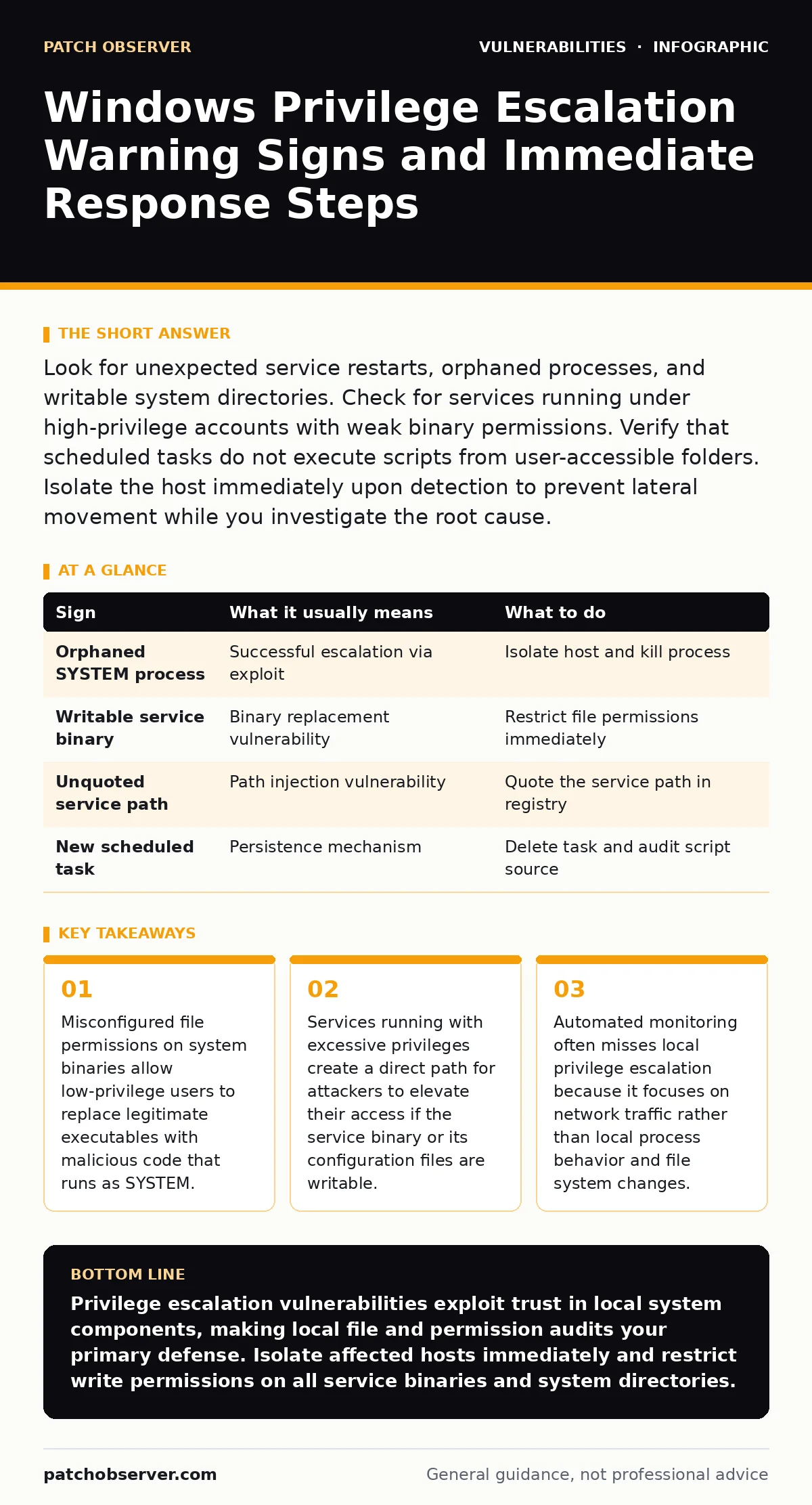
Look for unexpected service restarts, orphaned processes, and writable system directories. Check for services running under high-privilege accounts with weak binary permissions. Verify that scheduled tasks do not execute scripts from user-accessible folders. Isolate the host immediately upon detection to prevent lateral movement while you investigate the root cause.
Obvious Indicators of Local Privilege Escalation
You notice the first signs when system behavior deviates from the established baseline. An unexpected process running under the SYSTEM account is a primary red flag. This account has the highest level of access on the machine. If a user process spawns a child process that immediately escalates to SYSTEM, the system has likely been compromised. Check the process tree for orphaned processes. These are processes that have no parent or whose parent is no longer running. They often indicate that an attacker has terminated their initial access tool but left the escalated shell active.
Look for new services appearing in the service control manager. Attackers frequently install persistent backdoors by registering new services. These services start automatically with the system. Review the binary path for each service. If the path points to a temporary directory or a user-writable folder, the service is likely malicious. Verify the service description and the account it runs under. Legitimate services rarely run under generic user accounts with administrative rights.
Subtle Signs That Evade Standard Monitoring
You miss the subtle signs because they look like normal administrative activity. Writable registry keys are a common vector. Some applications store configuration data in registry paths that standard users can modify. If an attacker modifies a key that triggers a service restart, they can inject malicious code. This method leaves no new files on the disk. It relies entirely on the existing service infrastructure. You must audit registry permissions for keys associated with critical services.
Scheduled tasks provide another hidden avenue. Attackers create tasks that run scripts at specific intervals. These tasks often use legitimate system tools like PowerShell or Command Prompt. The script content might be obfuscated or encoded. This makes static analysis difficult. Check the task action properties. Look for tasks that execute commands from user profiles or public shares. These locations are inherently insecure for system-level operations.
The Role of Service Misconfigurations
You encounter service misconfigurations when developers or administrators prioritize convenience over security. A service running under the LocalSystem account has full control over the machine. If the executable file for that service has write permissions for low-privilege users, an attacker can replace the binary. The next time the service restarts, the malicious code executes with full system privileges. This is known as a binary replacement attack. You must ensure that service binaries are owned by TrustedInstaller or Administrators only.
Unquoted service paths create a similar risk. If a service path contains spaces and is not enclosed in quotes, the system searches for executables in intermediate directories. Attackers place a malicious file with a matching name in one of these directories. The system executes the attacker's file instead of the intended one. This technique exploits the Windows search order. You must validate that all service paths are fully quoted and point to secure locations.
File Permission Anomalies in System Directories
You identify file permission anomalies by auditing system directories. The Windows directory and its subdirectories should be strictly controlled. Writable folders in these paths allow attackers to drop malicious DLLs. If a legitimate application loads a DLL from a writable directory, the attacker can force the application to load their malicious library. This is a dynamic link library hijacking attack. You must remove write permissions for standard users from all system directories.
Check for files with excessive permissions. Some applications install components with full control for everyone. This is a legacy design flaw. Modern applications should use application virtualization or strict manifest declarations. You must identify these files and restrict their permissions. Use access control lists to define exactly which users and groups can read, write, or execute each file.
| Sign | What it usually means | What to do |
|---|---|---|
| Orphaned SYSTEM process | Successful escalation via exploit | Isolate host and kill process |
| Writable service binary | Binary replacement vulnerability | Restrict file permissions immediately |
| Unquoted service path | Path injection vulnerability | Quote the service path in registry |
| New scheduled task | Persistence mechanism | Delete task and audit script source |
Immediate Response Procedures
You act quickly when you detect a privilege escalation attempt. Isolate the affected host from the network. This prevents the attacker from moving laterally to other systems. Do not shut down the machine. Shutting down destroys volatile memory evidence. Capture a memory dump if possible. This helps you understand the exploit mechanism.
Collect logs from the Security and System event channels. Look for event IDs related to process creation and service starts. Correlate these events with the time of the anomaly. Identify the user account that initiated the escalation. Disable that account immediately. This stops further activity from that identity.
Long-Term Prevention Strategies
You prevent future escalations by hardening the system configuration. Implement least privilege principles. Users should only have the permissions necessary for their tasks. Administrators should use separate accounts for administrative tasks. This reduces the impact of credential theft.
Regularly audit service configurations and file permissions. Use automated tools to scan for known misconfigurations. Integrate these scans into your change management process. Review every new application installation for security implications. Verify that it does not install services with weak permissions.
Integrating With Broader Security Practices
You connect local privilege escalation defenses with your broader security strategy. Refer to the guide on exploit chains to understand how local escalation fits into a multi-stage attack. Attackers often combine privilege escalation with other techniques to maintain access. Understanding these chains helps you prioritize your defenses.
Review your logging library vulnerabilities to ensure that your security tools are not compromised. If an attacker controls the logging mechanism, they can hide their activity. Ensure that logs are sent to a secure, remote server. This prevents attackers from tampering with local log files.
Monitoring for Anomalous Behavior
You monitor for anomalous behavior by establishing a baseline of normal activity. Track process creation, service changes, and file modifications. Alert on deviations from this baseline. Use behavioral analysis to detect suspicious patterns. Look for processes that inject code into other processes. This is a common technique for hiding malicious activity.
Correlate local events with network activity. A privilege escalation often precedes data exfiltration or lateral movement. If you see unusual outbound connections from a system process, investigate immediately. This combination of local and network indicators provides a complete picture of the attack.
Key takeaways
- Misconfigured file permissions on system binaries allow low-privilege users to replace legitimate executables with malicious code that runs as SYSTEM.
- Services running with excessive privileges create a direct path for attackers to elevate their access if the service binary or its configuration files are writable.
- Automated monitoring often misses local privilege escalation because it focuses on network traffic rather than local process behavior and file system changes.
Privilege escalation vulnerabilities exploit trust in local system components, making local file and permission audits your primary defense. Isolate affected hosts immediately and restrict write permissions on all service binaries and system directories.
Frequently asked questions
How do I find writable service binaries on Windows?
Use security auditing tools to scan the registry for services and check the file system permissions of their associated executables. Look for entries where the "Users" group has write access.
How often should I audit service configurations?
Audit service configurations after every system change and at least quarterly. Automated continuous monitoring is recommended for high-security environments to catch changes in real time.
How this guide was produced: written by the Patch Observer editorial team with AI assistance, checked against the public references listed below, and reviewed when the facts change. See our editorial policy or report an error.